Link in Bio Newsletter: Grow Your Email List From Instagram
Set up a newsletter signup page in Mailchimp, Substack, beehiiv or Kit, put it in your Instagram and TikTok bio and stories, and give people a reason to join.
· 7 min read
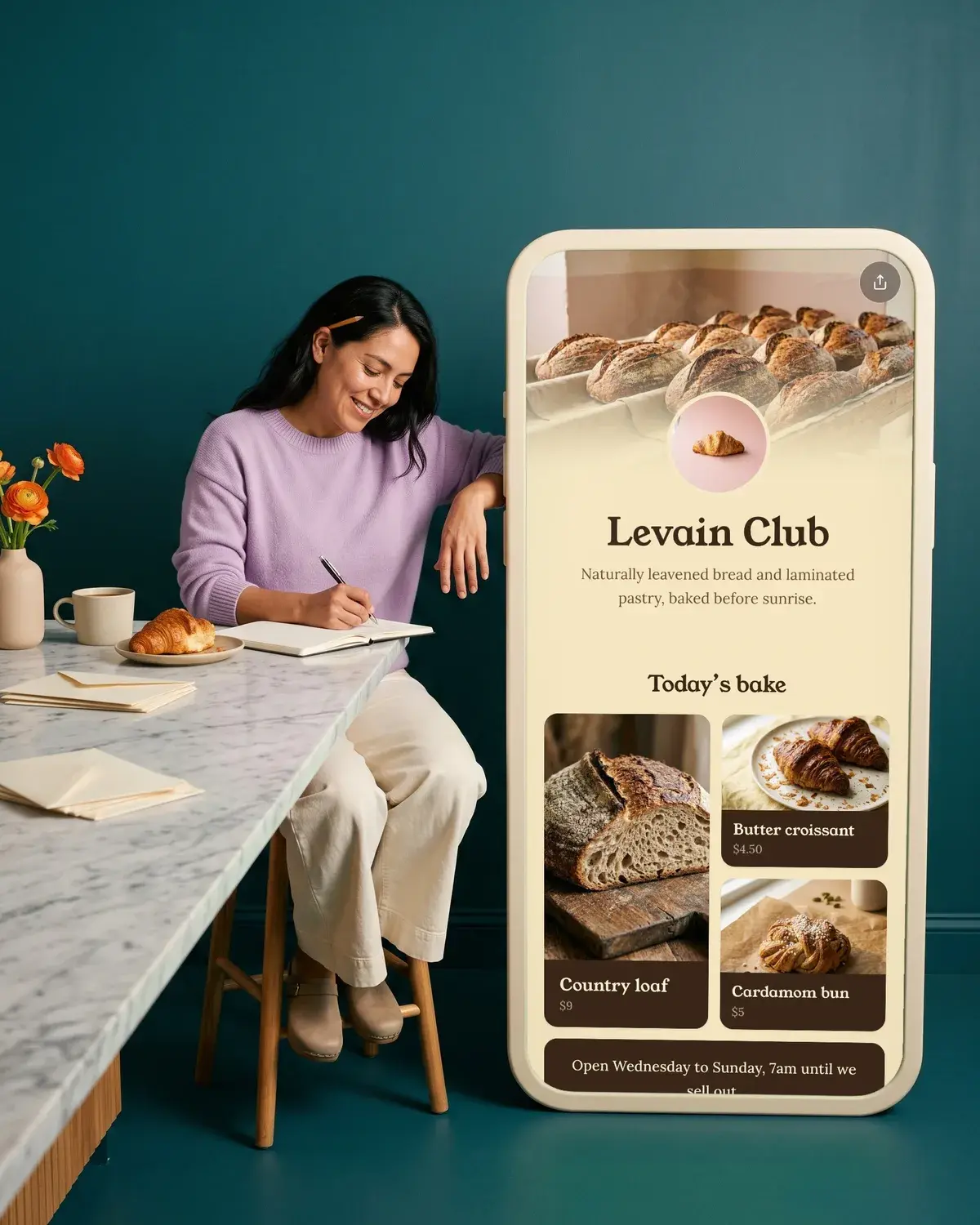
A link in bio newsletter is a signup page for your email list, linked from your Instagram or TikTok bio so followers can join in two taps. Every major newsletter tool gives you one for free: Substack and beehiiv at /subscribe, Kit as a landing page, Mailchimp as a hosted signup form. Put that link in your bio, repeat it in your stories, and give people a clear reason to sign up.
Why an email list is worth building from social
Followers on Instagram and TikTok see what the app decides to show them. Subscribers on your list get what you send, in their inbox, every time. That is why so many creators and shops treat social as the place people find them, and email as the place they stay in touch, with product drops, new episodes, restock alerts and events going to people who asked to hear about them.
The catch is that a social app only gives you a few places for a link. So the signup page has to be easy to find, quick to fill in, and worth the effort.
Get your signup link from your newsletter tool
You don't need a website. Each of these tools hosts a signup page for you. Here is what each free plan covers, as listed on their own websites on October 17, 2026:
| Tool | Free plan | Your signup link |
|---|---|---|
| Mailchimp | 250 contacts, 500 sends a month (250 a day), 1 audience, 1 seat | Hosted signup form from Forms settings |
| Substack | Free to publish at any subscriber count; 10% of paid subscription revenue plus Stripe fees if you charge | yourpublication.substack.com/subscribe |
| beehiiv | Up to 2,500 subscribers, unlimited sends, 1 publication | yoursite/subscribe |
| Kit | Up to 10,000 subscribers, unlimited landing pages, forms and broadcasts | A Kit landing page URL |
Mailchimp. Click Forms, then Forms settings. In the System forms table, click the link icon to copy the URL of your hosted signup form. Mailchimp generates that address at random for your audience and you can't customize it, which matters less once it sits behind a bio link. The Free plan includes popup forms but not email scheduling, and it keeps Mailchimp branding.
Substack. Add /subscribe to the end of your publication's address, for example yourpublication.substack.com/subscribe. It works on a custom domain too. Readers Substack doesn't recognize are asked for their email first, while signed-in readers go straight to your plans. To see what a new reader sees, open the link in a private browser window. Our guide to Substack in your link in bio goes further.
beehiiv. Every beehiiv website has a default Subscribe page at the /subscribe slug of your site address. The Free plan includes subscribe forms and unlimited email sends up to 2,500 subscribers.
Kit (formerly ConvertKit). Go to Audience growth, then Landing Pages & Forms, click + New and choose Landing Page. Pick a template with Use template, edit it, and click Publish, since changes you don't publish won't show to visitors. Then click Share at the top right to copy the URL. The gear icon opens Landing page settings, where you can set a cleaner Page URL. Kit's Free plan doesn't include email sequences or visual automations; those start on the Creator plan, so check the Kit Free plan details before you plan a welcome series.
Put the signup in your bio
Your bio is where the link lives full time.
Instagram lets you add up to 5 websites to your profile:
- Go to your profile and tap Edit profile.
- Tap Links, then Add external link.
- Paste your signup URL and tap Done.
Anyone, on or off Instagram, can see the websites on your profile. Mention the newsletter in the bio text too, with one line saying what people get, so the link has context.
TikTok only shows a website link on your profile once you have at least 1,000 followers, or if you have a Verified Business Account. Our guide on adding a link to your TikTok bio covers the steps.
Ask for the signup in your stories
A bio link waits for people to visit your profile. A story puts the ask in front of the people already watching. Instagram's Link sticker works for every account except new ones and accounts that repeatedly break the Community Guidelines:
- Start a story with a photo or video.
- Tap Stickers at the top and select Link.
- Paste your signup URL.
- Tap Customize sticker text and write the benefit, like "Get the free guide" or "Join the list".
- Tap Done and post.
Stories disappear after 24 hours, so add your best signup story to a highlight. Highlights stay on your profile until you remove them, which turns the story into a permanent "Newsletter" button under your bio. Our full guide on how to add a link to an Instagram story covers troubleshooting.
A good rhythm is one story whenever a new issue goes out, showing a glimpse of what's in it, with the sticker underneath.
Give people a reason to join
"Subscribe to my newsletter" asks for an email and gives nothing back. A specific offer gives followers a reason to hand over their address. Ideas that fit most creators and small businesses:
- First access. Early notice of drops, restocks, ticket sales or bookings before you post them.
- Something free and useful. A printable checklist, a recipe card, a preset, a short guide related to what you post about.
- A members-only discount for shops, sent in the welcome email.
- The behind the scenes. The longer story, the process, the things that don't fit in a caption.
- A clear schedule. "One email every Sunday" tells people what they're signing up for.
Say the offer in three places: the bio line, the story sticker text and the headline of the signup page itself. When the words match, people know they're in the right place.
If your offer is a free download, check how your tool delivers it before you promise it. On Kit, for example, email sequences aren't part of the Free plan.
Collect emails on your Olaa page
If your bio link has to cover more than the newsletter, a link in bio page lets the signup sit next to your shop, socials and latest posts without taking over your one link.
With Olaa, your link is olaa.im/yourname, and setup takes a few minutes with no code. On Olaa Pro, $8 a month or $72 a year, you can add an email signup straight onto the page, and the addresses are sent to Mailchimp, so followers join without leaving your page. Pro also adds countdowns, handy for a launch or a new issue, plus products with photo and price from Stripe, Etsy, Shopify or Gumroad, with checkout in your own shop and no cut taken by Olaa. If you use Substack, beehiiv or Kit, you can add their signup page as a link on any plan, including Free. See what's on each plan on the pricing page.
Selling from Instagram as well? Our pillar guide on how to sell on Instagram covers the rest of the setup.
FAQ
What is a link in bio newsletter?
It's a newsletter signup page linked from your social media bio. Followers tap the link, enter their email and join your list. Most newsletter tools host the signup page for you, so you don't need a website.
Which newsletter tool has the biggest free plan?
By subscriber count, Kit's Free plan covers up to 10,000 subscribers, beehiiv's up to 2,500 and Mailchimp's 250 contacts. Substack is free to publish at any size and only takes 10% of revenue if you charge for subscriptions. The right one depends on whether you need automations, paid subscriptions or a website.
How do I find my Substack subscribe link?
Add /subscribe to the end of your publication's address, for example yourpublication.substack.com/subscribe. It also works with a custom domain.
Can I put a newsletter link in my TikTok bio?
Yes, once you have at least 1,000 followers or a Verified Business Account. Until then, mention the newsletter in your videos and send people to the link on your other profiles.
Can I add an email signup without sending people to another site?
Yes, if your link in bio page can hold a signup form. Olaa Pro adds an email signup to your page and sends the addresses to Mailchimp.
How often should I post about my newsletter?
There's no fixed rule. A story with the Link sticker each time a new issue goes out keeps the ask regular without crowding your feed, and a highlight keeps the signup on your profile between issues.
More on selling and signups
- How to Sell on Instagram With or Without a Website
- Link in Bio for Substack: Grow Subscribers From Social
- How to Link Shopify to Instagram (and Tag Your Products)
- How to Sell Digital Products: Platforms, Fees and Delivery
- Stripe Payment Link: How to Create, Price and Share One