 NewSell downloads and get tipped
One link in bio for everything you make.
The link in bio that sells your work and takes tips: your shop, bookings and links on one page that looks like you made it.







New on Olaa
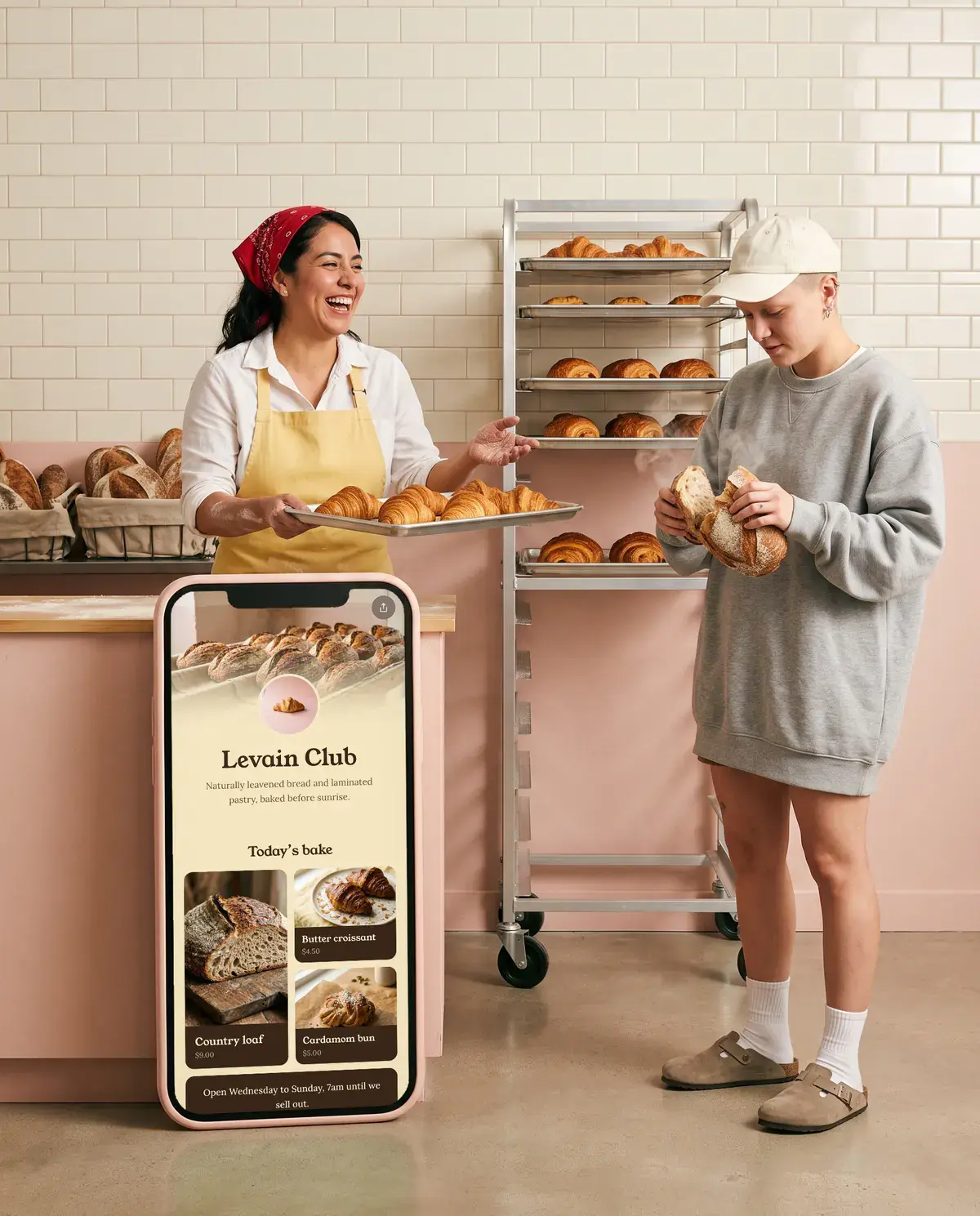
Sell your work from your link.
Presets, guides, templates, patterns, sample packs. Fans buy them on your page with Apple Pay, Google Pay or a card, and the file lands in their inbox.
- You keep
- $17.12
- of a $20 sale, and no monthly fee
- Files
- 2 GB
- each, checked before it goes live
- Delivery
- Instant
- a private link, by email
- Payouts
- Mondays
- to your bank, no Stripe account


New on Olaa
Let your fans tip you.
Add a Support button to your page. Fans tip once or every month with Apple Pay, Google Pay or a card, and the money goes to your bank.
- You keep
- $8.41
- of a $10 tip, or all of it when fans cover the fees
- Regulars
- Monthly
- tips that come back every month
- Payouts
- Mondays
- to your bank, no Stripe account
- Plans
- Every one
- Free included
Opening to creators a few at a time: ask from your dashboard.
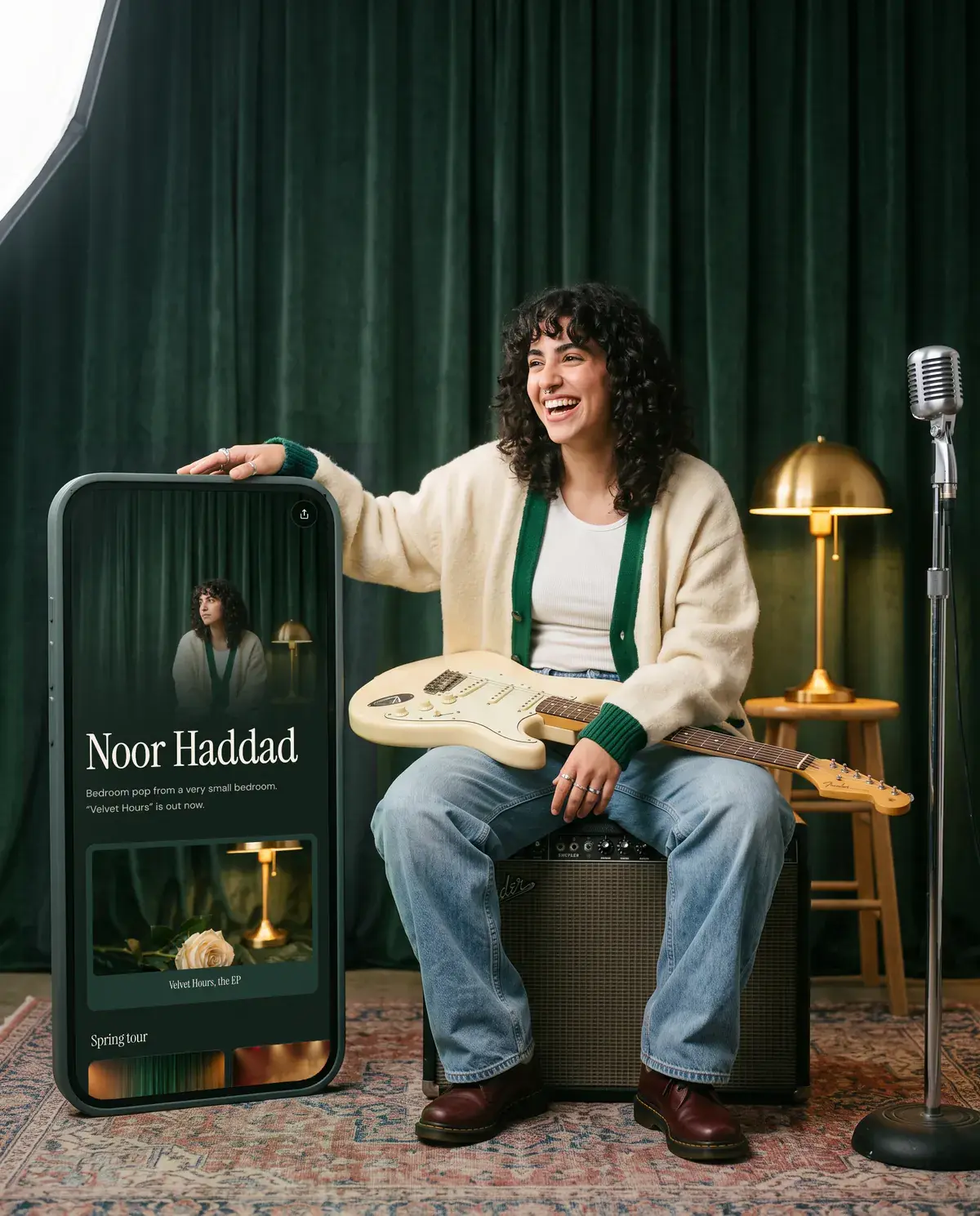

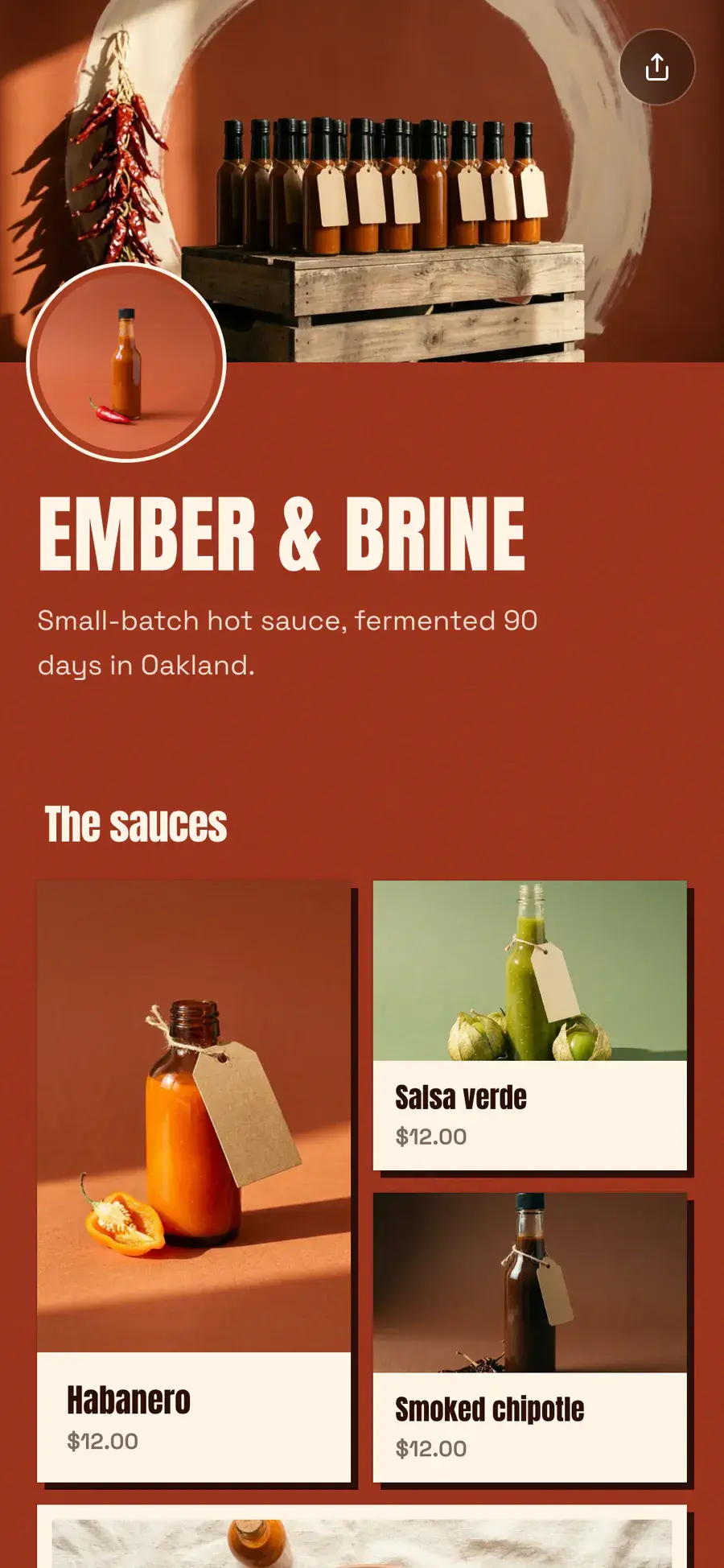
A page that looks like your work, not everyone else’s.
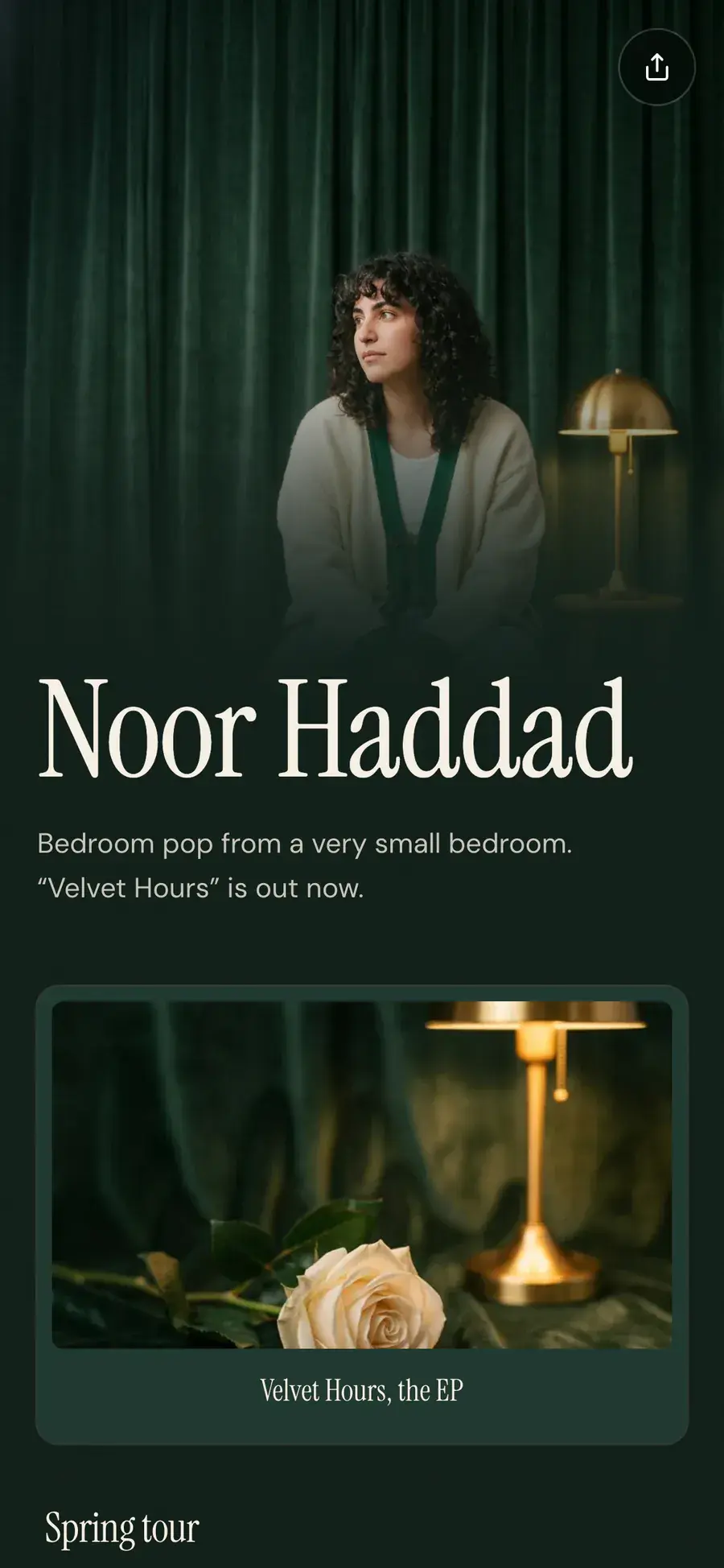
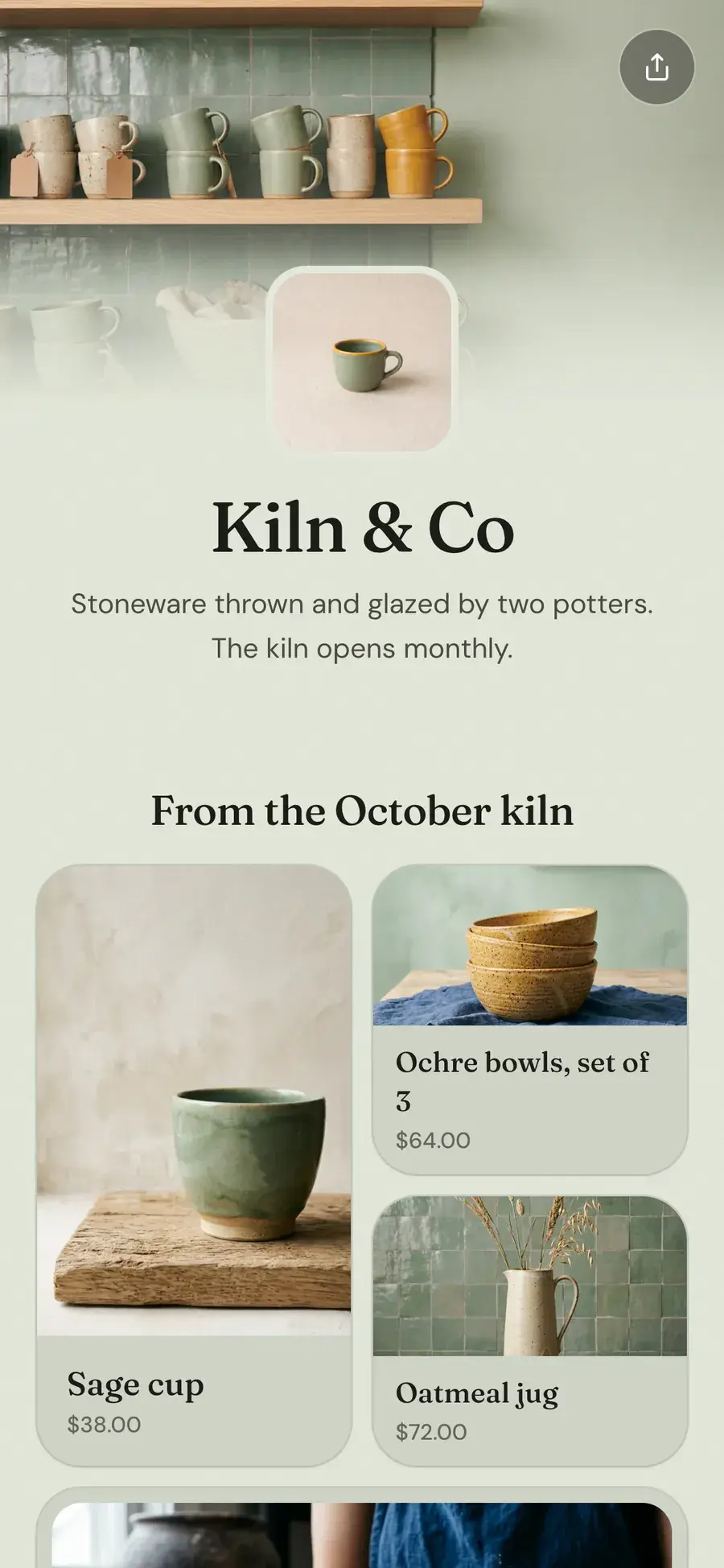
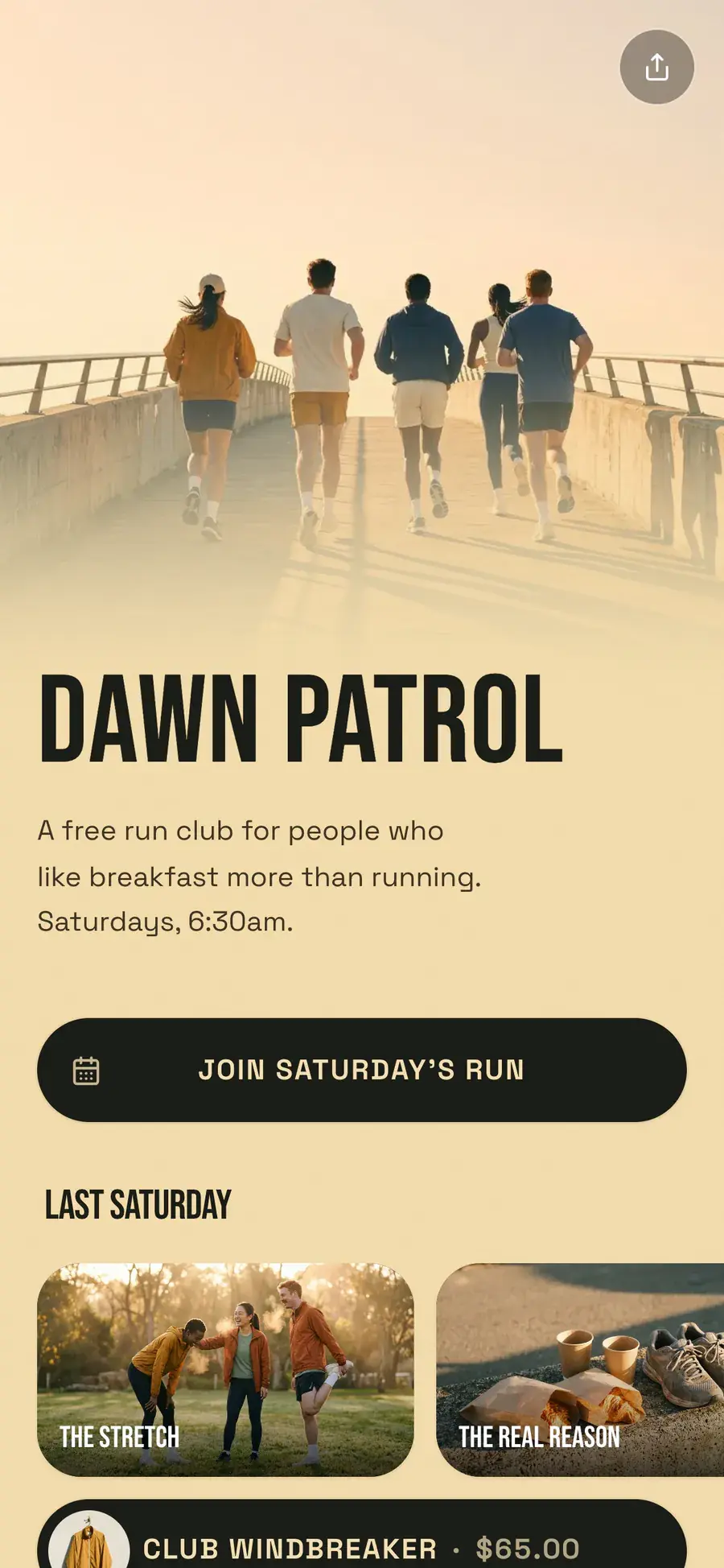
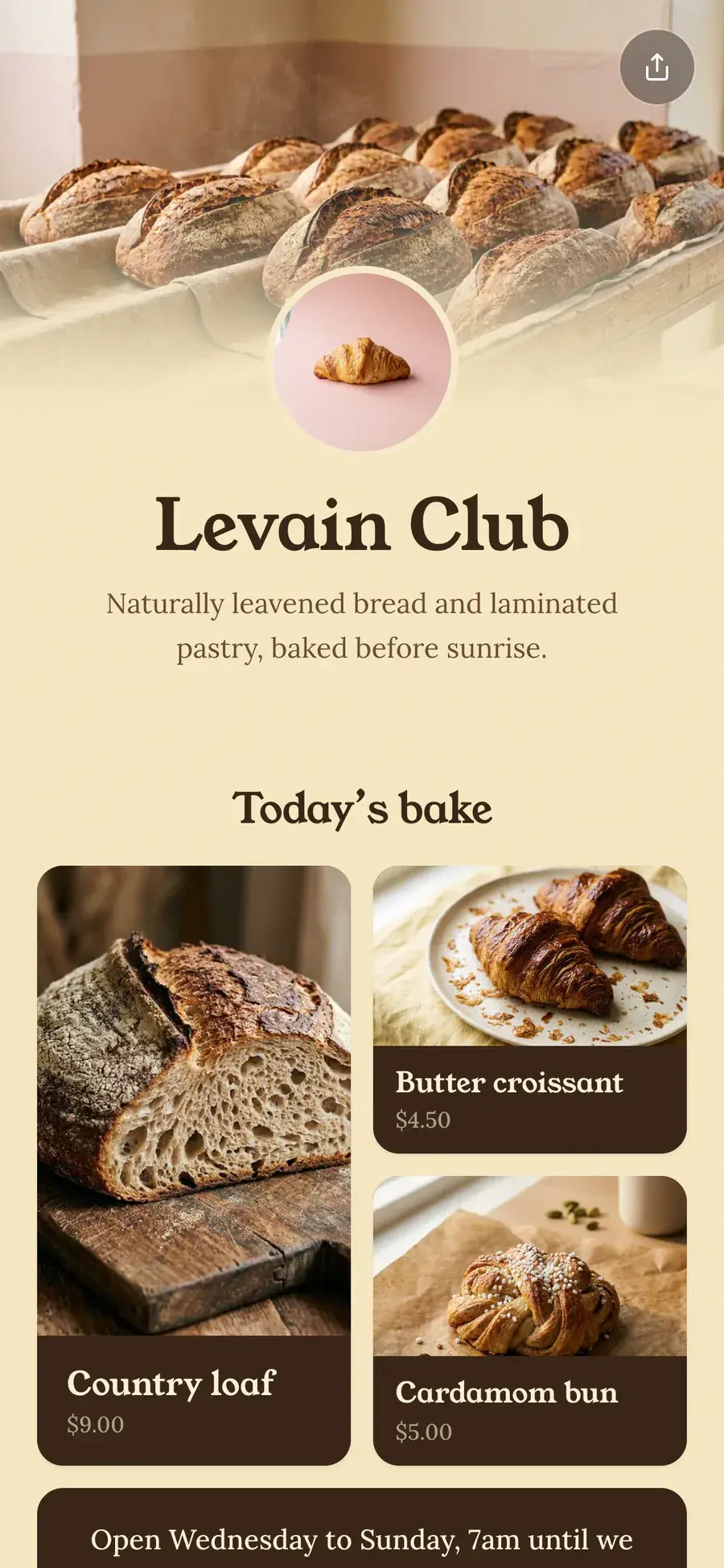
Photos, colors, shapes and type are yours to set. A hot sauce brand, a run club and a bakery, all on the same Olaa.
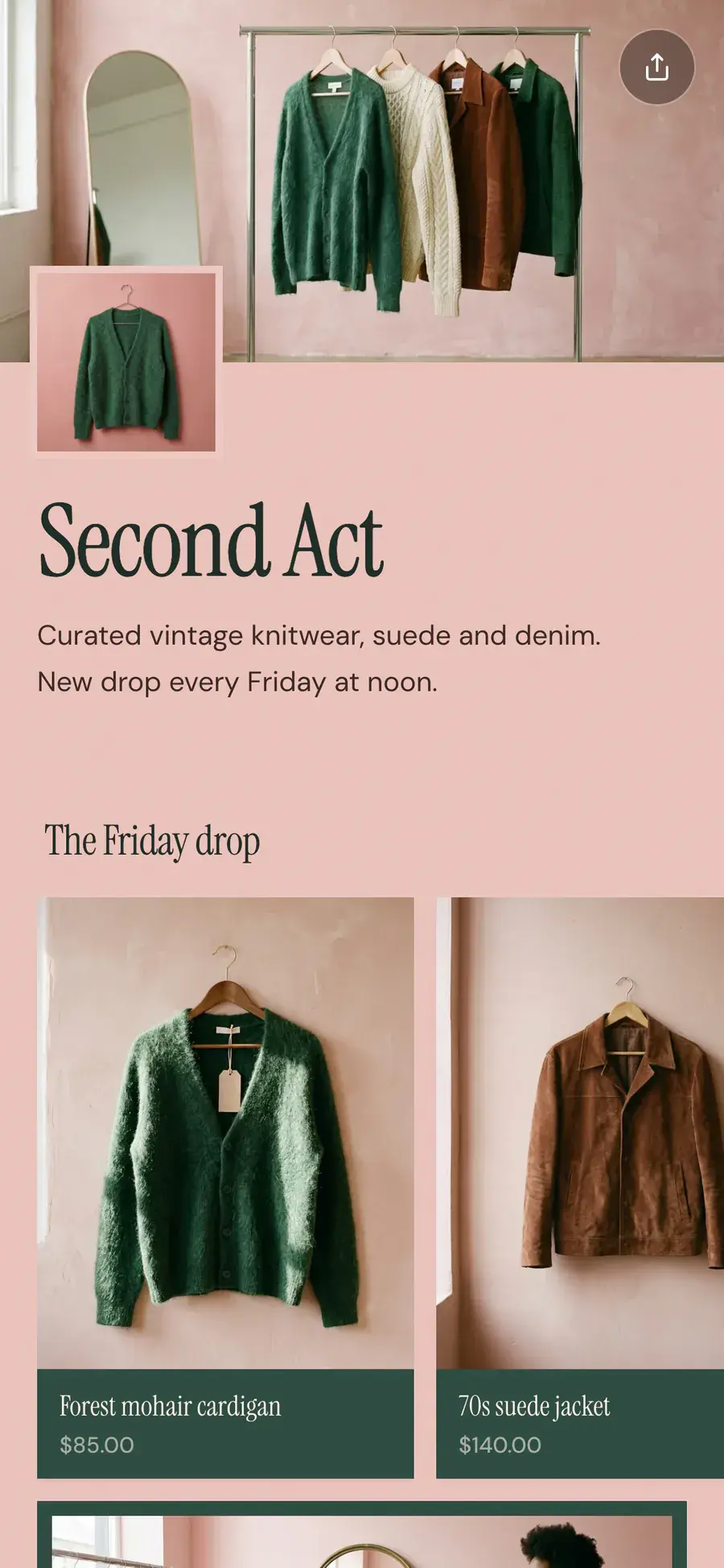
Everything your link in bio should do.
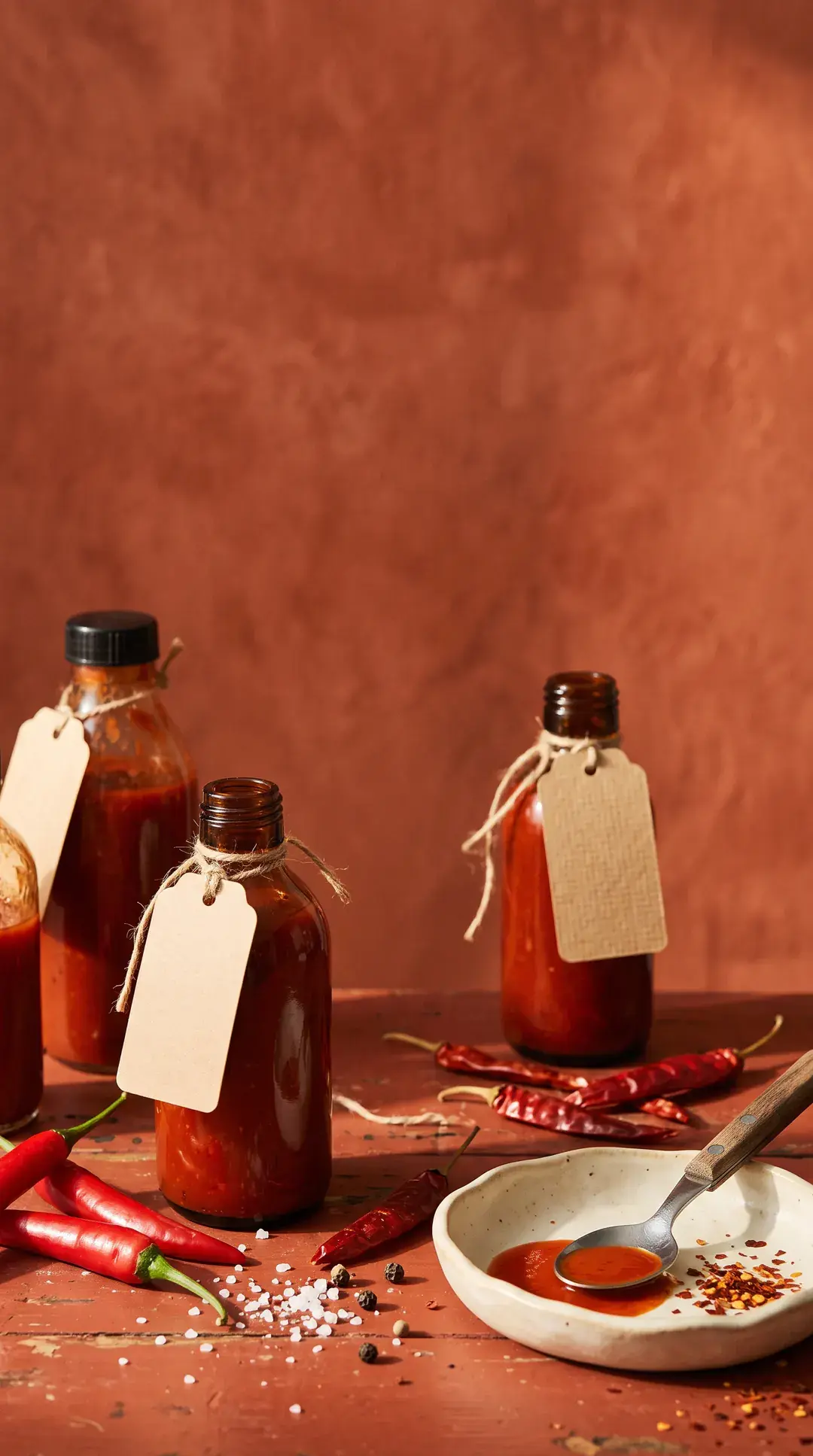
A theme from one photo.
Upload a photo. Olaa pulls the palette.
Your links, your look
Shape, color, glass or solid.
Bookings in place
Calendly opens on your page.
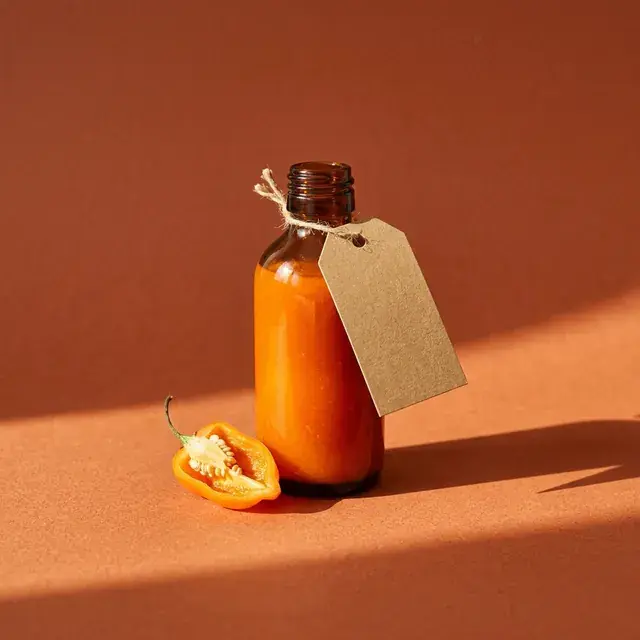
Habanero 3-pack
$28
Sell what you make
Paste a link from your shop. The photo and price come with it.
Get first dibs on the next drop
Email signups
New subscribers go straight to Mailchimp.
1,284
views this week, example
Know what works
Views and clicks, by link and by day.
Small brands and big personalities.
Small brands and big personalities.
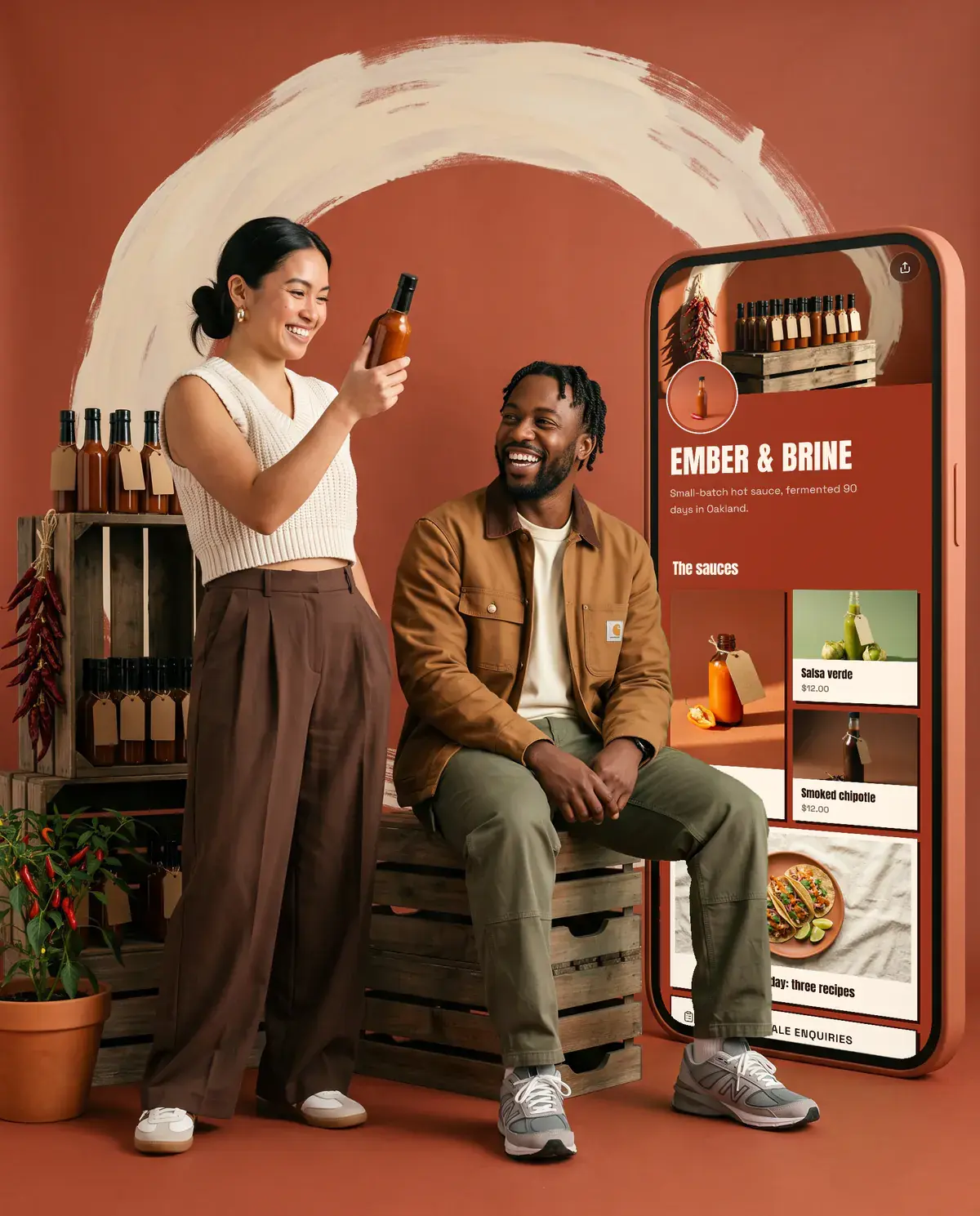
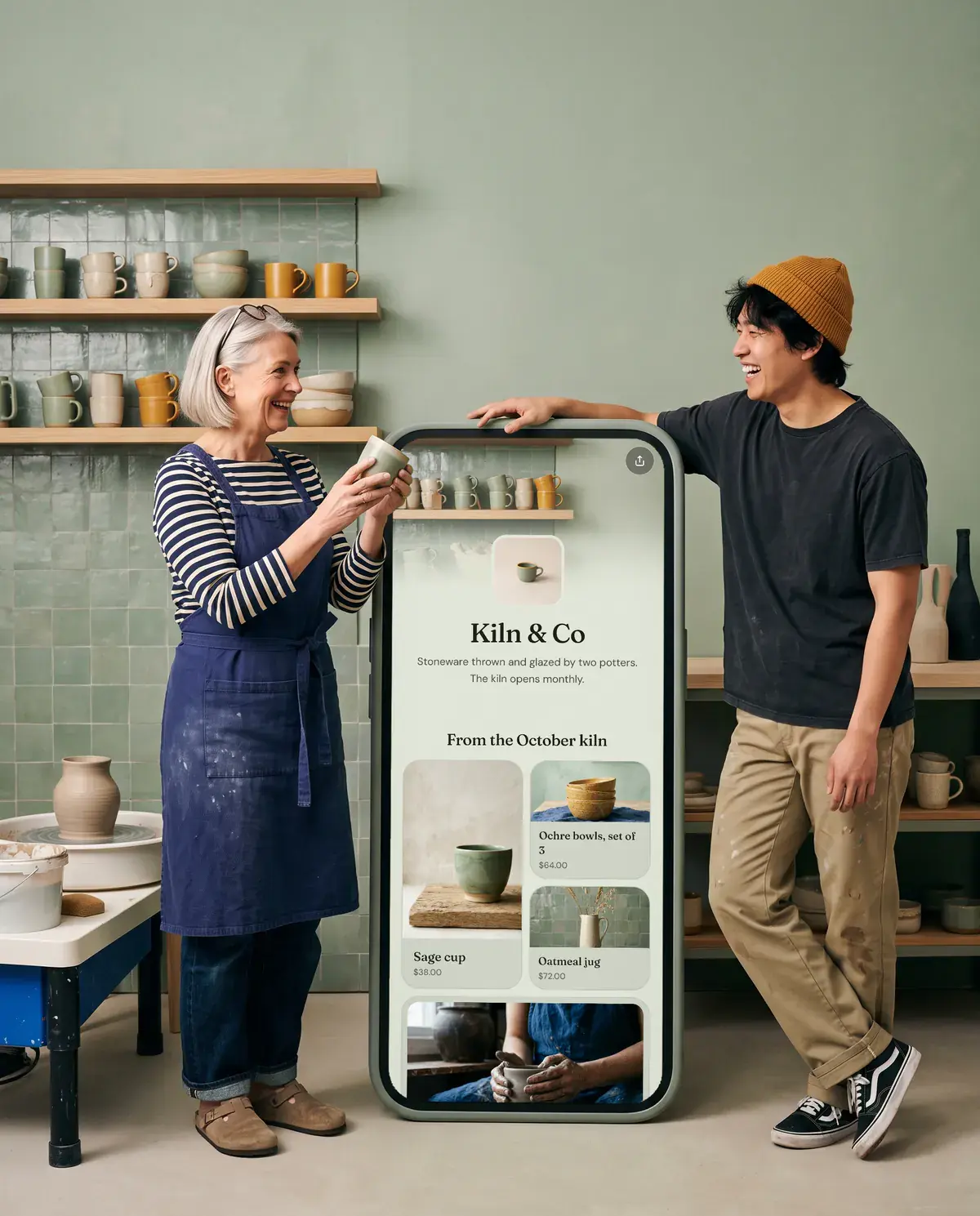
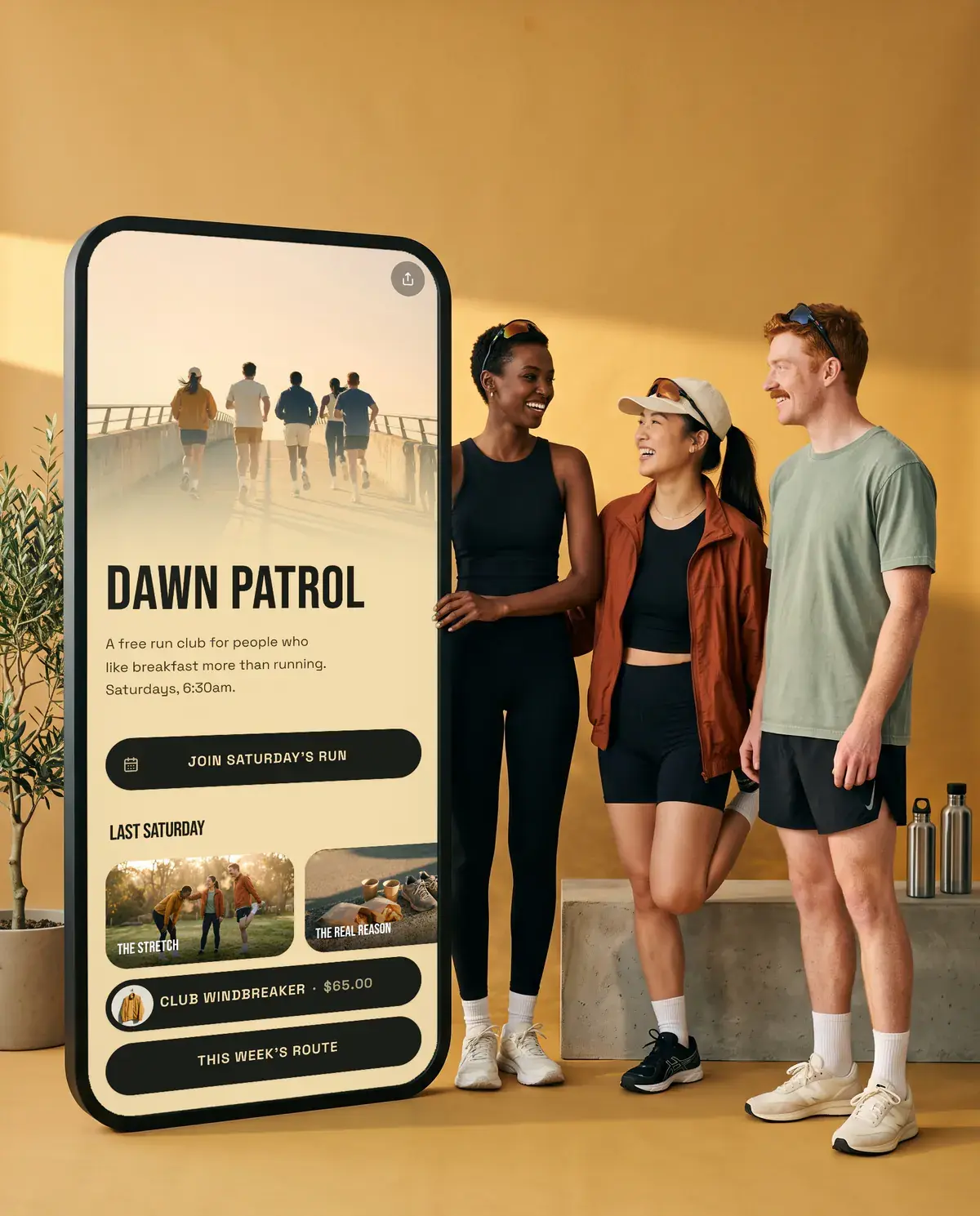
Live in five minutes.
- olaa.im/emberandbrine
Available
01Claim your name
- SquareRoundedPillShop the sauces
02Make it yours
 128posts14.2kfollowers311following
Ember & Brine
Small-batch hot sauce from Oakland. Fermented 90 days.
olaa.im/emberandbrine
03Share it everywhere
The Olaa Field Guide
Useful things for making a living online.
Guides on link in bio pages, getting found on Instagram and TikTok, and selling from your profile.



Free to start. Pro when you grow.
Compare plansFree
Everything you need for one great page.
$0a month
No card needed. Upgrade any time.
- One page with unlimited links
- Music and video that play on the page
- Every look, font and background
- Bookings, previews and social icons
- A QR code and 7 days of analytics
Pro
For selling, launching and growing.
$6a month
$72 billed once a year
- Everything in Free, and:
- Sell what you make
- Up to 10 pages
- Email signups and a contact form
- Grids and carousels
- Photo galleries
- Countdowns
- Scheduled links
Good to know.
What is a link in bio page?
Most social apps give you one clickable link. A link in bio page turns that one link into a small home page with everything you want people to find: your work, your shop, your bookings and your socials.
Is Olaa free?
Yes. Your page, every look and background, the photo theme builder, bookings, analytics, tips and selling your own downloads are free. Olaa Pro adds buy cards for shop products, email signups, a contact form, galleries and scheduled links, a lower selling fee, and takes the Olaa badge off.
How is Olaa different from Linktree?
Both give you one link for your bio. Olaa is built to look like your work, not a template: real fonts, photo backgrounds and a theme pulled from one photo, all free. Fans can tip you and buy your downloads right on the page, with Apple Pay or Google Pay, and music and video play there instead of sending people away.
Can fans tip me?
Yes. Add a Support button to your page and fans can tip you once or every month with Apple Pay, Google Pay or a card. The money goes to your bank every Monday, with no Stripe account to set up. Olaa keeps 10% plus the card fee, on every plan.
Can I sell things on my page?
Yes, with Pro. Paste a product link from Stripe, Etsy, Gumroad or your Shopify store, and Olaa brings in its photo and price. It shows as a button or a buy card, and checkout happens where you sell. Payments go to you, and Olaa takes no cut.
Which shops work with Olaa?
Stripe payment links, Etsy listings, Shopify stores (on any domain) and Gumroad, plus most shops whose product pages list a price, like Squarespace, Wix and WooCommerce. If a shop can’t be read, you add the name and price yourself. No shop yet? A Stripe payment link takes a few minutes to make.
How do bookings work?
Add your Calendly link as a booking link. Visitors pick a time in a window on your page and get Calendly’s usual confirmation emails.
Can people fill in a form on my page?
Yes. Add a Google Form link and it opens in a window on your page, so visitors can apply, order or RSVP without leaving. With Pro you can also add a contact form. Messages arrive in your inbox, and replying goes straight to the visitor.
Can I collect email addresses?
Yes, with Pro. Add an email signup form to your page. Every signup is listed on your Forms page, and you can export them as a CSV at any time.
Can I send signups to Mailchimp?
Yes. Connect Mailchimp once from your Forms page and choose an audience for each signup form. New signups go straight into that audience, and earlier ones are sent over when you choose it. Turn on Ask to confirm and Mailchimp emails each person to confirm first.
Does it work with Instagram, TikTok and YouTube?
Yes. Your Olaa link works anywhere a link does: Instagram and TikTok bios, YouTube descriptions, email signatures and QR codes.
How many links should I add?
Fewer than you think. Three to seven links keeps a page easy to scan. Put the one you care about most at the top.
Do I need a website?
No. For many people an Olaa page is the website: a fast, good-looking page at an address that is easy to remember.
Is there an app?
Olaa runs in the browser and works on any phone, tablet or computer, so there is nothing to install.
Your corner of the internet is waiting.
Claim your name before someone else does. It’s free, and you can change everything later.