A link in bio for studios and classes.
Your next class, your booking link and your work, in one place your students can find from your bio.
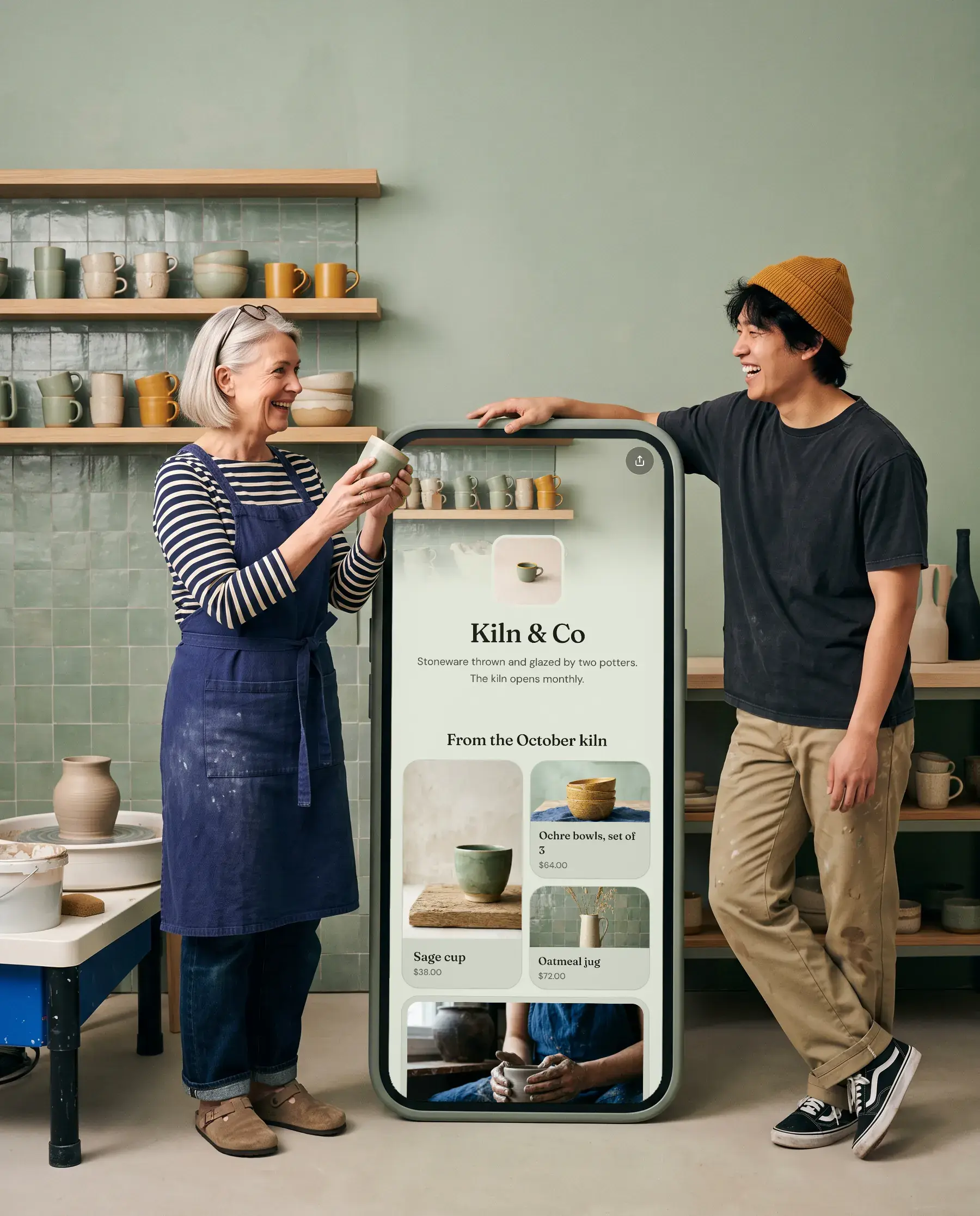
Made for studios and classes.
Book a session
Bookings in place
Calendly opens on your page.
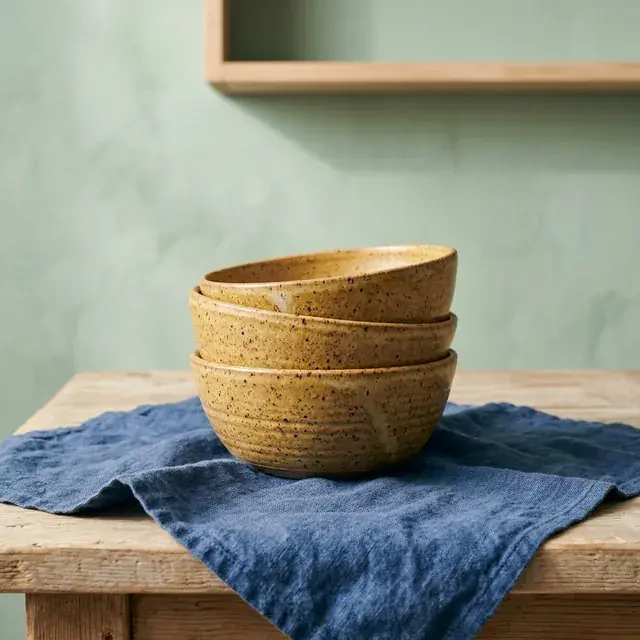


Grids and carousels
Photos people swipe through, each one a link.
Join the waitlist for spring term
Email signup
Your own list, sent straight to Mailchimp if you use it.
Get in touch
Contact form
Messages land in your inbox. Reply and it goes to them.
What goes on the page.
- 01
The next class, up top
A featured card with a photo and the booking link, so it’s the first thing people tap.
- 02
Bookings that open in place
Calendly opens on your page. Students pick a time without leaving.
- 03
Your work as a grid
Pieces, results or past sessions as a grid of photos, or a gallery to swipe through.
- 04
A waitlist
An email signup for the next term, synced to Mailchimp if you use it.
- 05
Questions, answered privately
A contact form for private lessons and group bookings.
Good to know.
Can students book a class from my page?
Yes. Add your Calendly link as a booking link. It opens on your page and Calendly sends its usual confirmations.
Can I show my work?
Yes. Use a collection as a grid or carousel, or a photo gallery (Pro) that people can swipe through.
Can I take a waitlist?
Yes, with Pro. Add an email signup. Names land on your Forms page and can sync to Mailchimp.


Make yours in five minutes.
Claim your name. It’s free, and you can change everything later.