A link in bio for cafes and bakeries.
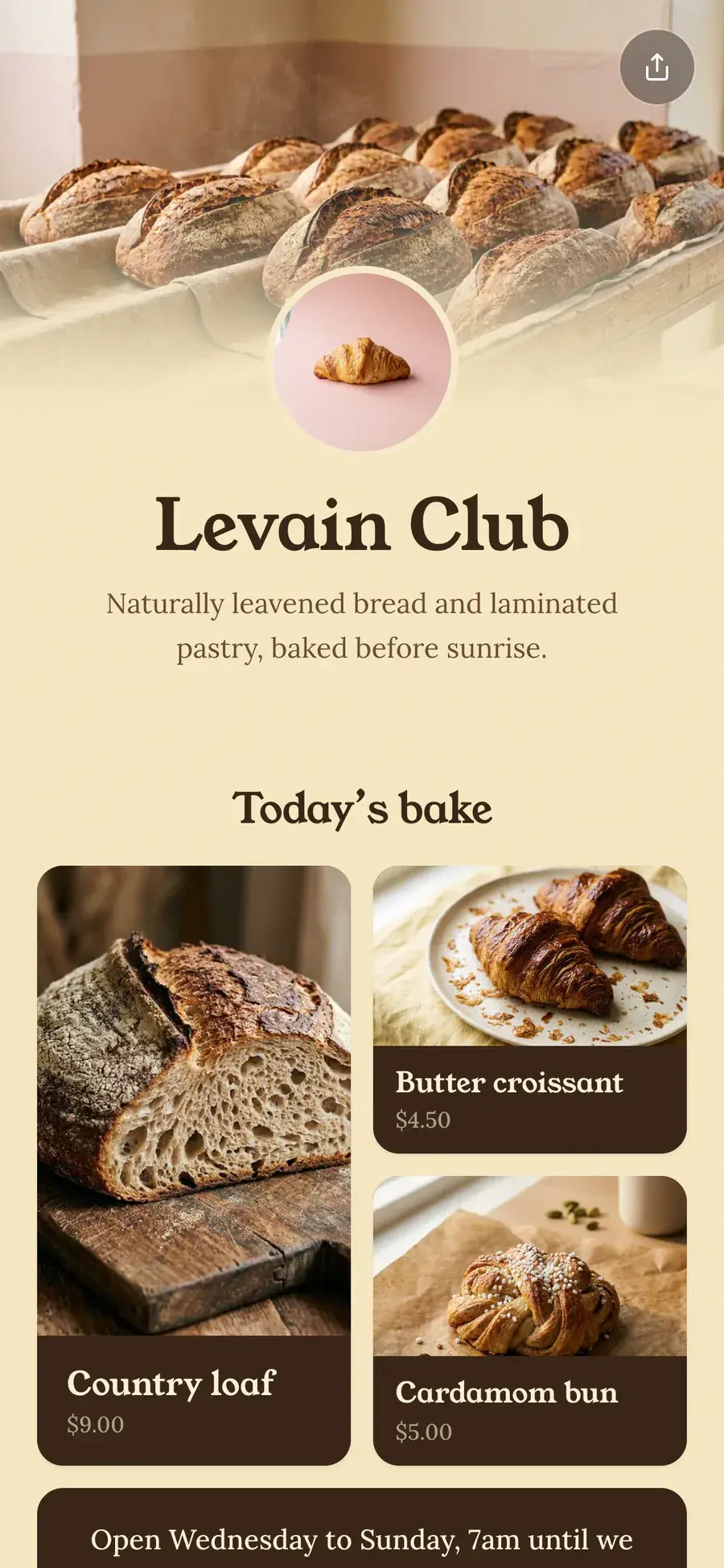
Today’s bake, your hours, where to find you and how to book a table, on one page you can update from your phone.
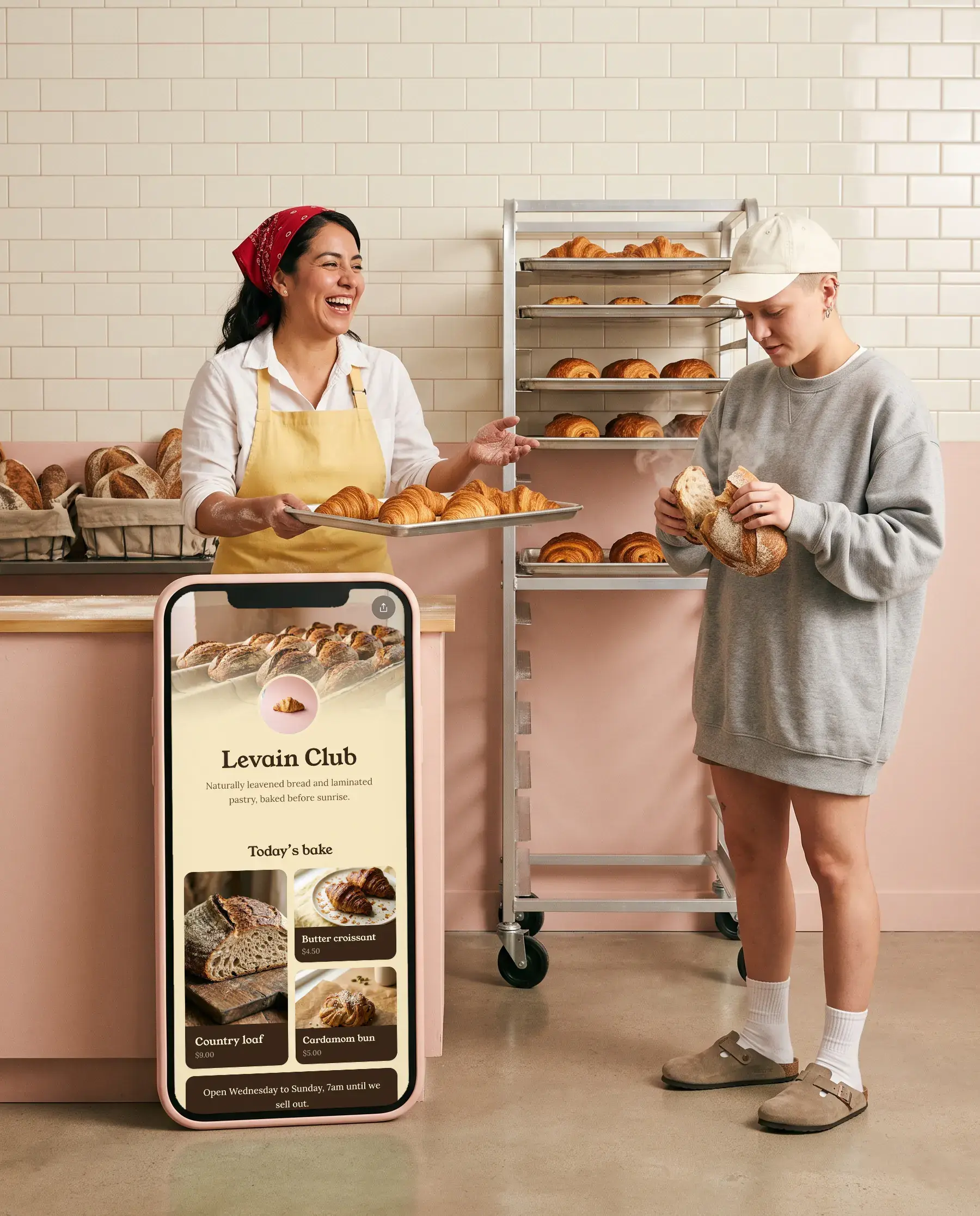
Made for cafes and bakeries.
A text card
Hours, a note or a menu, in your colors.
Book a session
Bookings in place
Calendly opens on your page.


Grids and carousels
Photos people swipe through, each one a link.
Get in touch
Contact form
Messages land in your inbox. Reply and it goes to them.
What goes on the page.
- 01
Today’s bake as a grid
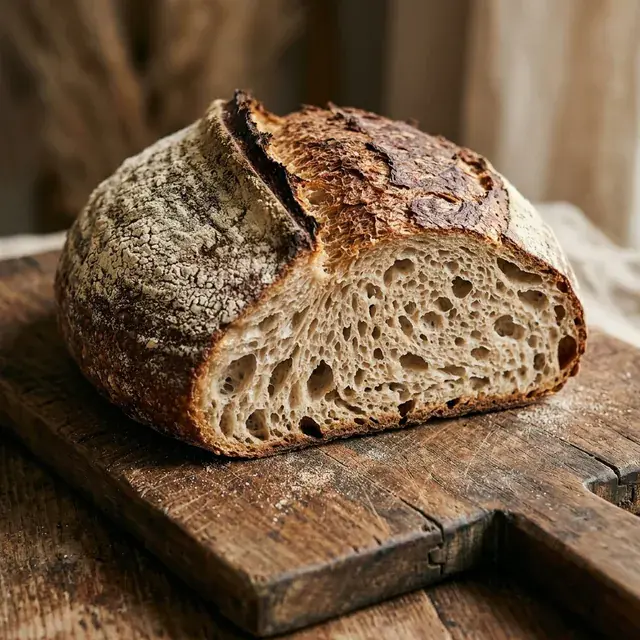
A few photos of what’s on the counter. Swap them in the morning, from your phone.
- 02
Hours on a card
Opening times in a simple text card, so nobody has to ask in the comments.
- 03
Bookings and orders
A Calendly booking link opens right on your page. Order links and menus sit beside it.
- 04
Directions
A link to your map, with your address in the bio.
- 05
A contact form
Catering requests and questions arrive in your inbox, ready to answer.
Good to know.
Can people book a table from my page?
Yes. Add your Calendly link as a booking link and it opens in a window on your page. You can also link to OpenTable or Resy.
How do I show my opening hours?
Add a text card with your hours. It sits on the page in your colors.
Can I change the menu every day?
Yes. Edit from your phone and the page updates as you go. With Pro you can also schedule a link to appear from a date, or to disappear after one.


Make yours in five minutes.
Claim your name. It’s free, and you can change everything later.