The link in your Instagram bio, made into a page.
Instagram gives you a few plain links. Put one Olaa link there instead, and it can hold everything else: players, shop, bookings and forms.

Made for Instagram.
Social icons
Your other profiles, as one quiet row.
Videos that play on the page
YouTube, Vimeo and TikTok, as a player or a featured card.
Get the newsletter
Email signup
Your own list, sent straight to Mailchimp if you use it.
1,284
views this week, example
Know what works
Views and clicks, by link and by day.
What goes on the page.
- 01
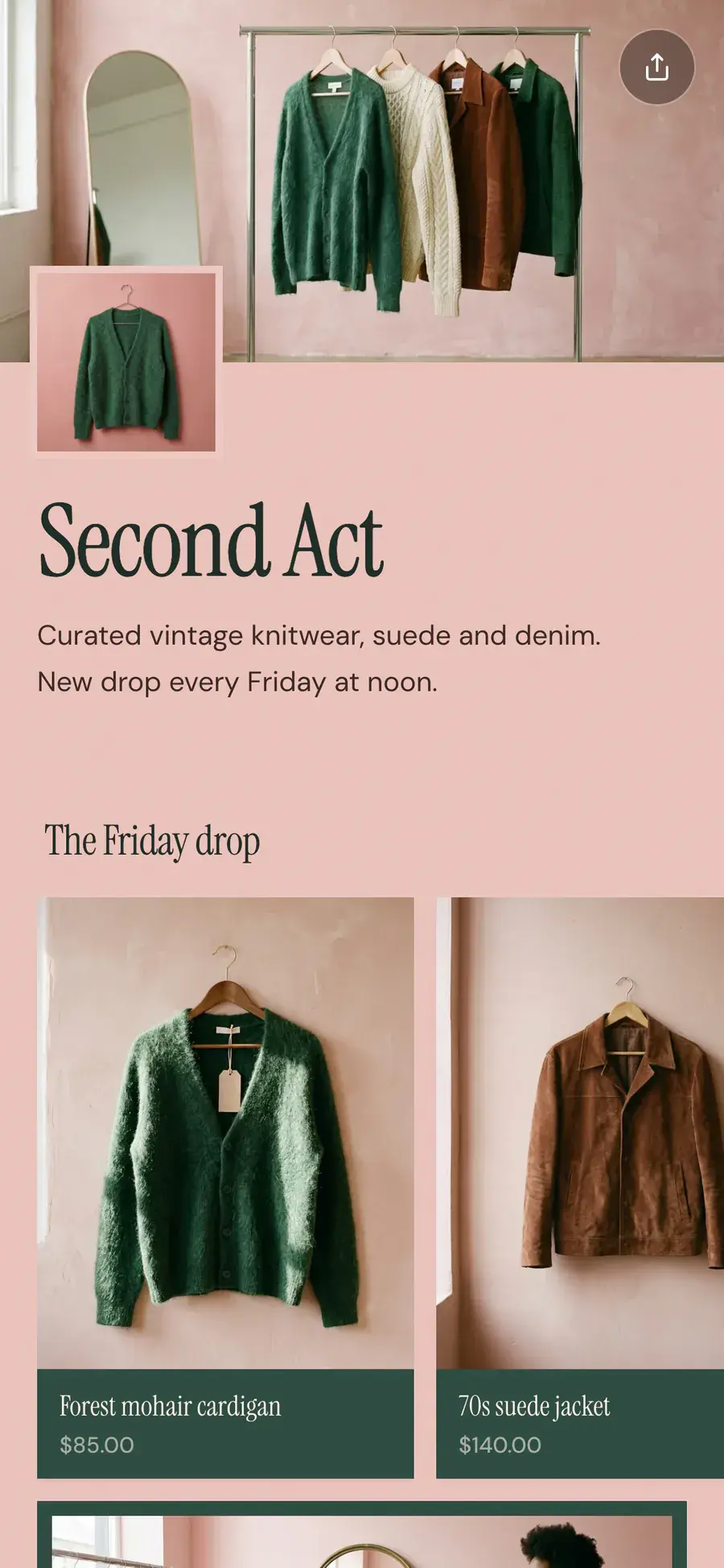
A page that matches your feed
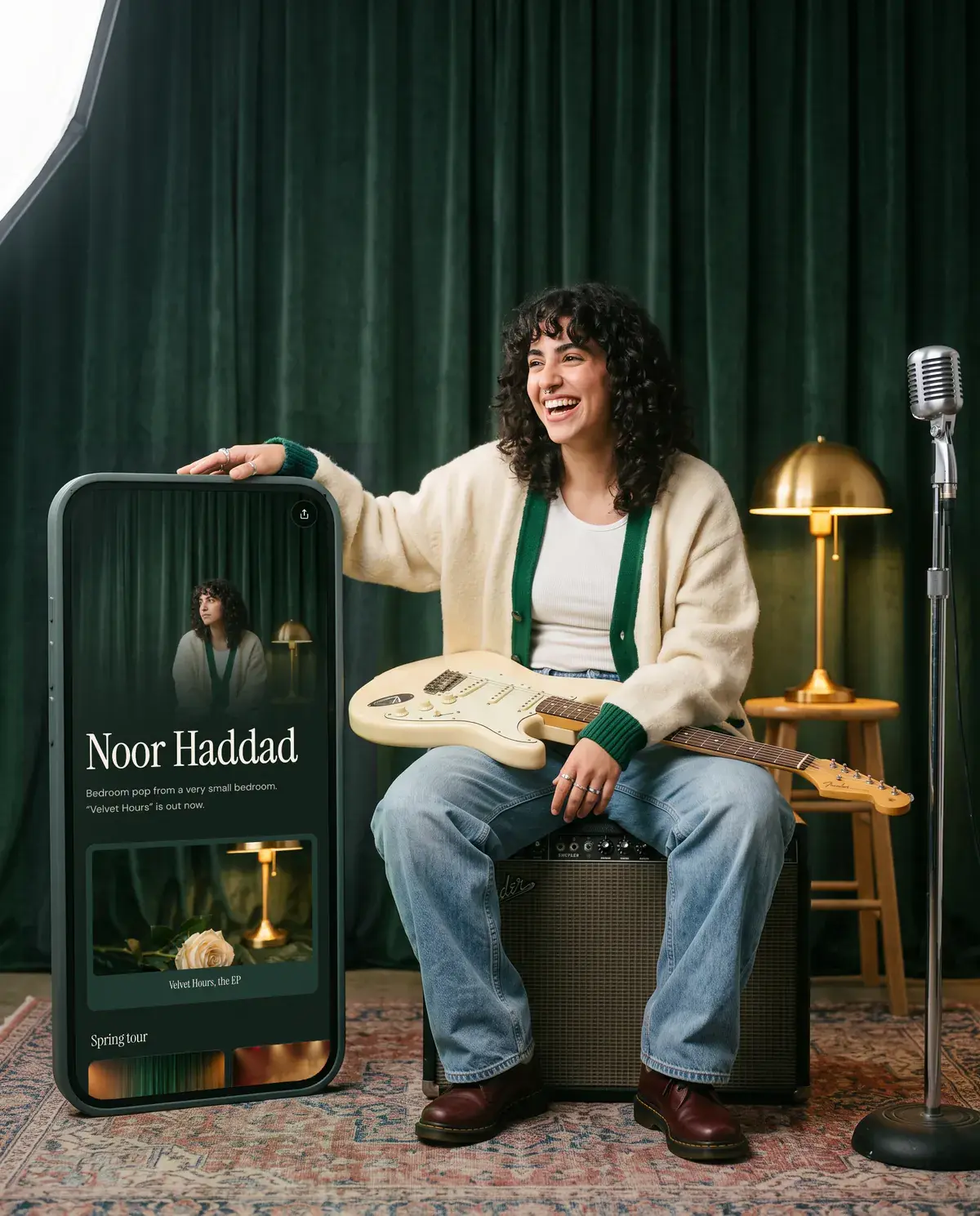
Ready-made looks, your fonts and colors, or a theme pulled from one of your photos.
- 02
Everything one tap away
Links, products, bookings and forms, so captions can just say “link in bio”.
- 03
Social icons under your name
Your other profiles as a neat row of icons, not a list of buttons.
- 04
Know what works
Views and clicks, by link and by day, to see what your posts send people to.
- 05
Change it without touching Instagram
Your Olaa link stays the same while the page changes with your posts.
Good to know.
How do I add my Olaa link to Instagram?
Go to your profile, tap Edit profile, then Links, and paste your olaa.im address. Our guide walks through it step by step.
Isn’t Instagram’s own multiple links enough?
It works for a few plain links. A page adds players, products, bookings and forms, and it looks like your brand.
Is it free?
Yes. Your page, links, looks, players and analytics are free. Pro adds collections, countdowns, forms and more.

Make yours in five minutes.
Claim your name. It’s free, and you can change everything later.