How to Make a QR Code Menu for Your Cafe or Restaurant
Make a QR code menu for your cafe, bakery or restaurant, choose what it opens, and print table tents that scan easily and stay current.
· 7 min read
A QR code menu is a printed code on the table, counter or window that opens your menu on a guest's phone. To make one, put your menu online (a PDF, a menu page or a link page), create a QR code that points to it, and print that code on table tents at least 3 to 5 cm wide. Point the code at a page you can edit, so a price change never means reprinting every table.
Choose what the code opens
The code itself is just an address. What matters is the page it lands on, because that's what guests read with one thumb while they wait.
| Option | Works well when | Watch out for |
|---|---|---|
| A PDF of your printed menu | You already have a designed menu file | Small text on a phone means pinching and zooming; replacing the file at a new address breaks the code |
| A menu page on your website | You have a site and someone who updates it | Every change depends on your website editor |
| A link page with the menu plus everything else | Small cafes and bakeries that want hours, ordering and booking in one place | The menu needs to be the first thing guests see |
For most small places, a link page is the practical middle. One address holds the menu, today's specials, opening hours, the online ordering link you already use, a booking link and your Instagram. The QR code points to that one address, so you can edit everything behind it and the printed code keeps working.
If you go with a PDF, make it readable on a phone: one column, large type, and as few pages as you can manage. Keep the file at the same web address when you update it, or the code will open an old menu or nothing at all.
Make the QR code
You don't need a paid QR generator. The tools you already use for your link or your Instagram can make one for free.
From Linktree
- From My Linktree, select Edit.
- Select Share, then select My Linktree QR code.
- Choose a PNG or SVG file and send it to whoever designs your table tents.
Linktree's help center lists menus, cups, plates and mugs among the places to put it. Changing the code's color or adding your own logo needs a Pro or Premium plan. The code links to a unique URL rather than your username, so renaming your Linktree won't break the tents.
From Instagram
If your Instagram profile is where your menu lives (pinned posts or highlights), Instagram's own code takes guests straight there:
- Tap Profile or your profile picture in the bottom right.
- Tap Share profile below your bio.
- Tap Download to save the QR code to your phone.
This sends guests to your profile, not to a specific menu, so it works better on a window or a takeaway bag than on the table. The full walkthrough is in our guide to the Instagram account QR code.
Use the SVG for print
If you have the choice, use the SVG file. It's a vector, so it stays sharp at any size, while a PNG goes soft when it's enlarged past its original size.
Print table tents that scan on the first try
A code that takes three attempts gets abandoned. These rules keep it easy.
Size it for the distance. QR Planet's rule of thumb is a 10:1 ratio between scanning distance and code size, with a minimum of 2 x 2 cm for a code scanned from about 20 cm. Guests usually scan a table tent from across the table, so plan for roughly this:
| Where the code sits | Typical scanning distance | Code size |
|---|---|---|
| Table tent or sticker on the table | 30 to 50 cm | 3 to 5 cm |
| Menu board or counter card | 1 m | about 10 cm |
| Front window, read from the sidewalk | 2 m | about 20 cm |
Leave a clear margin. DENSO WAVE's QRcode.com specifies a quiet zone four modules wide on every side, where nothing is printed. A module is one of the small squares in the code. Don't let the tent's border, your logo or text crowd into it.
Keep it dark on light. Linktree advises a code color darker than the background. Avoid printing the code over a photo or a busy pattern.
Go easy on decoration. QR Planet notes that the more design elements you add, the harder a code is to read. If you add a logo, keep it small.
Test the real print. Print one tent, put it on a table, and scan it from a seat with an iPhone (open Camera, hold it so the code appears, tap the link) and an Android phone. Do it in your actual lighting. Google's Pixel help points to glare and shadows as common reasons a code won't read, and glossy laminate under a pendant light is a classic culprit.
Place the codes where guests look
- One per table, facing the seats. A tent in the middle of a two-top works; on a long table, use one at each end.
- Tell people what it opens. "Scan for the menu" or "Menu, specials and hours" next to the code removes the guesswork.
- Put one by the till and one in the window. People in line and people walking past both want to see the menu.
- Print your web address under the code. Some guests would rather type than scan.
- Check your codes now and then. The FTC has warned that scammers have covered QR codes on parking meters with codes of their own. Glance at your tents and stickers regularly, and scan one yourself every so often to be sure it still opens your page.
Keep printed menus for the guests who need them
A QR menu works best as an addition, not a replacement. Some guests don't carry a smartphone, some arrive with a dead battery, and some find small screens hard to read. Keep a few printed menus behind the counter, with large, high-contrast type, and offer one without making anyone ask twice.
On the page the code opens, make the menu easy to read too: real text rather than a photo of a menu, clear prices, and allergen notes where you have them. Text is easier to zoom and works with a phone's screen reader, which a photo does not.
Build your cafe's menu page with Olaa
Olaa gives you one page at olaa.im/yourname for everything a guest wants to find, and the free plan includes a QR code for that page, so the code on your tables stays the same while the page changes. Free also covers unlimited links, featured cards, website previews, social icons, and Calendly bookings and Google Forms that open on the page, with 7 days of analytics.
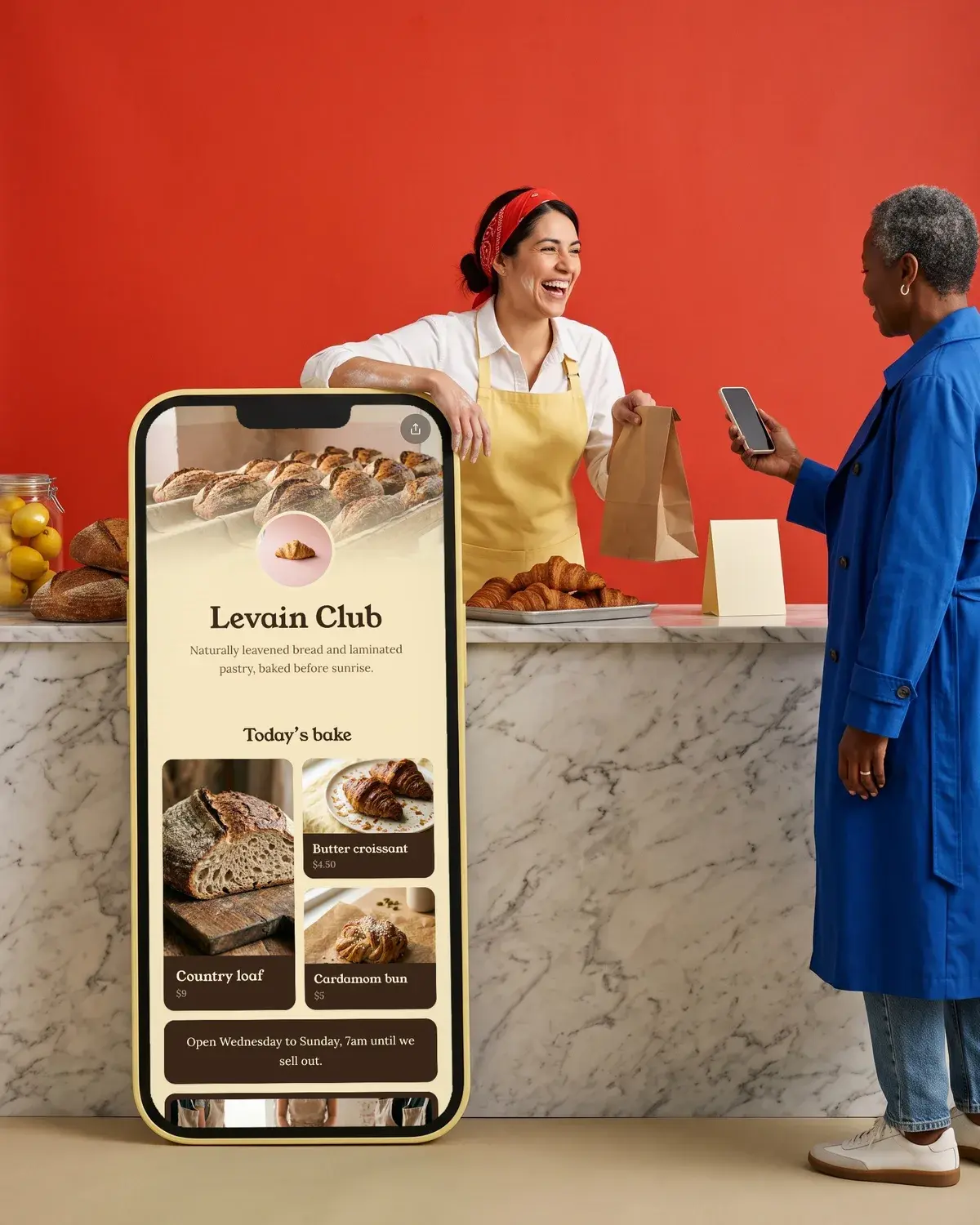
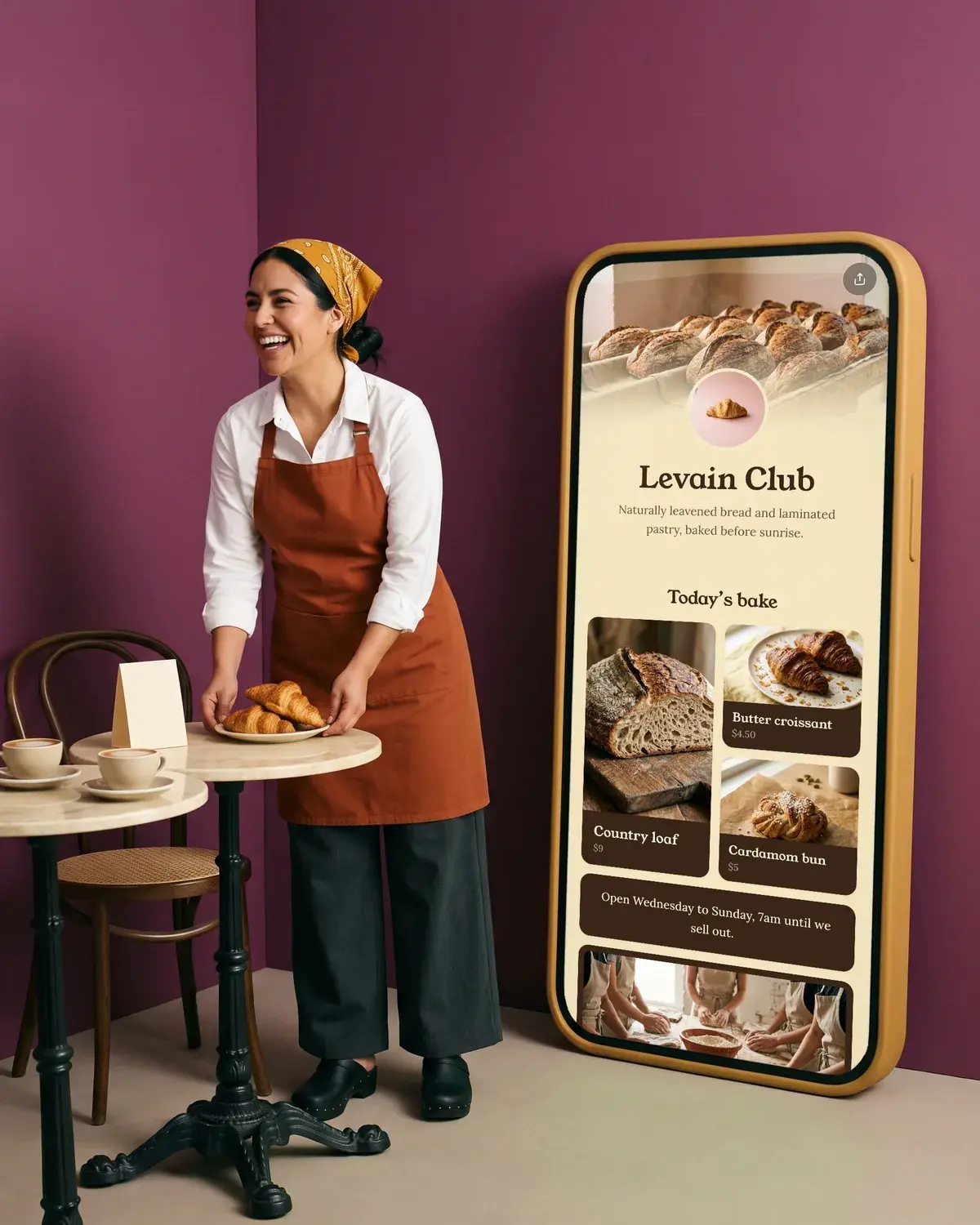
Our Levain bakery demo shows the idea: today's bake in a grid with prices, opening hours, a bread school booking through Calendly and a catering form. Grids, photo galleries, scheduled links (handy for a weekend brunch menu) and products with photo and price from Stripe, Etsy, Shopify or Gumroad are part of Olaa Pro, at $8 a month or $72 a year. Checkout happens in your own shop and Olaa takes no cut. Setup takes a few minutes and needs no code. See how it fits a coffee shop on Olaa for cafes.
FAQ
How do I make a QR code for my restaurant menu for free?
Put your menu online as a PDF, a web page or a link page, then use a free QR code from the tool hosting it. Linktree, Instagram and Olaa all make one at no cost. Point it at a page you can edit so the printed code never goes out of date.
What size should a QR code be on a table tent?
About 3 to 5 cm wide works for a code scanned from across a table. That follows QR Planet's 10:1 ratio of distance to code size, with 2 x 2 cm as the smallest it recommends at close range. Leave a clear margin around the code too.
Can I change my menu without reprinting the QR code?
Yes, if the code points to a page or link you can edit. Change the menu on the page and every printed code shows the new version. If the code points to a PDF, replace the file at the same web address.
Should I still have printed menus?
It's good practice. Some guests don't have a phone with them, have a flat battery or find a small screen hard to read. A few printed copies with large type keep everyone served.
Is a PDF or a web page better for a QR menu?
A web page or link page is usually easier to read on a phone, since text reflows to fit the screen and you can update it in minutes. A PDF is fine if it's a single column with large type and stays at the same address.
Can my menu and business cards use the same QR code page?
Yes. One link page can be the destination for every code you print, from table tents to cards. Our guide to the QR code business card covers sizing and placement for cards.
More on qr codes
- Instagram Account QR Code: How to Make and Print One
- How to Put a QR Code on Your Business Card
- Linktree QR Code: How to Get It, Print It and Use It