How to Promote Music on Instagram With a Release Plan
Plan a single release on Instagram with pre-save links, reels, the music sticker, profile songs and collabs, plus a week-by-week checklist you can follow.
· 7 min read
To promote music on Instagram, build a few weeks of posts around one release: share a pre-save link early, post short reels with the song, put the track on your profile, and send everyone to one link in your bio on release day. Instagram gives musicians the tools for each step, from the music sticker to collab reels. What matters most is a plan you can actually stick to.
Plan the release around one single
A single is the easiest thing to promote because there is one song, one cover and one date to repeat. Pick the release date first, then work backward. Two dates on the streaming side shape everything else:
- Delivery to your distributor. Your distributor needs the finished release well before the date so pre-save links and store pages exist.
- Spotify pitch deadline. If you pitch an unreleased song to Spotify's editors at least 7 days before release, Spotify adds it to your followers' Release Radar playlists. You can pitch one song at a time, and pitching doesn't guarantee a playlist spot. Pitch earlier than 7 days to be safe.
On Instagram, aim for a steady rhythm: a teaser, the pre-save, behind the scenes, release day, then the weeks after. The checklist at the end lays it out.
How pre-save links work
A pre-save lets a fan save your song before it is out. On release day it lands in their library without them doing anything else. That is why pre-saves are worth asking for: they turn a "maybe later" into a play on day one.
There are two ways to get one.
From your distributor or a pre-save tool. This is where most single pre-saves come from. DistroKid, for example, gives every release a free HyperFollow page that works as a pre-save while the release is uploaded but not yet live, then adds the follows and saves on release day. Other distributors and link tools offer similar pages. Check what yours provides when you upload.
From Spotify itself, with a Countdown Page. Spotify's own pre-save page counts down to the release and can include countdown videos and merch you tag. On release day Spotify sends a push notification to everyone who pre-saved and adds the release to their library. The limits are strict, according to Spotify's Countdown Pages help article:
| Requirement | Countdown Pages |
|---|---|
| Release type | New, original albums and EPs only |
| Singles | Not eligible |
| Deluxe editions and rereleases | Not eligible |
| Audience | At least 3,000 monthly active listeners (see Audience, then Segments) |
| Delivery | Your label or distributor delivers the release via DDEX |
If you qualify, the option shows up within 72 hours of delivery. In Spotify for Artists, go to Music, then Upcoming, select the release and click Get started. Countdown Pages appear on your artist profile, in Search, on Home and in the Upcoming Releases hub. For a single, use your distributor's pre-save link instead.
Use Instagram's music features
Instagram has more built for musicians than most people use. These are the ones that help a release:
- Music in reels. When you record a reel, tap Music, search for your song, choose which part plays and, if lyrics are available, style how they show on screen.
- Music sticker in stories. Add your song to any story with the Music sticker so followers hear it while they tap through.
- A song on your profile. Instagram lets you add a clip of a song to your bio. Go to Edit profile, tap Add to profile, search or browse For you, tap your song and tap Done. Visitors tap play to hear it. It stays until you choose Remove profile song.
- Collab reels. Before sharing a reel, tap Tag people, then Invite collaborators. You can add up to 5, according to Instagram's reels tips. Invite the feature artist, producer or venue you worked with.
- Countdown sticker. Name it after the single, set the release date and time, and anyone who turns on reminders gets a notification when it ends.
- Link sticker. Tap Stickers, choose Link, paste your pre-save or streaming link and tap See Preview to check it. Our guide to adding a link to an Instagram story walks through every step.
- Questions sticker. Set it to Music and ask fans to send you a song. It is an easy way to start conversations between releases.
Keep your audio from being muted
Instagram's licensed music library is meant for personal, non-commercial use. Instagram says certain business accounts and certain post types don't get access, and some songs aren't available in every country. If you can't find music in the library, your account type is the first thing to check. Meta's Sound Collection, with over 14,000 royalty-free songs and sounds, is the fallback for reels and stories.
A few rules from Instagram's music guidelines help too:
- There are no limits on filming a traditional performance, such as you playing your own song. Live clips are safe ground.
- The more full-length recorded tracks a video has, the more likely it is to be muted or blocked. Use short clips and always pair the audio with something to watch.
- If licensing changes, a reel's audio can be muted later. The reel stays up, and you can replace the track.
Put every link in one bio page with Olaa
Instagram allows up to 5 links in your bio, and a release needs more than that: a pre-save, then Spotify, Apple Music, YouTube, tickets and merch. An Olaa page holds them all at one short link, olaa.im/yourname.
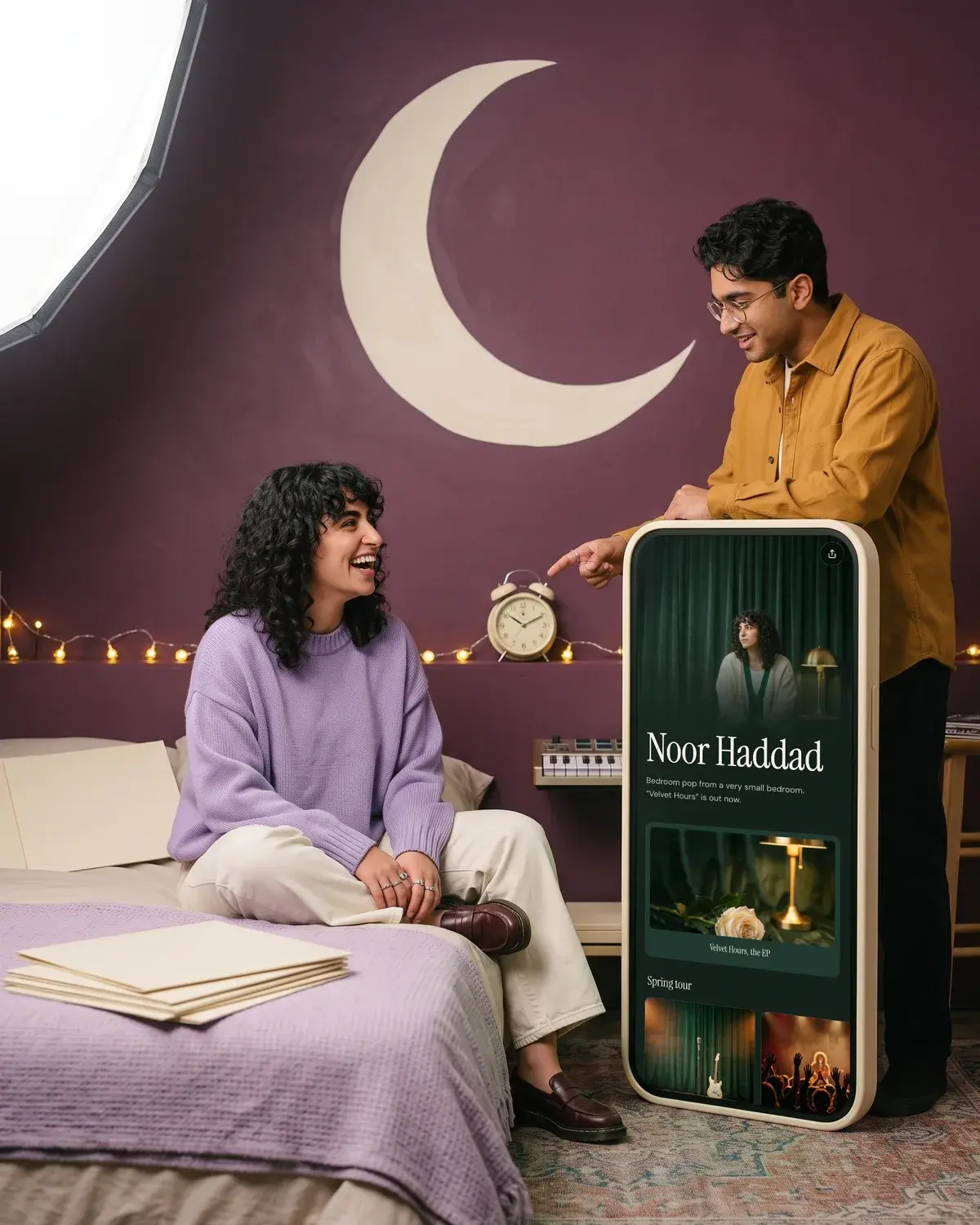
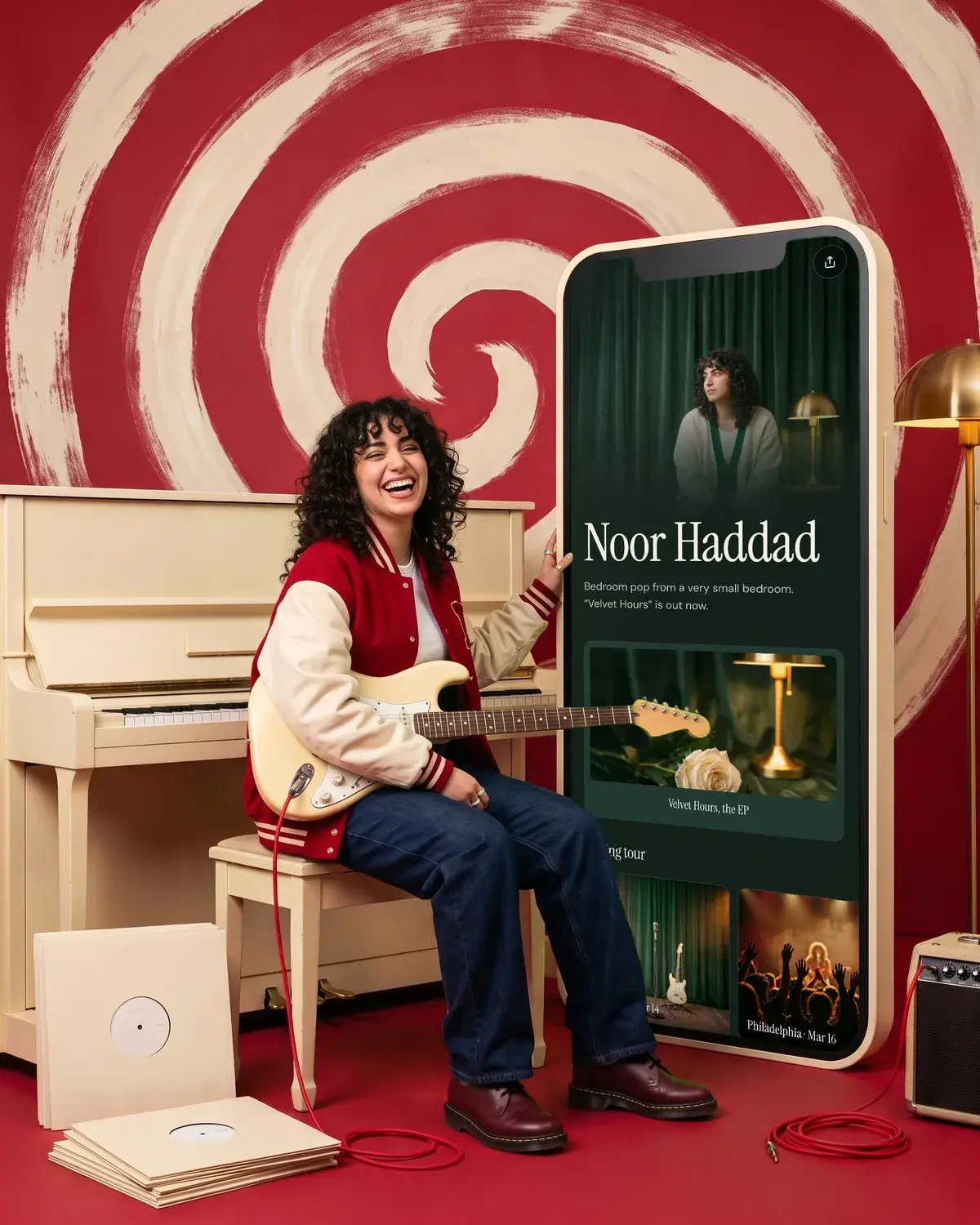
On the free plan, music and video players from Spotify, Apple Music, SoundCloud and YouTube play right on the page, so fans can hear the single without leaving. You also get unlimited links, a theme pulled from one photo and 7 days of analytics to see what people tap. Olaa Pro ($8 a month or $72 a year) adds a countdown for release day, scheduled links, so the streaming link can go live on release day, and email signups sent to Mailchimp. See Noor's demo page for a musician example, or read more on Olaa for musicians. For the bio itself, see how to add a link to your Instagram bio.
A week-by-week checklist for a single
| When | On Instagram | Off Instagram |
|---|---|---|
| 4 weeks before | Tease the cover or a 10 second clip in a reel | Deliver the single to your distributor |
| 3 weeks before | Share the pre-save with a link sticker and put it in your bio | Pitch the song in Spotify for Artists |
| 2 weeks before | Behind the scenes reel, add a countdown sticker | Line up collaborators for a collab reel |
| 1 week before | Story reminders, a live performance clip | Confirm the pitch went in at least 7 days out |
| Release day | Reel with the song from the library, add it to your profile, swap the bio link to streaming | Message the people who helped |
| Weeks 1 to 4 after | Collab reels, fan reposts, lyric clips, answer the questions sticker | Watch which links people tap |
For the step by step, from DistroKid's HyperFollow to Spotify's Countdown Pages, see how to set up a Spotify pre-save.
FAQ
How do I make a pre-save link for Spotify?
For a single, use the pre-save link from your distributor or a pre-save tool, such as DistroKid's HyperFollow. Spotify's own Countdown Pages only work for new albums and EPs from artists with at least 3,000 monthly active listeners, and singles aren't eligible.
Why can't I find music on my Instagram account?
Instagram says certain business accounts don't have access to its licensed music library, and some songs aren't available in every country. Update the app, check your account type, and use Meta's Sound Collection if the library stays unavailable.
How do I add my song to my Instagram profile?
Go to Edit profile, tap Add to profile, find your song, tap it and tap Done. The clip shows in your bio until you remove it, and visitors can tap play to hear it.
When should I start promoting a new single?
Start about a month out so there is time to deliver to your distributor, share a pre-save and pitch to Spotify editors. Pitch at least 7 days before release and Spotify adds the song to your followers' Release Radar.
How many collaborators can I add to a reel?
Up to 5. Before sharing, tap Tag people, then Invite collaborators. If your account is private, the people you invite need to follow you back.