Sell your work from your link in bio.
Presets, guides, templates, patterns, sample packs. Fans buy them on your page with Apple Pay, Google Pay or a card, and the file lands in their inbox.
Free to start. No monthly fee to sell.
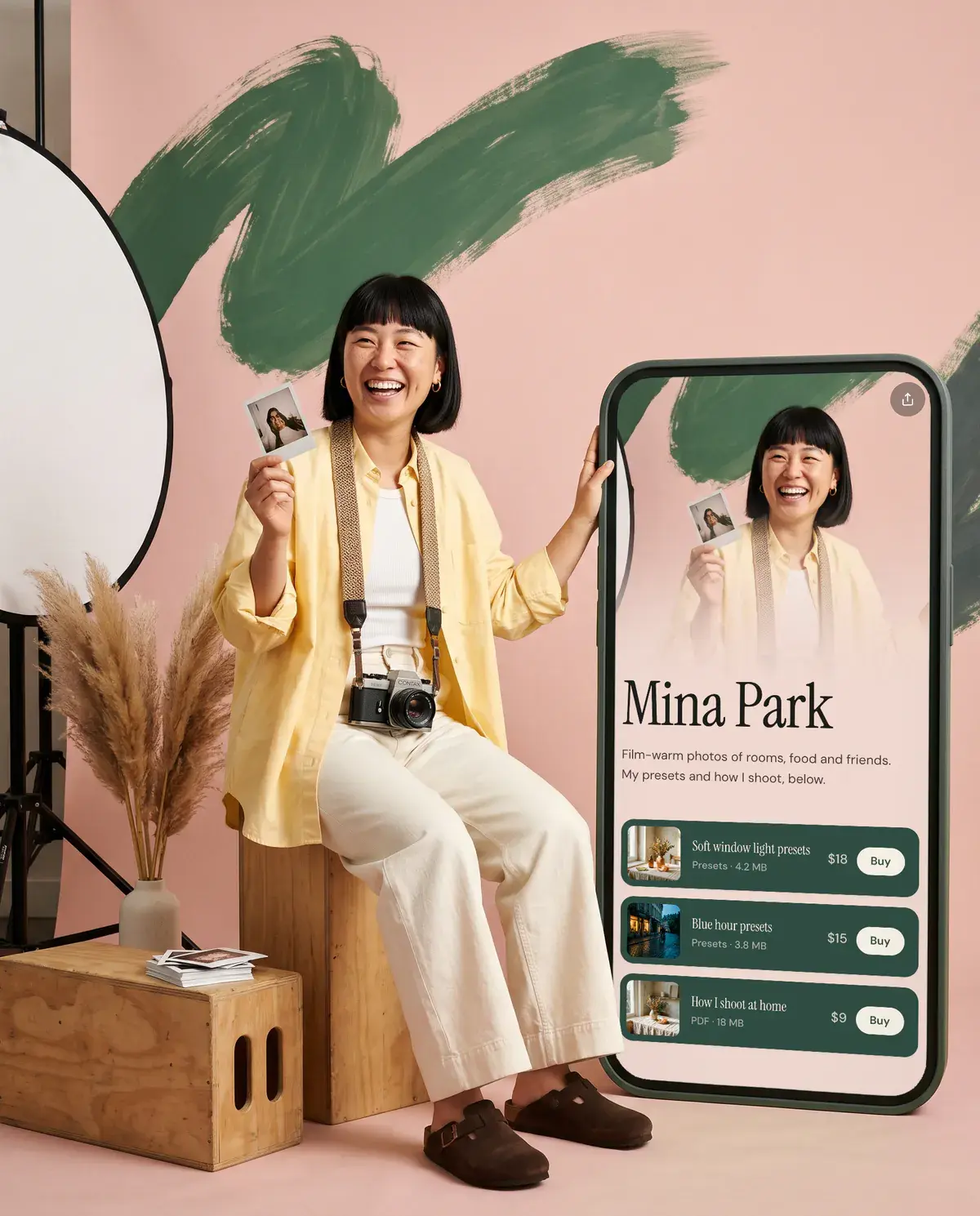

- No store to build
- Delivered by email
- Payments by Stripe
- Free to start
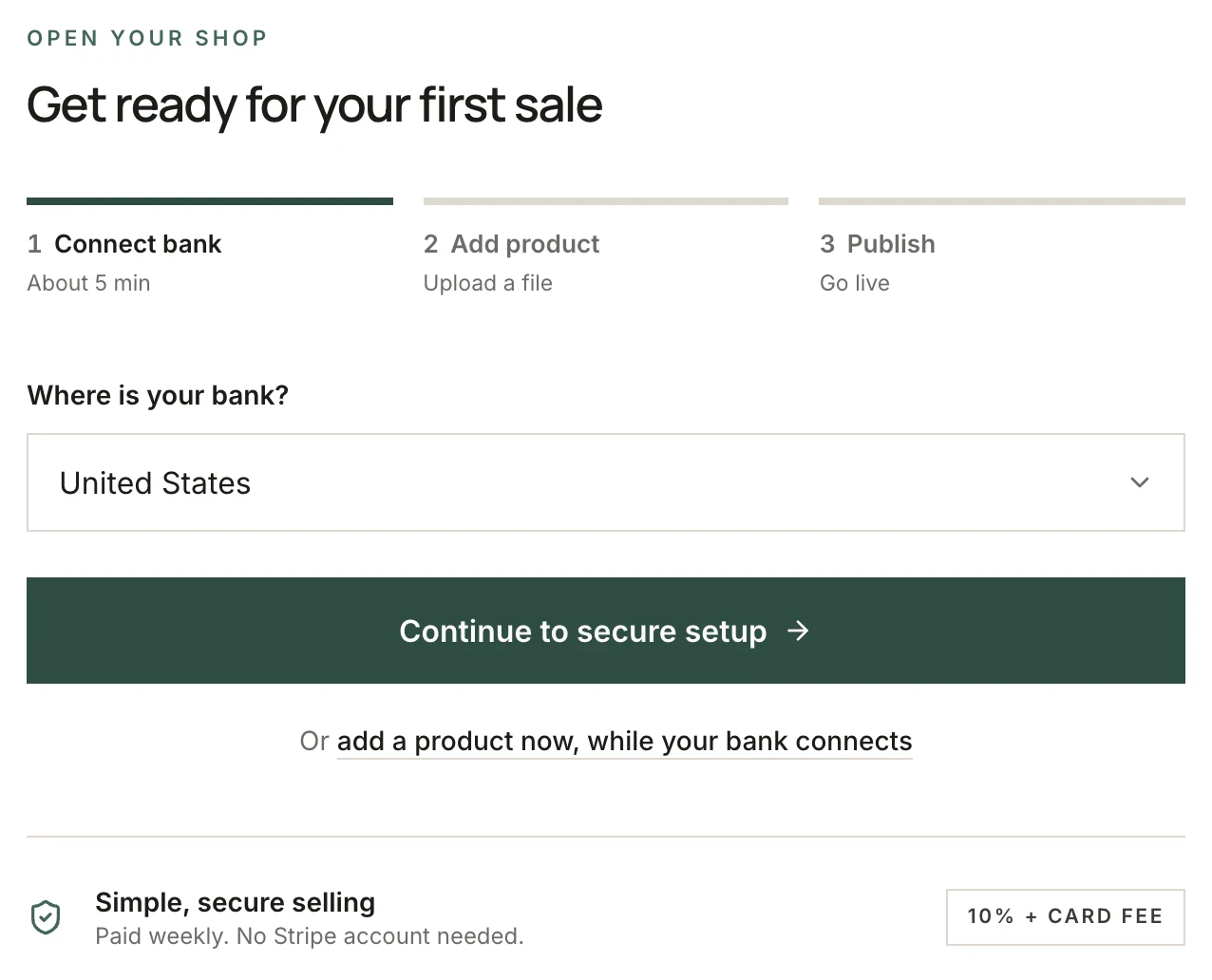
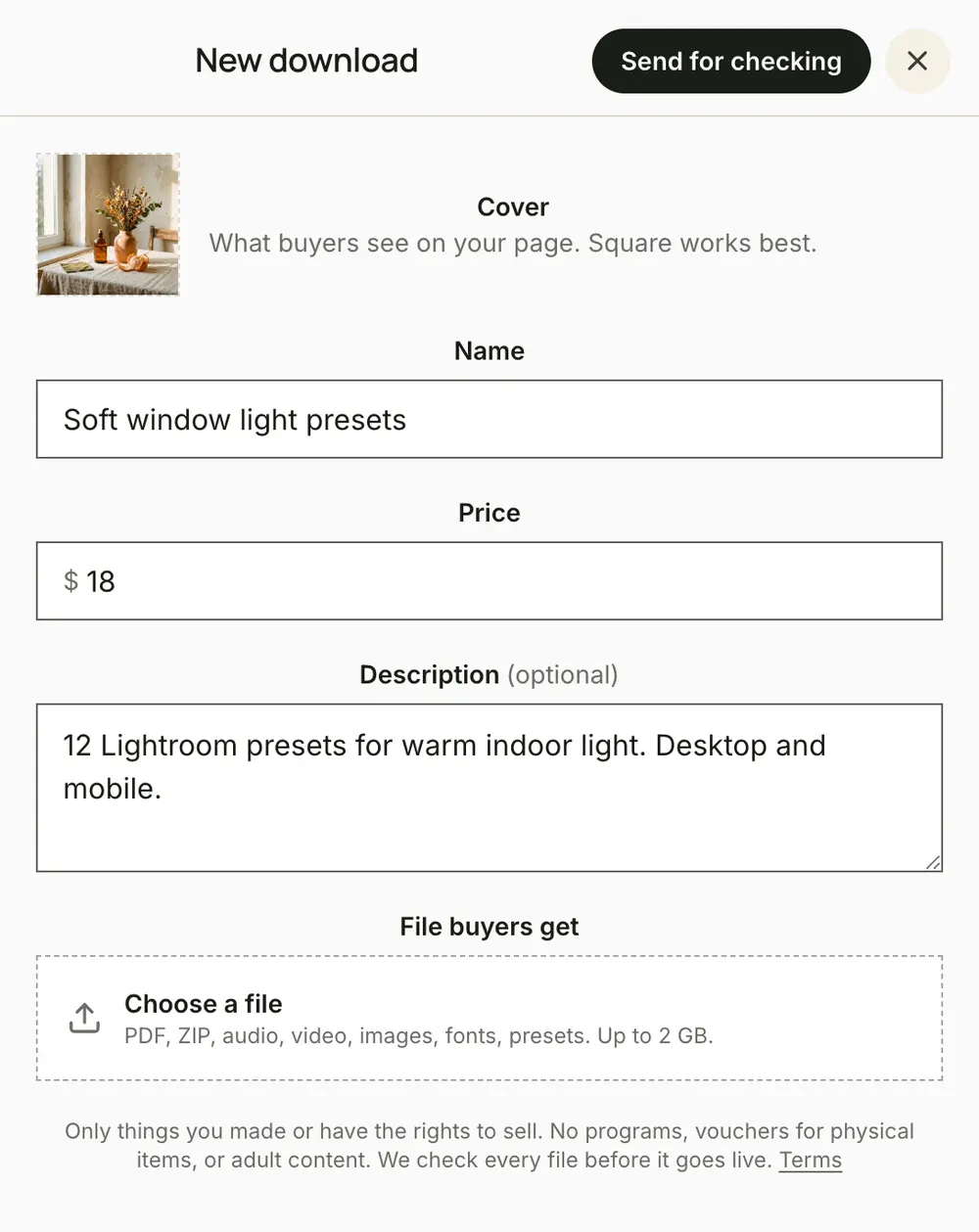
From file to first sale.
Three steps, all inside Olaa. You can add your first download while your bank connects.
Made to fit your page.
Show a download as a big card or a compact row. Either way it takes your page’s colors, fonts and corners.
Each download shows as a card or a row, in your page’s colors, fonts and corners.
 Mina Parkolaa.im/minamakesphotos
One page. No hand-offs.
Buying happens on the page your fans already opened from your bio. No new tab, no store to sign up for.
- 01
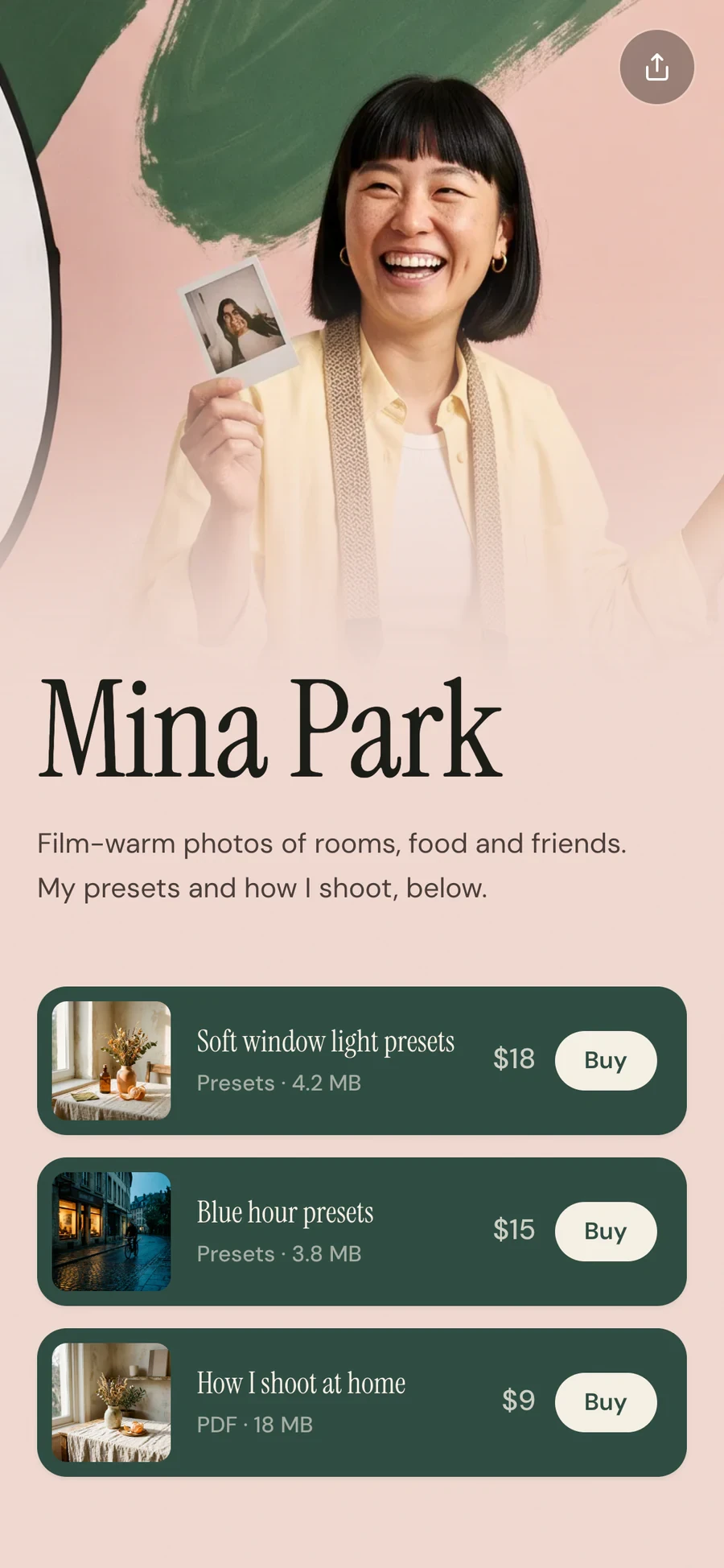
They find it.
Your downloads, on your page, in your colors.
- 02
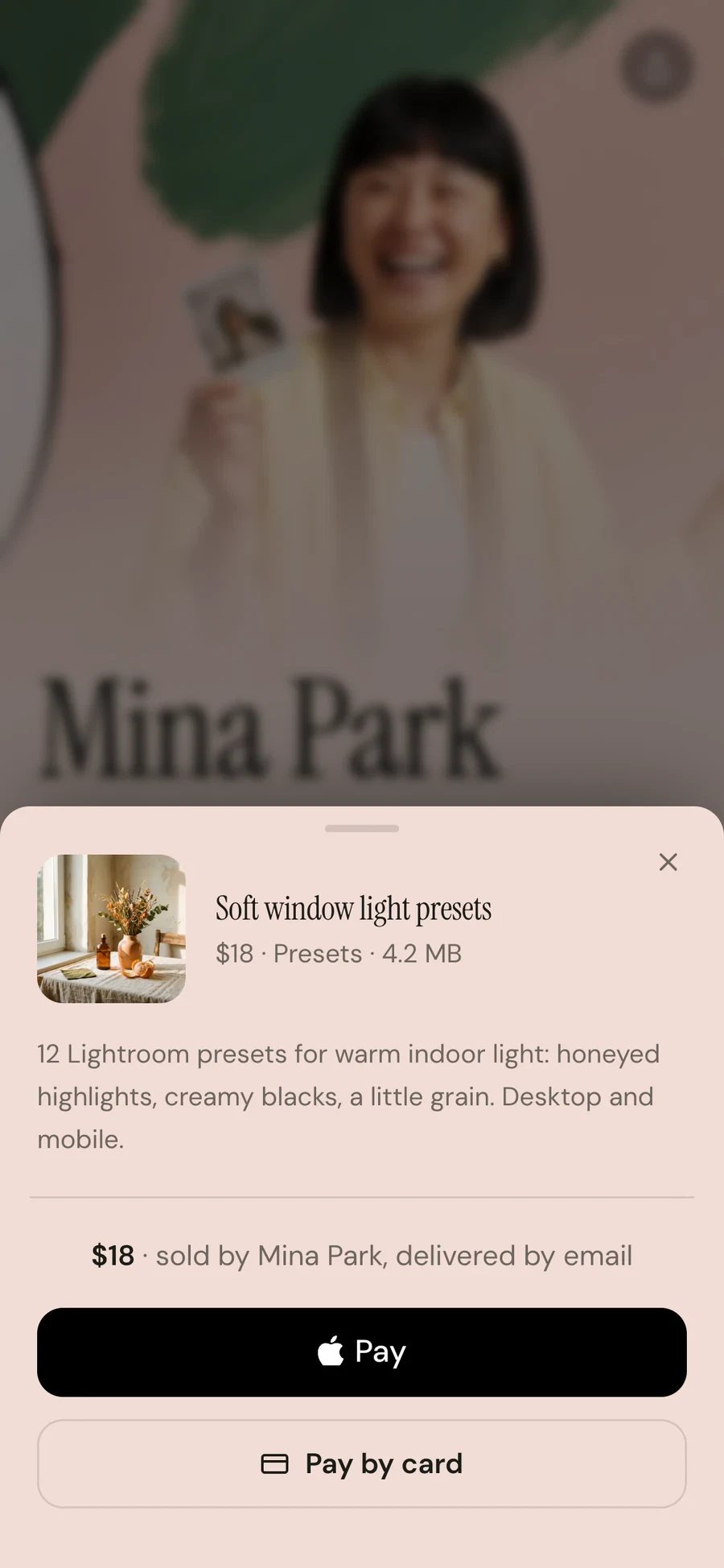
They buy it.
Apple Pay, Google Pay or a card. No account.
- 03
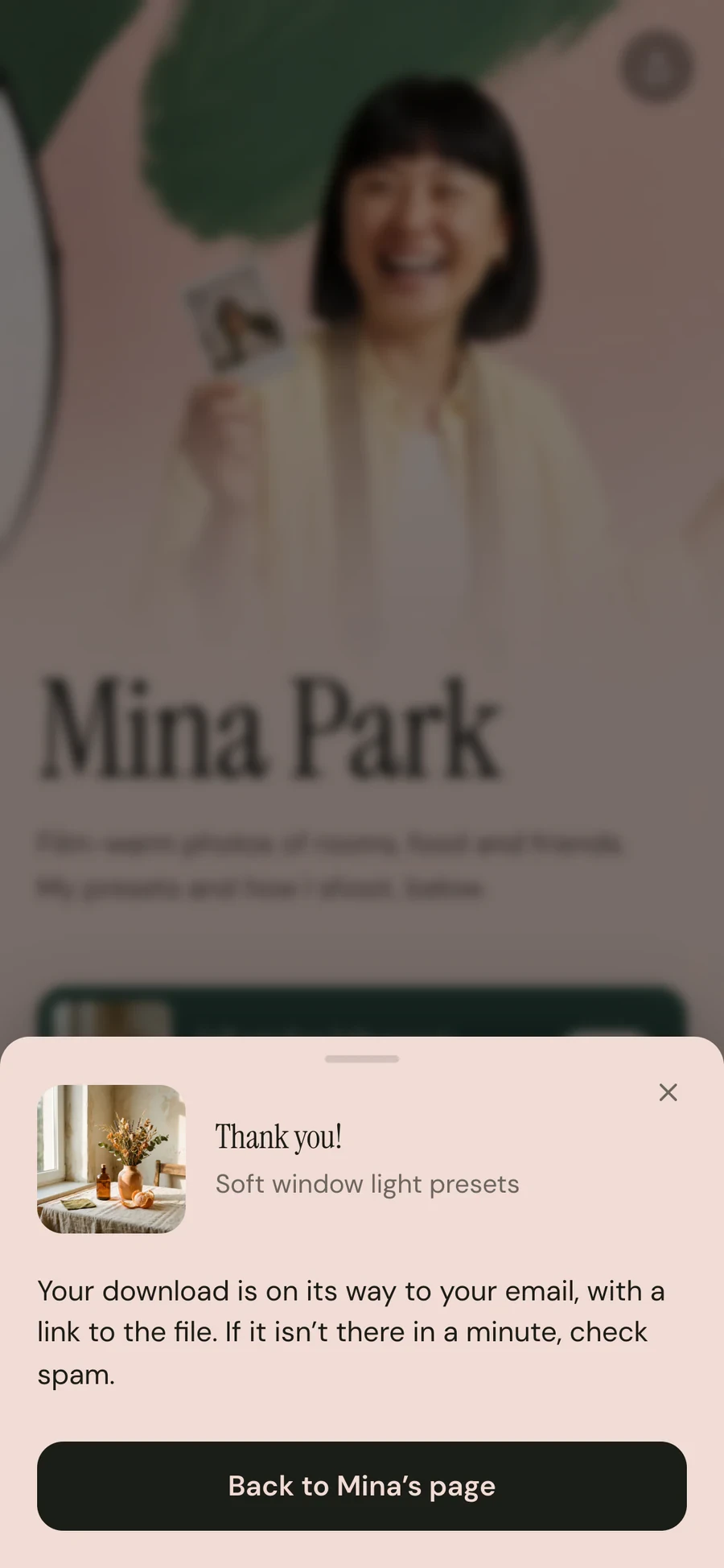
They get it.
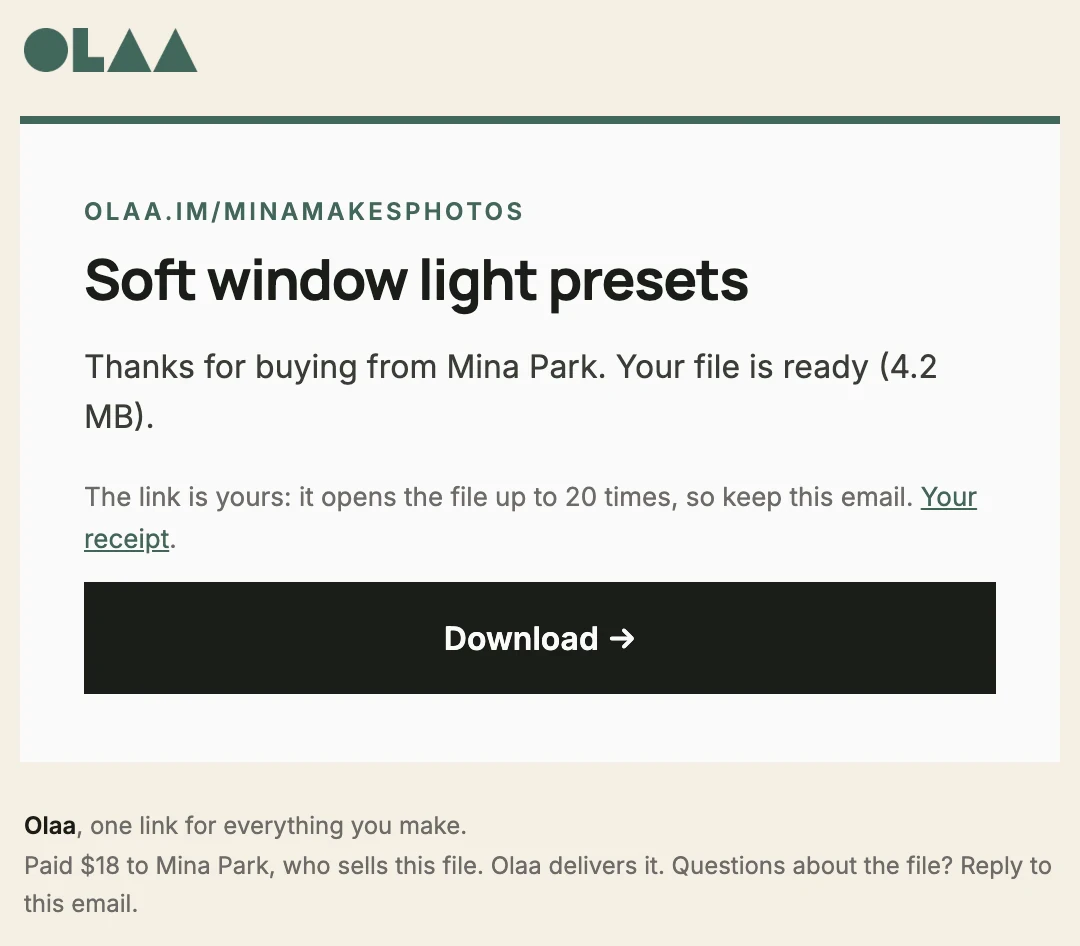
A private download link, by email, straight away.
If it’s a file, you can sell it.
Make it once and sell it as often as people want it. Nothing to ship, nothing to restock.
 XMP
XMP01
Presets and LUTs
Your edit, in one tap, for photographers and video makers.
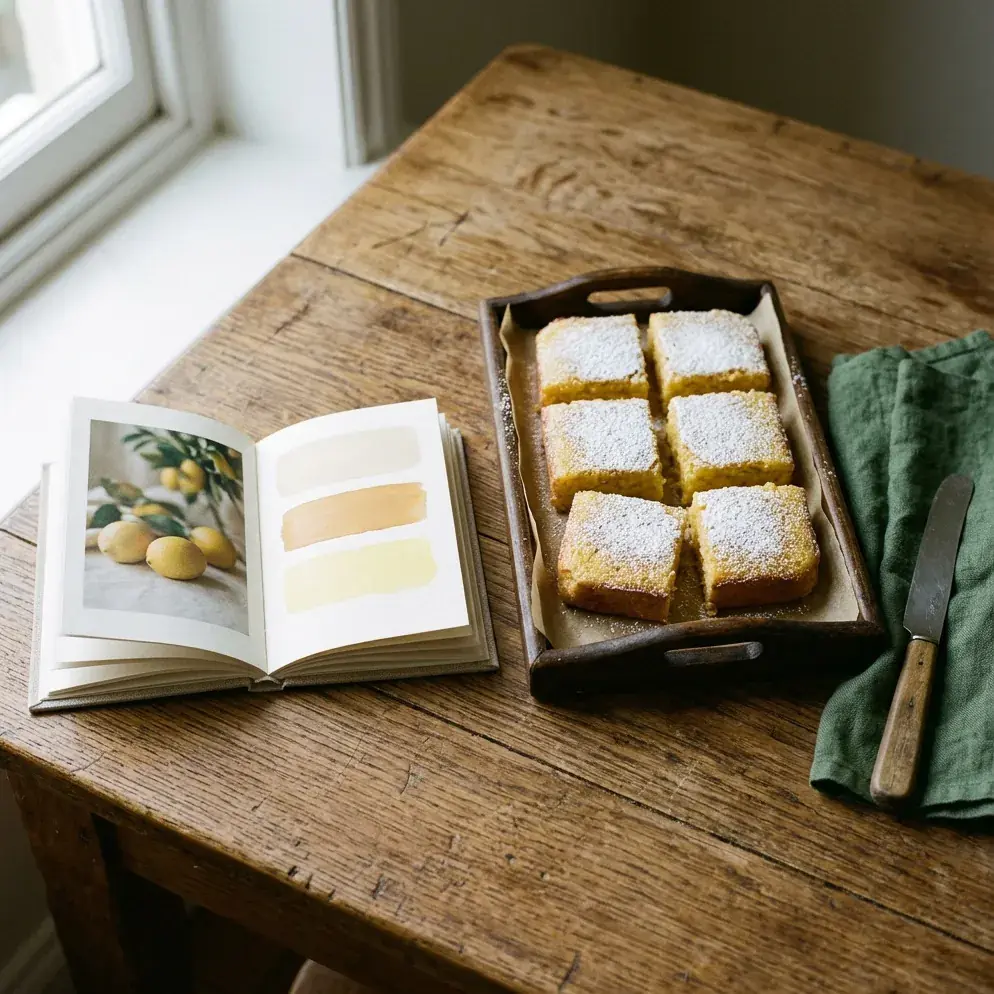 PDF
PDF02
Guides and e-books
 PDF
PDF03
Templates and planners
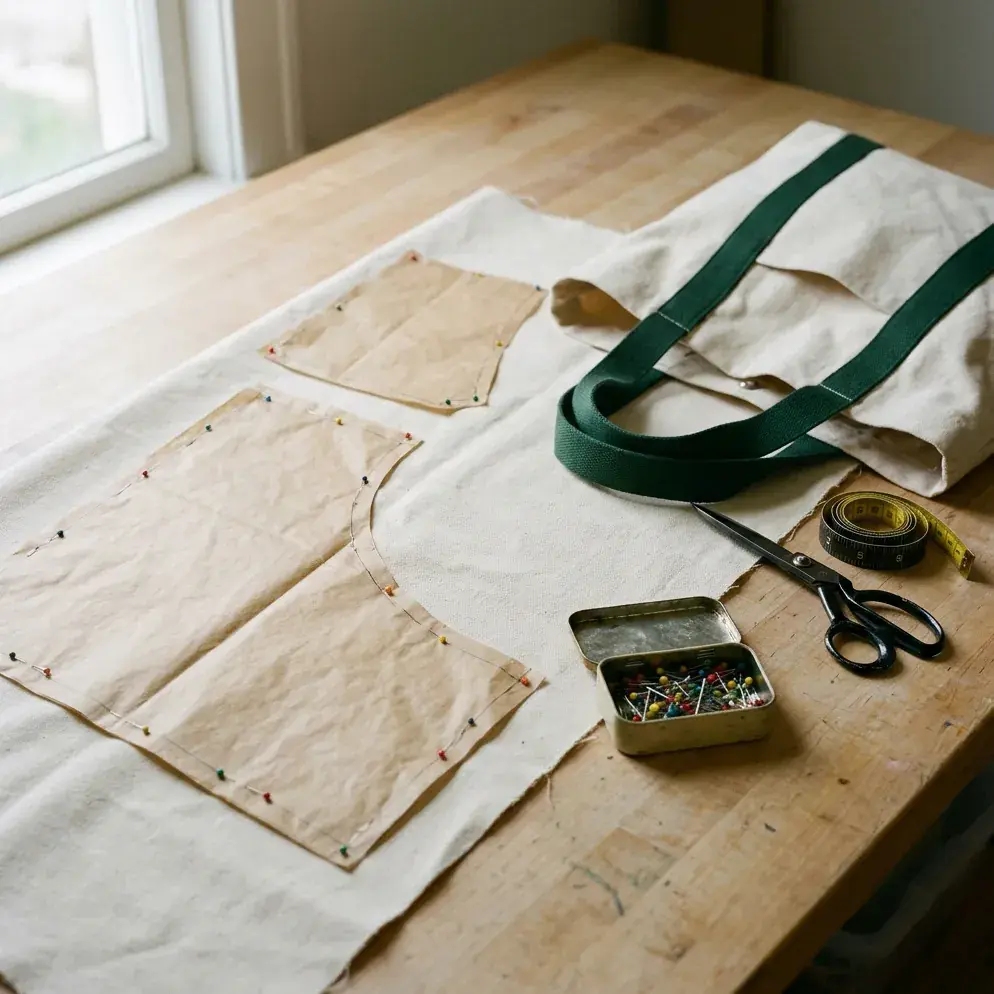 PDF
PDF04
Patterns
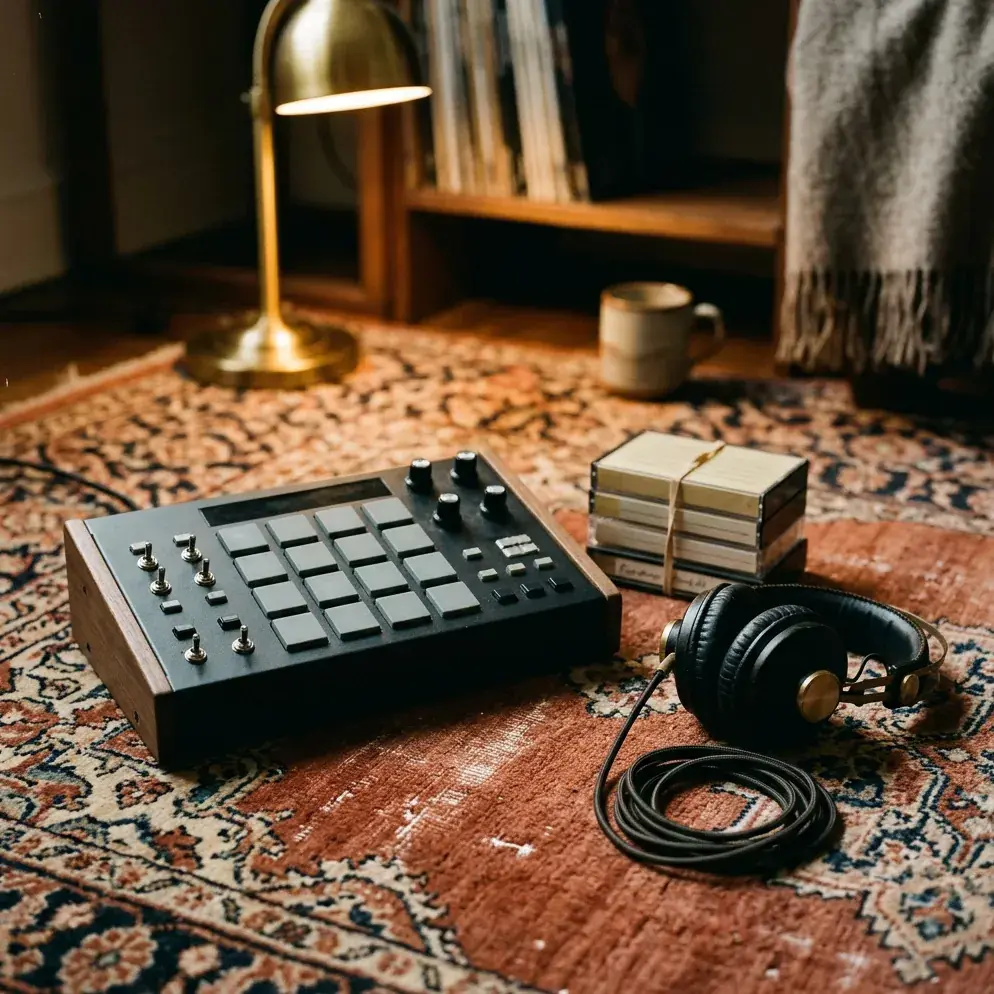 WAV
WAV05
Sample packs
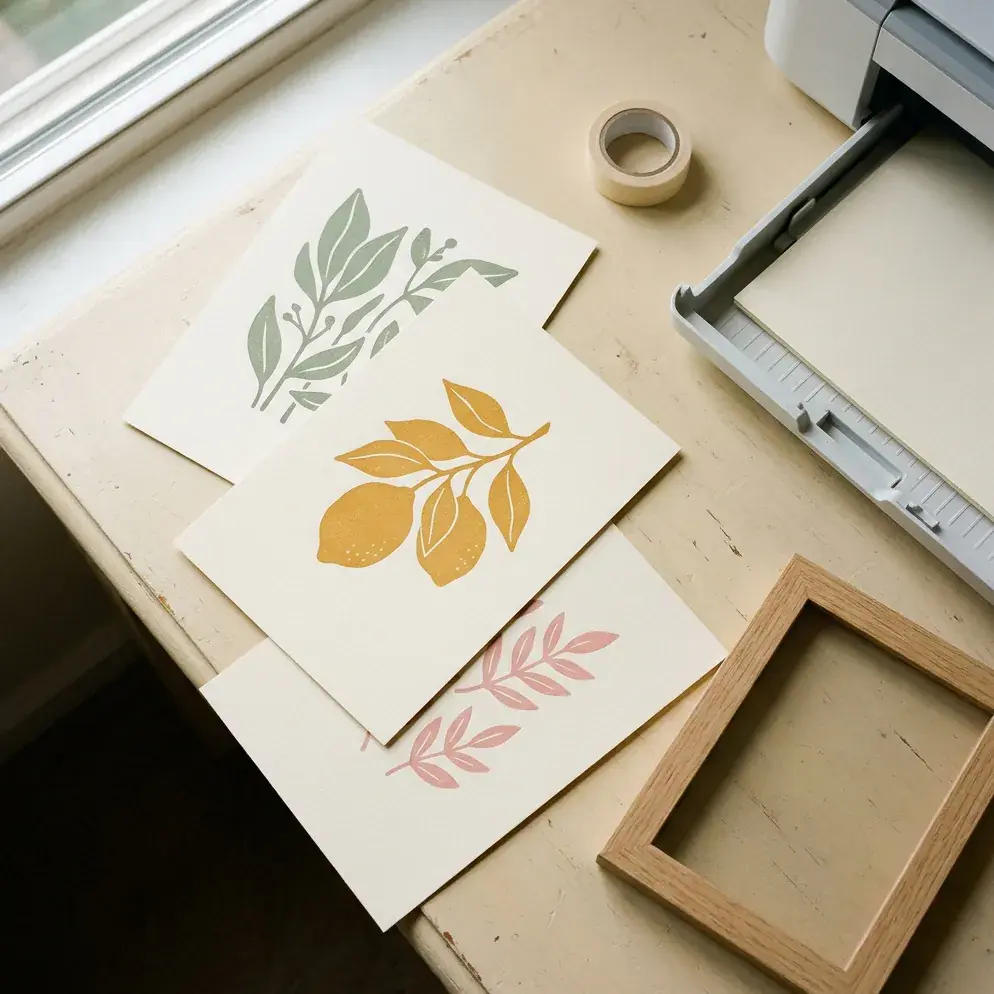 PNG
PNG06
Art and printables
Sell on Free. Keep more on Pro.
No monthly fee just to sell. Olaa keeps 10% on Free or 5% on Pro, plus the card fee (2.9% + 30¢).
- Prices from $1 to $500
- Paid to your bank every Monday
- An email to you for every sale
FreeNo monthly fee
You keep
$17.12
- Olaa (10%)
- $2.00
- Card fee
- $0.88
Pro$8 a month
You keep
$18.12
- Olaa (5%)
- $1.00
- Card fee
- $0.88
Pro pays for itself once you sell more than $160 a month. Below that, Free keeps more.
Payments by Stripe.
Every file checked.
Paid every Monday.


Selling, answered.
Is there a monthly fee to sell?
No. On the Free plan Olaa keeps 10% of each sale plus the card fee (2.9% + 30¢), and nothing when you don’t sell. Pro ($8 a month, or $72 a year) lowers Olaa’s share to 5%.
Do I need a Stripe account?
No. You connect your bank inside Olaa in about five minutes, through a short form from Stripe. Stripe checks who you are once and pays you out every week.
What can I sell?
Digital things you made or have the rights to: e-books and guides, templates, presets and LUTs, fonts, patterns, printables, sample packs, music, worksheets and courses as files. Files can be up to 2 GB.
Why is every file checked?
So buyers get what the listing promises and nothing harmful. Before a download goes live, Olaa checks that the file is what its name says, that it holds no programs, and that the listing follows the selling rules. Anything unclear waits for a person to look.
How do buyers get the file?
They pay on your page with a card, Apple Pay or Google Pay, without making an account. A private download link arrives by email straight away, and it works for 20 downloads.
What about refunds?
Ask from Help in your dashboard and Olaa refunds the buyer. Their download link stops working, and the sale comes off your next payout.
Where can I sell from?
Your bank needs to be in the US, Canada, the UK or most of Europe (the EU, Norway, Switzerland, Iceland and Liechtenstein). Buyers can be anywhere their card works.
Can I start right away?
Selling is opening account by account. Make your page, then ask for access from Sell in your dashboard; you can add your first download while your bank connects.
Make it once. Sell it from your bio.
Start free. Add your first download while your bank connects.