How to Sell Music Online Directly to Your Fans
Sell downloads, vinyl and merch directly to fans with Bandcamp, Shopify, Stripe or Gumroad, see what each one costs, and put it all in one link.
· 7 min read

To sell music online, put your downloads, vinyl and merch in a store that fans can pay in directly, such as Bandcamp, Shopify, a Stripe Payment Link or Gumroad, and send your music to Spotify and Apple Music separately through a distributor. Selling and streaming are two different jobs: a store pays you per sale, a distributor gets you onto streaming services. Then put the store link next to your players in your bio, so the people who just heard a song can buy it.
Pick where the sale happens
Each option takes a different cut and suits a different kind of artist. Prices below are from each company's own pricing page, read in October 2026.
| Option | What you pay | Best for |
|---|---|---|
| Bandcamp | 15% on digital (10% after $5,000 in sales), 10% on merch, plus processing of about 4% to 6% | Artists who want downloads, vinyl and merch in one music store |
| Shopify | Basic from $29 a month billed yearly ($39 monthly), plus card fees from 2.9% + 30¢ | Artists with a lot of merch and their own brand store |
| Stripe Payment Links | 2.9% + 30¢ per US card payment, no monthly fee | One or two items: a vinyl preorder, a signed CD, a bundle |
| Gumroad | 10% + $0.50 per direct sale, plus 2.9% + $0.30 card processing | Digital downloads, stems, sample packs |
There is no single right answer, and you can combine them: Bandcamp for music, plus a Payment Link or a Shopify store for one big merch drop.
Sell downloads and vinyl on Bandcamp
Bandcamp is built for music. Fans can buy a track, an album or a record, and pay more than your price if they want to. According to Bandcamp's fee page:
- Digital items: Bandcamp takes 15%. Once you reach $5,000 in sales it drops to 10%, and it stays there as long as you have made at least $5,000 in the past 12 months.
- Physical merch: 10%, calculated without shipping or tax.
- Payment processing: charged separately, usually 4% to 6% depending on the size of the sale.
- Extra money from fans: when someone pays more than your price, the extra counts as a tip, and Bandcamp's share only applies to the first $100 of an item.
To add vinyl, a CD, a cassette or a shirt:
- Click + add in the header, then merch.
- Choose the item type. Physical music formats like vinyl attach to an album.
- Set the price and shipping for each region.
- Set the quantity. Leave it blank for unlimited, or enter 0 to show the item as "Sold Out." Bandcamp lowers the count as items sell.
- Optionally add sizes, and pair the item with a download of the track or album, so buyers can listen right away.
- For vinyl, CDs and cassettes, add a UPC/EAN in the merch editor so sales are reported to Nielsen/Soundscan.
Bandcamp pays you through a connected PayPal account, 24 to 48 hours after a sale is processed. Larger sales are reviewed by hand and can take up to 14 days. You can switch to one payout on the 1st of each month instead, which can lower PayPal's 1% payout fee, since it is capped at $1 per payout.
Plan releases around Bandcamp Fridays
On Bandcamp Fridays, Bandcamp waives its revenue share for the whole day, from 12:00am to 11:59pm Pacific Time. Payment processing fees still apply, and sales outside that window do not count. The remaining 2026 dates are November 6 and December 4, per Bandcamp's Friday help page. A new release, a restock or a limited pressing timed for one of those days keeps more of each sale in your pocket.
Sell merch with Shopify, Stripe or Gumroad
If Bandcamp's merch tools feel too small, or you want everything under your own name, these three cover most needs.
Shopify is a full online store under your own name. The Basic plan costs $39 a month billed monthly or $29 a month billed yearly, with online card rates starting at 2.9% + 30¢. Shopify currently offers 3 days free, then $1 a month for 3 months. It makes sense once you have several shirt designs, sizes and colors to track.
Stripe Payment Links let you sell one item without building a store. You create a product in Stripe, get a link, and share it anywhere. There is no code and no monthly fee, just 2.9% + 30¢ per US card payment. A Payment Link can collect a shipping address, charge shipping, limit the number of purchases (handy for 100 numbered test pressings) and even let fans choose what to pay. Stripe can also show the link as a QR code for your merch table. Our Stripe Payment Link guide walks through setting one up.
Gumroad suits digital files: albums in WAV, stems, sample packs, sheet music. Direct sales cost 10% + $0.50 plus sales tax, and card processing (2.9% + $0.30) or PayPal fees come on top. Sales that come through Gumroad's Discover marketplace cost a flat 30%, processing included. There is no monthly fee. If you sell beats or sound kits, our guide on how to sell beats online compares the producer marketplaces too.
Get on streaming services through a distributor
A store sells your music to fans one purchase at a time. Getting your songs onto Spotify and Apple Music is a separate job: you need a distributor to deliver them there.
DistroKid is one option. Its plans are Musician at $24.99 a year, Musician Plus at $44.99 a year and Ultimate at $89.99 a year, and every plan says you keep 100% of your earnings. Its pricing page names Spotify on every plan, and Apple Music and iTunes on Musician Plus and Ultimate. Compare plans before you pick one, since what each tier includes changes over time.
You can do both: stream everywhere for reach, and sell downloads, vinyl and merch for income. Before a release, a Spotify pre-save gives fans something to do while they wait.
Put the store next to your music
The people most likely to buy are the ones who just heard a song. That often happens on Instagram or TikTok, where space for links is tight: Instagram allows up to five links in your profile, and TikTok lets you add a website once you have 1,000 followers or a Verified Business Account. If that link points only to Spotify, the buyers have nowhere to go.
A good bio link page for a musician has:
- A player for the latest single, so new visitors can listen without leaving.
- The buy links right below it: Bandcamp, the vinyl preorder, the merch store.
- Tour dates or a countdown to the release.
- One clear top link, changed for each release.
For more on turning Instagram listeners into fans, see our pillar guide on how to promote music on Instagram.
How Olaa fits in
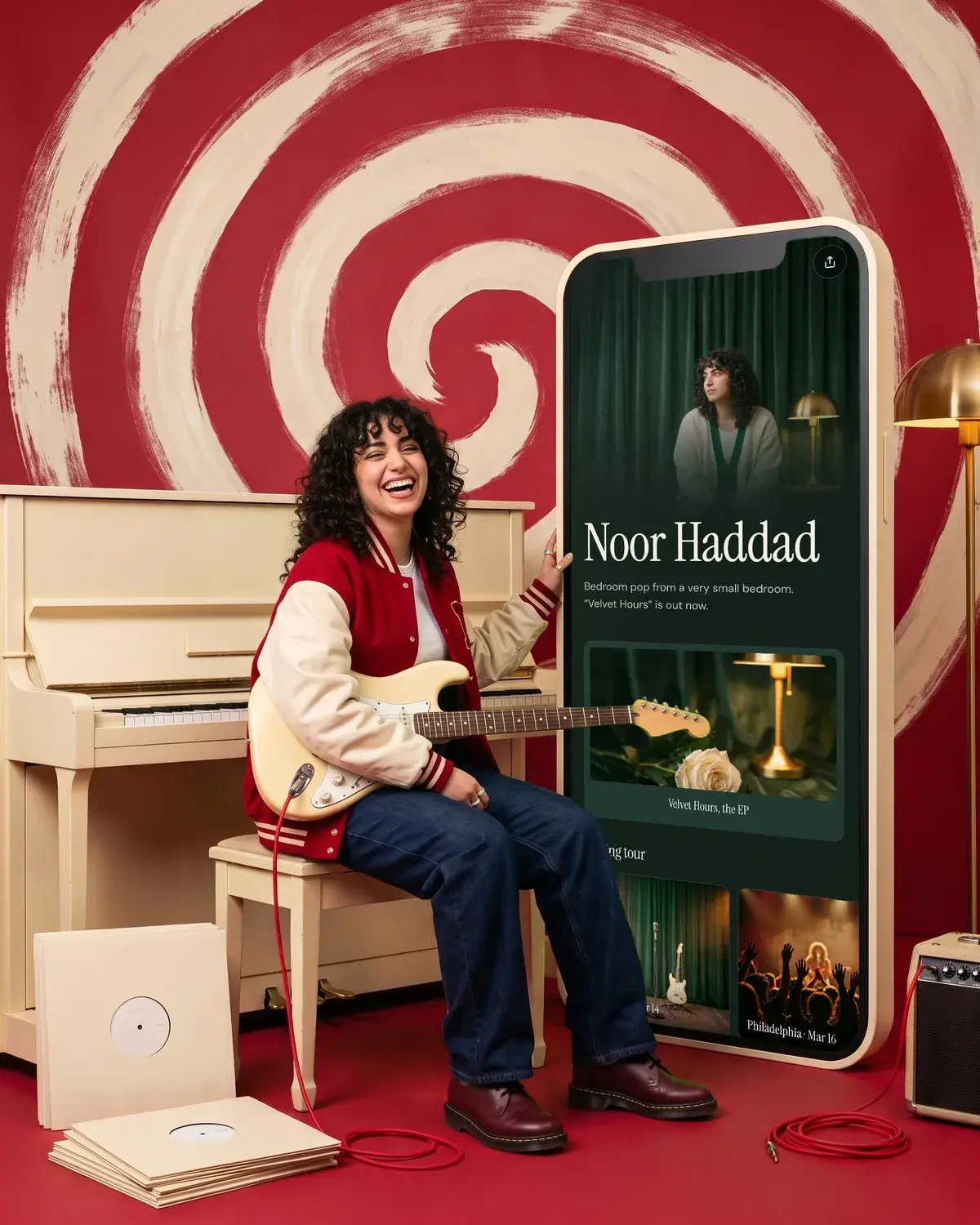
Olaa is a link in bio tool: one short link, olaa.im/yourname, that opens a page with everything you want fans to find. On the free plan, music and video players from Spotify, Apple Music, SoundCloud, YouTube, Vimeo and TikTok play right on the page, alongside unlimited links, featured cards, social icons and a QR code.
With Olaa Pro ($8 a month or $72 a year), you can show products with photo and price from Stripe, Etsy, Shopify or Gumroad as a button or a buy card. Checkout happens in your own shop, and Olaa takes no cut. Pro also adds countdowns for a release, scheduled links that go live on drop day, and email signups sent to Mailchimp. Olaa does not host downloads or ship records itself: it sits in front of Bandcamp, Shopify or Gumroad and points fans to them. See how a music page looks on Olaa for musicians.
FAQ
What is the best way to sell music directly to fans?
For most independent artists, Bandcamp is the simplest start, because it handles downloads, vinyl and merch in one place and fans can pay more than your price. If you want your own branded store, Shopify or a Stripe Payment Link works well alongside it. Put whichever you choose in your bio link next to a player.
How much does Bandcamp take from each sale?
Bandcamp takes 15% on digital items, dropping to 10% after $5,000 in sales, and 10% on physical merch, not counting shipping or tax. Payment processing is separate and usually runs 4% to 6%. On Bandcamp Fridays, Bandcamp waives its share, but processing fees still apply.
Can I sell my music on Spotify?
To get your songs onto Spotify, you go through a distributor such as DistroKid, which lists Spotify on every plan. To sell downloads, vinyl or merch directly, use a store like Bandcamp, Shopify, Gumroad or a Stripe Payment Link, and link to it from your bio.
Where should I sell vinyl and CDs?
Bandcamp attaches vinyl, CDs and cassettes to an album and reports sales to Nielsen/Soundscan when you add a UPC/EAN. A Stripe Payment Link is a quick option for a single pressing, since it can collect shipping addresses and cap the number of copies. Shopify suits artists with a larger catalog of physical items.
Do I need a website to sell music?
No. Bandcamp, Gumroad and Stripe Payment Links all give you a link you can share without a website. A link in bio page gives fans one place to listen and buy.
More on music promotion
- How to Promote Music on Instagram With a Release Plan
- How to Sell Beats Online: Marketplaces, Licenses and Fees

- Spotify Pre-Save: How to Make a Pre-Save Link That Works