Guide ·
Shop Link in Bio: Sell With Stripe, Etsy or Shopify
Set up a shop link in bio that shows products and prices and sends buyers to checkout on Stripe, Etsy or Shopify, in a few minutes with no code.
In this guide
The short answer
A shop link in bio is one link on your profile that opens a page of your products, with photos and prices, and sends buyers to checkout in the shop you already use. With Olaa, you connect Stripe, Etsy, Shopify or Gumroad, and checkout stays in your shop. Olaa takes no cut.
If you are still deciding where to sell, start with our guide to selling on Instagram. This guide covers the link itself: what to put behind it and how to set it up.
Pick where checkout will happen
Your bio link does not process payments. It points people to a place that does. Here are your main options.
| Checkout | What it is | Good for |
|---|---|---|
| Stripe payment link | A link to a Stripe-hosted payment page | A few products, services or one-off offers |
| Etsy | Your shop at yourshopname.etsy.com | Handmade and vintage goods already listed on Etsy |
| Shopify | Your store's product pages | Larger catalogs |
Stripe says there is no additional fee to create payment links or to accept payments with them. Fees for other Stripe services you use alongside them, such as Billing or Stripe Tax, still apply.
Create a Stripe payment link for each product
Stripe sends customers who open a payment link to a Stripe-hosted payment page. You can reuse the same link as many times as you want.
- In the Stripe Dashboard, open the Payment Links page.
- Click +New, or click the plus sign and choose Payment link.
- Pick an existing product, or click +Add a new product and fill in the details.
- Click Add product.
- Click Create link.
Stripe offers two pricing models. "Products or subscriptions" is for fixed prices. "Customers choose what to pay" is for donations, tips or pay-what-you-want. The second one does not support recurring payments, and the link can't hold any other line items. The Stripe Dashboard iOS app can create links under Payments > Payment Links, but not "customers choose what to pay" links.
Stripe shows the most relevant payment methods automatically, including Apple Pay and Google Pay. Some methods, such as bank debits or vouchers, can take 2 to 14 days to confirm. For more detail, see our Stripe payment link guide.
Use your Etsy or Shopify shop link
For Etsy, your trackable shop link is formatted "yourshopname.etsy.com". Etsy's community post says to add it to your social profiles. If you don't have a shop yet, read how to start an Etsy shop.
Etsy also has Share & Save. It is free, open to any Etsy seller, and joined through Shop Manager. When a sale comes through your trackable link, Etsy says it will take 4% of the order total off your Etsy bill.
For Shopify, use the link to your store or to a specific product page. Our guide to linking Shopify to Instagram walks through it.
Build the shop page with Olaa
Olaa gives you one short link, olaa.im/yourname, that opens a page with your shop on it. Setting up takes a few minutes and needs no code. Start on the Free plan by adding your links, picking a look, and adding social icons. A theme can be pulled from one photo, so the page matches your brand.
The shop features are on Olaa Pro, which is $8 a month or $72 a year:
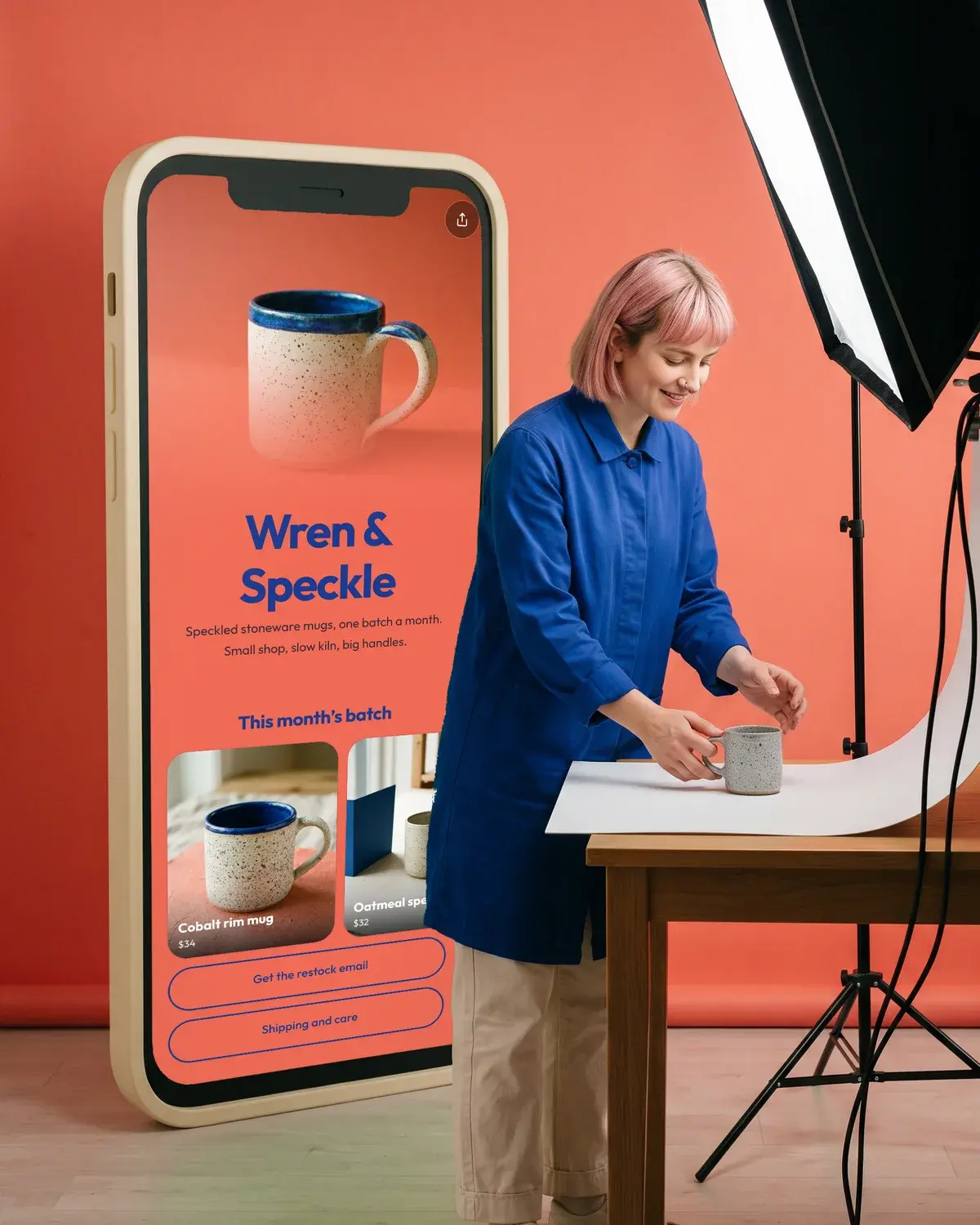
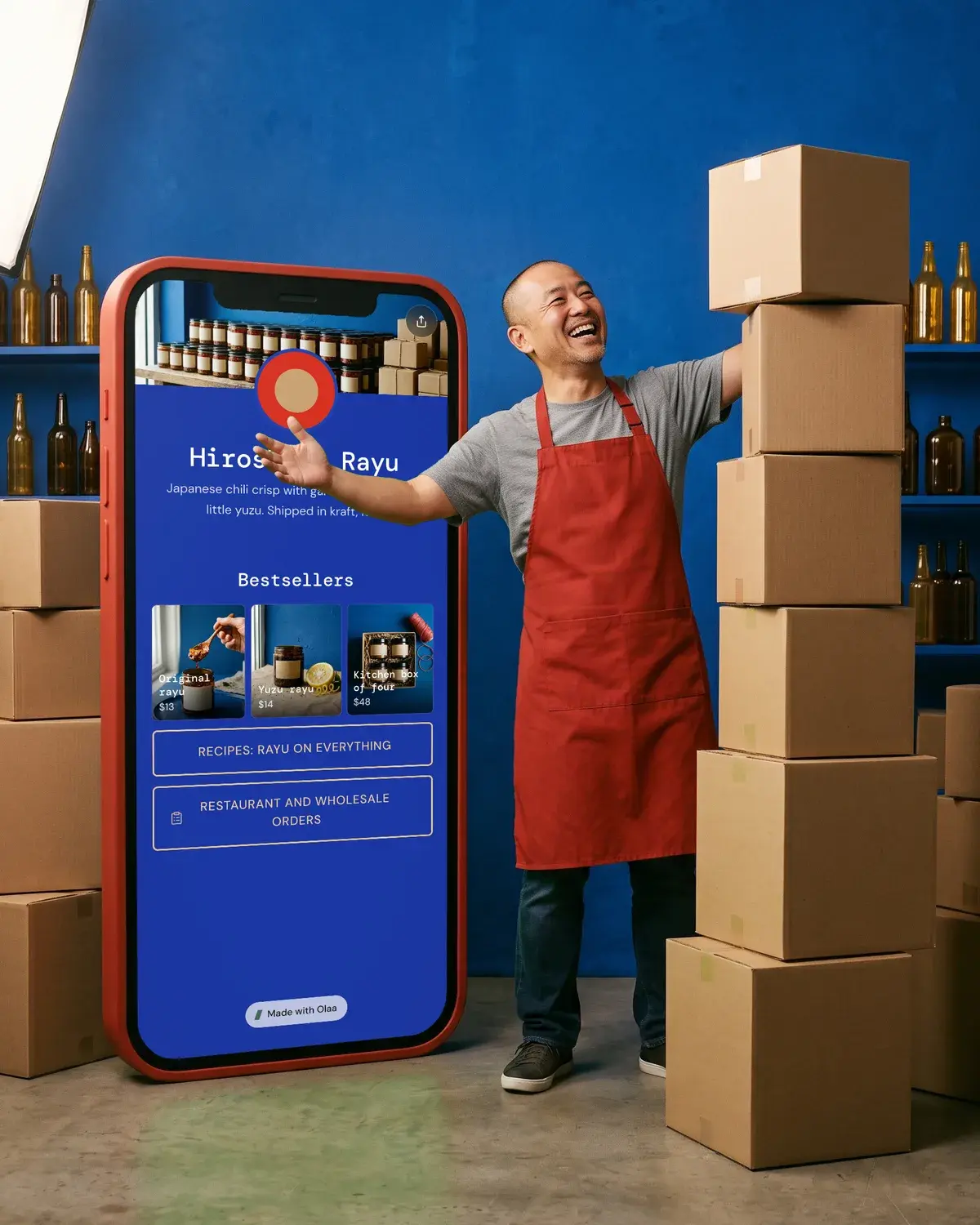
- Products with a photo and price from Stripe, Etsy, Shopify or Gumroad, shown as a button or a buy card.
- Checkout happens in your shop. Olaa takes no cut.
- Grids, carousels and photo galleries to show a range.
- Countdowns and scheduled links for drops and sales.
- Email signups sent to Mailchimp.
- Up to 10 pages, 30 and 90 day analytics, and no Olaa badge.
On any plan you can add a Support button so fans can tip once or every month ($2 to $100). See our page for shops and pricing for details.
Put the link in your Instagram bio
Instagram has allowed up to five links in a profile since April 2023. The reported path is Edit profile > Links > Add external link, and you can reorder the links. It is available to all accounts, including business and creator accounts. Instagram's menu wording may have changed since 2023, so check your own app if a name doesn't match.
Only the first link shows on your profile, with a note like "and 1 other". Visitors tap it to see the full list. Put your Olaa link first. Etsy's post suggests using at least one of your five links for your shop link, so you can keep a direct shop link as a second option.
For the full steps, see how to add a link to your Instagram bio.
Check the link before you share it
- Open your Olaa link on your phone, in a private browser window.
- Tap each product and confirm it opens the right checkout page.
- Check that prices on the page match prices at checkout.
- Make a test purchase if your shop allows it.
- Check your analytics after a few days to see which products get taps.
If a product link doesn't open the right page, copy it again from Stripe, Etsy or Shopify and replace it.
Questions people ask
Do I need a Shopify or Etsy shop to have a shop link in bio?
No. A Stripe payment link works on its own: you create a product, click Create link, and share it. With Olaa Pro you can show Stripe products on your page with a photo and price.
Does Olaa take a cut of my sales?
No. Checkout happens in your shop, and Olaa takes no cut on products. Your shop or payment provider still charges its own fees.
Can I show prices on my bio page?
Yes. On Olaa Pro, products from Stripe, Etsy, Shopify or Gumroad appear with a photo and price, as a button or a buy card.
How many links can I put in my Instagram bio?
Up to five, and the links can be reordered. Only the first shows on your profile, and visitors tap it to see the rest. One help article says you can only set them up in the mobile app, though they are visible on desktop.
Can customers pay in their own currency?
With Stripe payment links, yes. Stripe says Adaptive Pricing is always enabled for Payment Links, letting customers pay in their local currency in more than 150 countries.

Sell on Olaa
Sell your files from the link you already share.
Upload it, set a price, and fans pay and download without leaving your page. No monthly fee to sell.