Instagram Bio Ideas: A Simple Formula and 27 Examples
Write an Instagram bio that says who you are and gets the tap, with a four-part formula, 27 example bios by niche and the mistakes to avoid.
· 7 min read
A good Instagram bio does four jobs in 150 characters: it says who you are, what you offer, why someone should believe you, and what to tap next. Write one line for each, point the last line at your link, and you have a bio that works. Below is the formula, the fields Instagram gives you, and 27 example bios by niche you can adapt.
Use the four-line formula
Most strong bios follow the same shape. Keep each part to one short line.
- Who you are. The plainest description a stranger would understand: "Ceramicist in Portland", "Sourdough bakery, Leeds".
- What you offer. The thing people come to you for: lessons, prints, coffee, bookings, new episodes.
- Proof or personality. One detail that makes you specific: a number, a place, a habit, a small joke.
- A call to action pointing to the link. Tell people what the link does: "Shop the new batch below", "Book a session below".
Every character counts toward the 150-character limit, including spaces and line breaks, so the formula keeps you from spending your space on adjectives.
Know the fields you are working with
Your bio is only one part of the profile. Each field has its own job, so you do not need to cram everything into the 150 characters.
| Field | What it holds | Limit or rule |
|---|---|---|
| Name | Your display name | Edit from Edit profile or Accounts Center |
| Bio | Your short description | Up to 150 characters, visible to anyone |
| Links | Websites shown under your bio | Up to 5, added in the app only |
| Pronouns | Up to four pronouns | Not available to everyone; app only |
| Category label | Shown under the profile image on professional accounts | You can display or hide it |
A few details from Instagram's help center are worth knowing before you write:
- Links are added from Edit profile, then Links, then Add external link (iPhone) or Add link (Android). Adding websites isn't available on computers. Our guide on how to add a link to your Instagram bio walks through it.
- Pronouns have a Show to followers only setting. If yours aren't offered, Instagram suggests adding them to the bio itself.
- The category label appears only on Business and Creator accounts. You can hide or show it under Public business information, then Profile display.
- Mentions work in the bio: type @ followed immediately by a username, with no space. Businesses with a shop on Instagram can also mention up to 5 products by typing @ and tapping Products.
For the exact taps to change each one, see how to edit your Instagram bio.
Example bios by niche
Each of these is under 150 characters. Swap in your own details; the specific ones are what make a bio work.
Musician
Songs about leaving small towns 🎸 New single "Porchlight" out Friday Tour dates and pre-saves below
Jazz pianist, Chicago Trio gigs Thu nights at The Blue Room Lessons for adults who quit as kids ↓
Bedroom pop from a real bedroom Writing one song a week in 2026 Listen to all of them below
Bakery or cafe
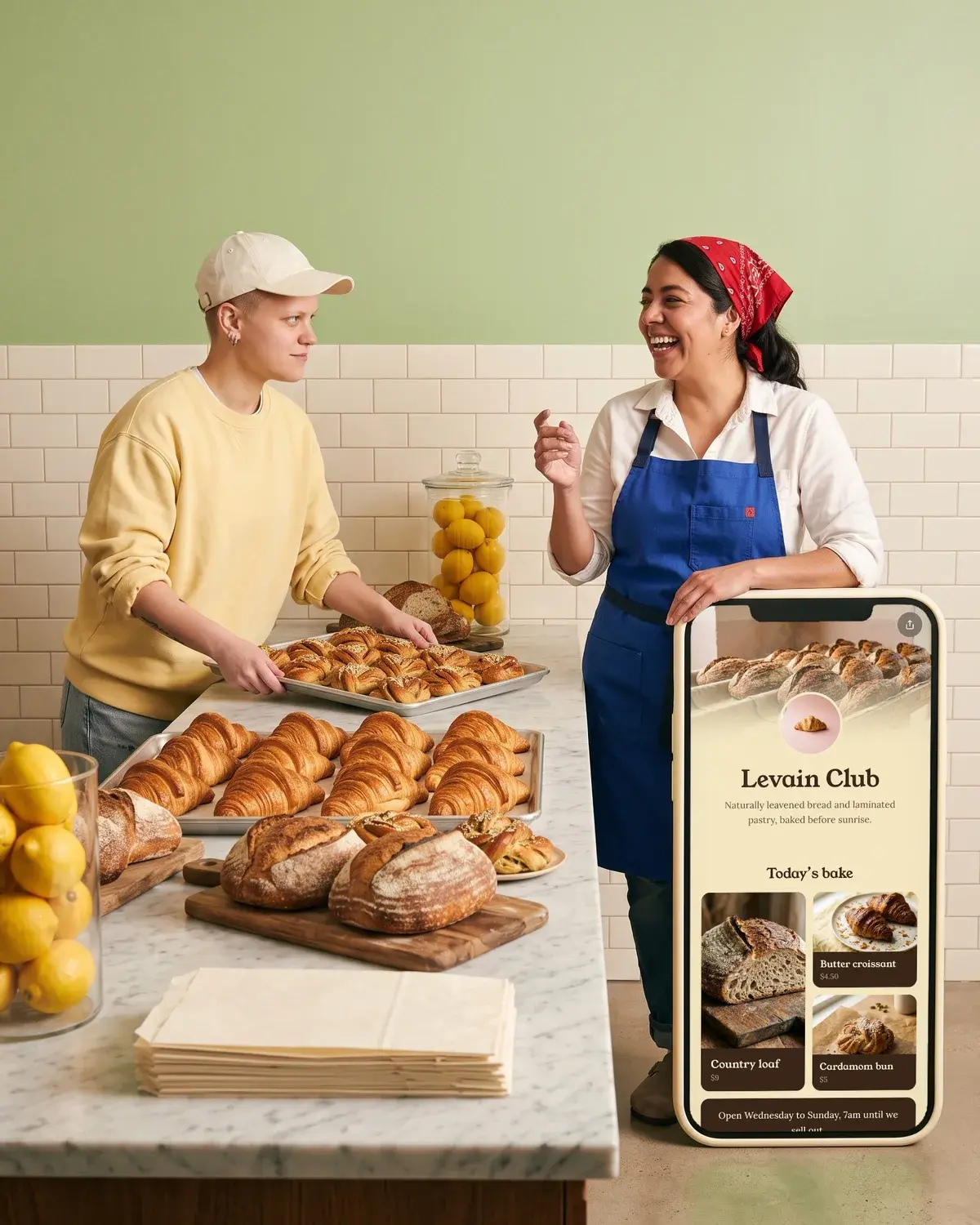
Sourdough and cardamom buns, Leeds 🥐 Open Wed to Sun, 8 to 2 Order Saturday boxes below
Neighborhood coffee bar on Elm St Beans roasted 2 miles away Today's menu and hours below
Small batch cakes for big days Weddings, birthdays, Tuesdays Request a quote through the link
Ceramics studio
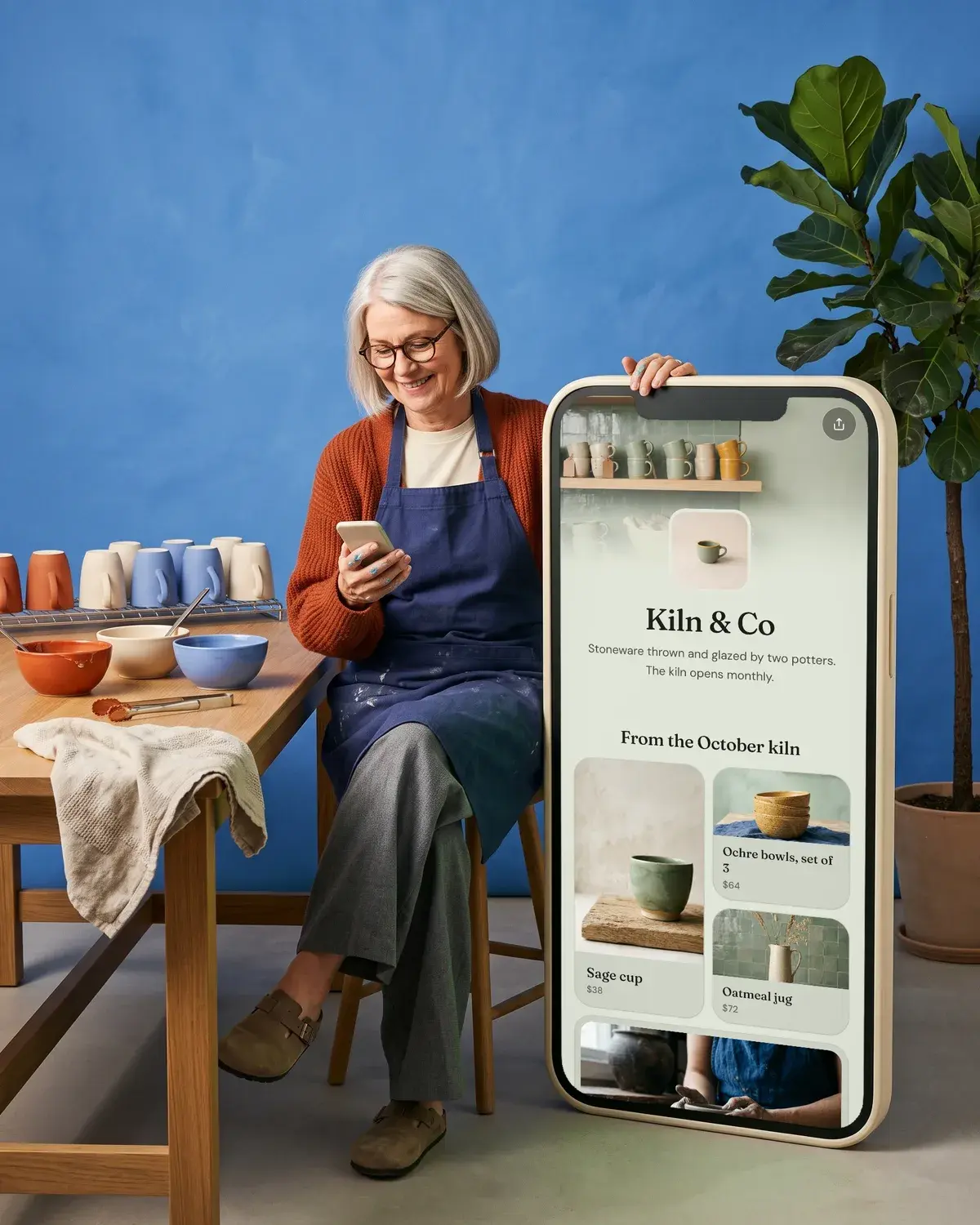
Wheel-thrown stoneware, Portland Mugs that fit two hands Next shop drop and classes below
Open studio for beginners 🏺 6-week wheel courses, 8 people max Book your spot below
Glazes mixed in house, one kiln at a time Commissions open for spring Inquire through the link
Coach
Running coach for first marathons 200+ finishers since 2019 Free training plan below
Career coach for career changers Ex-recruiter, now on your side Book a free 20-min call ↓
Strength coach for women over 40 Short sessions, real weights Start the 4-week program below
Photographer
Wedding photographer, Lisbon and anywhere Candid, a little cinematic 2027 dates and pricing below
Family photos at home, no posing Mess welcome 📷 Check availability below
Portraits for musicians and authors Studio in Brooklyn See the portfolio and book below
Vintage shop
Vintage denim and workwear, 1960s to 90s Every piece measured and photographed Thursday drops: shop below
Secondhand homewares with a story Shop open Sat 10 to 4, Hackney Browse what's in this week ↓
Curated 70s and 80s dresses Ships worldwide from Austin New arrivals at the link
Run club
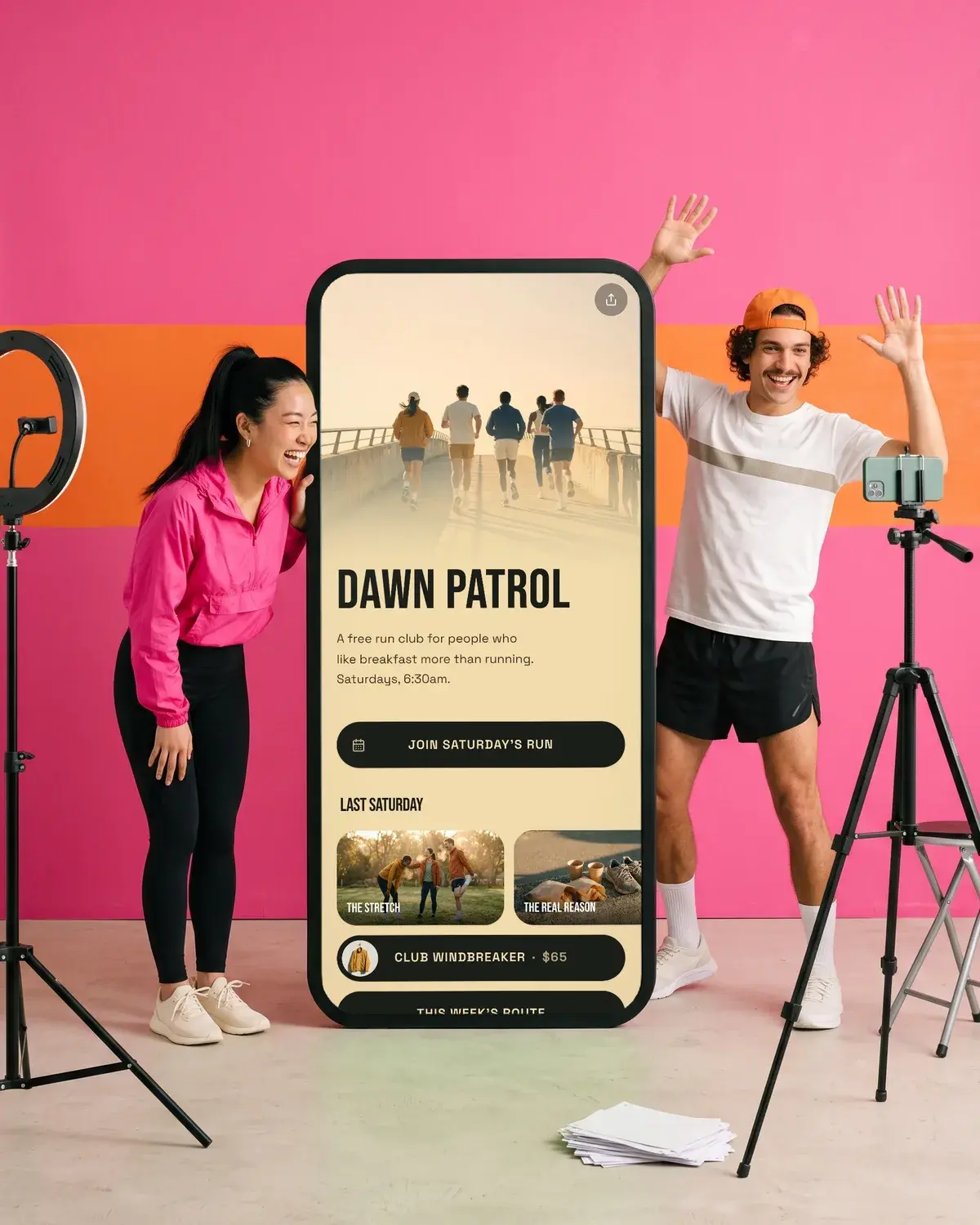
Free run club, Thursdays 6:30pm 🏃 All paces, nobody left behind Route and sign-up below
Sunday long runs and Monday coffee Meet at the park gates, 8am Join the group chat below
Trail runs for city people Carpools leave Saturdays at 7 This month's runs below
Podcaster
A podcast about people who quit their jobs New episodes every Tuesday 🎙️ Listen wherever you get podcasts ↓
Two sisters, one true crime case a week Researched, never gory Latest episode below
Interviews with small shop owners What they wish they'd known All episodes at the link
Etsy seller
Hand-stamped brass jewelry Made to order in 3 to 5 days Shop on Etsy below
Printable planners for messy weeks Instant download, print at home Find them in my Etsy shop ↓
Embroidered pet portraits from your photo Gifts that make people cry (nicely) Order on Etsy below
For more ideas built around a short link, see these link in bio examples. Writing for another app too? Our TikTok bio ideas use the same formula with different limits.
Format it so it reads in a glance
- One idea per line. Line breaks turn a paragraph into a list people can scan. Instagram can collapse line breaks when a line ends with a space, so delete trailing spaces before pressing Return. Writing the bio in a notes app and pasting it in is a reliable way to keep the breaks.
- Emoji as signposts, not decoration. One or two at the start or end of a line help the eye. A row of six reads as noise and eats your characters.
- A down arrow or "below" for the link. It tells people where to look next without spending many characters.
- Put the most important line first. On a busy profile, the first line is the one people read.
Avoid the mistakes that waste a bio
- Being vague. "Living my best life" tells a stranger nothing. "Ceramicist in Portland" does.
- Listing everything. Pick the one thing you most want people to do. The link can hold the rest.
- No call to action. If you don't say what the link is for, fewer people tap it.
- Spending bio characters on a URL. You have a Links field for up to 5 websites, so keep the 150 characters for words.
- Banned content in the bio. Instagram's help center says a save error can come from certain characters or links that ask someone to add you on another service. Remove those and save again.
- Forgetting to update it. Old dates and sold-out products make the profile look abandoned.
Make one link do more with Olaa
Instagram gives you up to 5 links. If you want one link that opens a full page, Olaa gives you a short address, olaa.im/yourname, that you put in your bio.
The free plan includes one page with unlimited links, music and video players that play on the page (Spotify, Apple Music, SoundCloud, YouTube, Vimeo, TikTok), social icons, Calendly bookings, a QR code and 7 days of analytics. Olaa Pro, $8 a month or $72 a year, adds products from Stripe, Etsy, Shopify or Gumroad with checkout in your own shop, email signups sent to Mailchimp, and scheduled links. Setup takes a few minutes and needs no code. See how Olaa works with Instagram or the full feature list.
FAQ
How many characters can an Instagram bio have?
An Instagram bio can be up to 150 characters, and anyone can see it. Spaces and line breaks count toward the limit, so short lines go further than long sentences.
What should I put in my bio on Instagram?
Say who you are, what you offer, one specific detail that proves it or shows personality, and a call to action that points to your link. One short line for each is enough.
Can I put a clickable link in my Instagram bio?
Use the Links field rather than the bio text. Add up to 5 links from Edit profile, then Links, in the iPhone or Android app. Anyone, on or off Instagram, can see them.
Can I add pronouns to my Instagram bio?
You can add up to four pronouns from Edit profile, then Pronouns, and choose Show to followers only if you like. The feature isn't available to everyone, and if your pronouns aren't offered, Instagram suggests writing them in your bio.
How do I make my Instagram bio stand out?
Be specific. A place, a number or a habit ("Open Wed to Sun, 8 to 2") is more memorable than an adjective. Keep emoji to one or two and end with a clear reason to tap your link.
Guides on writing your bio
- TikTok Bio Ideas: 30 Original Examples by Niche
- How to Edit Your Instagram Bio on iPhone, Android and Web
- Link in Bio Examples for Musicians, Shops, Cafes and Studios