Cute Instagram Bios: 54 Sweet Ideas You Can Copy
Copy a cute Instagram bio that fits in 150 characters, from soft and sweet lines to pet, travel, best friend and small business bios you can adapt.
· 7 min read
A cute Instagram bio is one or two short, warm lines that show what you love, with an emoji or two and room left for a reason to tap your link. Below are 54 original cute bios grouped by theme, each under Instagram's 150 character limit, so you can copy one as it is or swap in your own details.
Fit a cute bio into 150 characters
Instagram's help center says a bio can be up to 150 characters, and anyone can see it. Every character counts, including spaces and line breaks, so a bio with three short lines fills up faster than it looks.
The bio is only one field. You don't need to squeeze everything into it:
| Field | What it holds | Where to change it |
|---|---|---|
| Name | Your display name | Edit profile, or Accounts Center, then Profiles |
| Bio | Your short description, up to 150 characters | Edit profile, then Bio |
| Links | Up to 5 websites, visible on or off Instagram | Edit profile, then Links (iPhone and Android app) |
To change your bio in the iPhone app:
- Tap Profile or your profile picture in the bottom right.
- Tap Edit profile at the top of the screen.
- Tap Bio and write your bio.
- Tap Done to save.
For each field, step by step, see how to edit your Instagram bio. Want to tag a friend or your second account? Type @ followed immediately by the username, with no space, and accounts that follow you are notified about the mention.
Cute bios for personal accounts
Each bio below is one copyable block. Change the names, numbers and places so it sounds like you.
Soft and sweet
Collecting small joys 🌷 Soft playlists, long walks, kind words
Sunshine in a cardigan ☀️ Writing notes to my future self
Probably daydreaming Fond of rainy windows and warm socks
Here for slow mornings and soft light 🕊️
Kindness is my favorite outfit
A little shy, a lot of heart 💗 Saying yes to new things this year
Romanticizing ordinary Tuesdays
Pressed flowers, handwritten letters and too many tabs open 🌼
Nature and seasons
Happiest where the trail ends at water 🌊
Wildflower spotter, cloud namer Always one more sunset
Moss on my boots, sky in my camera 🌿
Small human, big outdoors 🏔️ Weekends belong to the woods
Plant parent of 23 and counting 🪴 They all have names, don't ask
Waiting all year for the first cold morning 🍂
Coffee and food
Powered by oat lattes and good intentions ☕
Will travel for a perfect croissant 🥐
Pasta first, plans later
Sweet tooth, soft heart 🍓 Baking my way through grandma's recipe box
Matcha in one hand, sketchbook in the other 🍵
Sunday pancakes are a personality trait
Best friends
Two best friends, one shared brain cell 💕 Est. 3rd grade
Her ✨ to my 🌙
Partners in snacks since 2014
If found, return to my best friend 👯
Same laugh, different playlists
Life's better with my people 🤍 Birthday dinners and long voice notes
Pets
Run by a 7 lb cat named Biscuit 🐈
Dog mom first, everything else second 🐾
Official pillow of one very sleepy greyhound
Hi, I'm Mochi 🐶 Professional napper, part time sock thief My human types for me
Two cats, one couch, zero personal space
Bunny dad 🐰 There is hay everywhere and I am at peace
Travel
Collecting passport stamps and street snacks ✈️
Somewhere between a window seat and a sunset
Map folded wrong, heart wide open 🗺️
14 countries, 1 tiny suitcase Next stop: wherever the train goes
Home is wherever my coffee is warm
Postcards from slow travel 🌍 Trains over planes when I can
Cute bios for small businesses and creators
A cute business bio still has a job: say what you sell and where to get it. Keep the warmth in the first line and the call to action in the last, pointing at your link. If you want more examples built around a link, see these link in bio examples.
Small businesses
Tiny bakery, big hugs in bread form 🍞 Open Thu to Sun, 7 to 1 Pre-order your Saturday box below
Seasonal flowers, wrapped with love 💐 Same-day posies in town Order through the link
Hand-poured candles that smell like home 🕯️ Small batches every Friday Shop the newest scents below
A little blue coffee cart with a big heart ☕ Find us at the Saturday market This week's spots below
Cozy knits made one stitch at a time 🧶 Custom colors welcome Shop and order below
Your neighborhood plant shop 🌱 Repotting help is always free Hours and workshops below
Little bookshop, big feelings 📚 Staff picks every Friday Browse and order below
Cakes that make people say aww 🎂 Birthdays, weddings and just because Request a quote below
Creators
Soft songs for slow evenings 🎹 New single out Friday Listen below
Drawing tiny animals with big feelings ✏️ Prints and stickers below
Watercolor painter, mostly skies 🎨 Originals and commissions below
Gentle fitness for busy humans 💪 Short workouts, zero guilt Free starter plan below
Making mugs you'll want to hold all morning 🏺 Shop drops monthly, link below
Easy bakes for cozy kitchens 🧁 New recipe every Sunday
Photographing families exactly as they are 📷 Book a session below
Tiny poems for heavy days 🌙 A new one every morning
Keep it cute when you paste it in
A few details decide whether your bio looks the way you planned.
- Draft it in your notes app first. Write the lines, press Enter between them, then copy and paste the whole thing into the Bio field.
- Delete trailing spaces. Instagram collapses a line break when the line before it ends in a space, so your three neat lines can turn into one run-on sentence.
- Count your emoji. They use up characters too. One or two per bio reads as cute; a full row reads as clutter and leaves less room for words.
- Put the link in the Links field. You can add up to 5 websites there, so the 150 characters stay free for your words.
- If it won't save, check the text. Instagram's help center says a save error can come from certain characters or from links asking people to add you on another service. Remove those and try again.
Prefer a bio with a little more bite? Try our funny Instagram bios, or go back to the Instagram bio ideas guide for the four line formula behind a bio that gets taps.
Give your link a cute page with Olaa
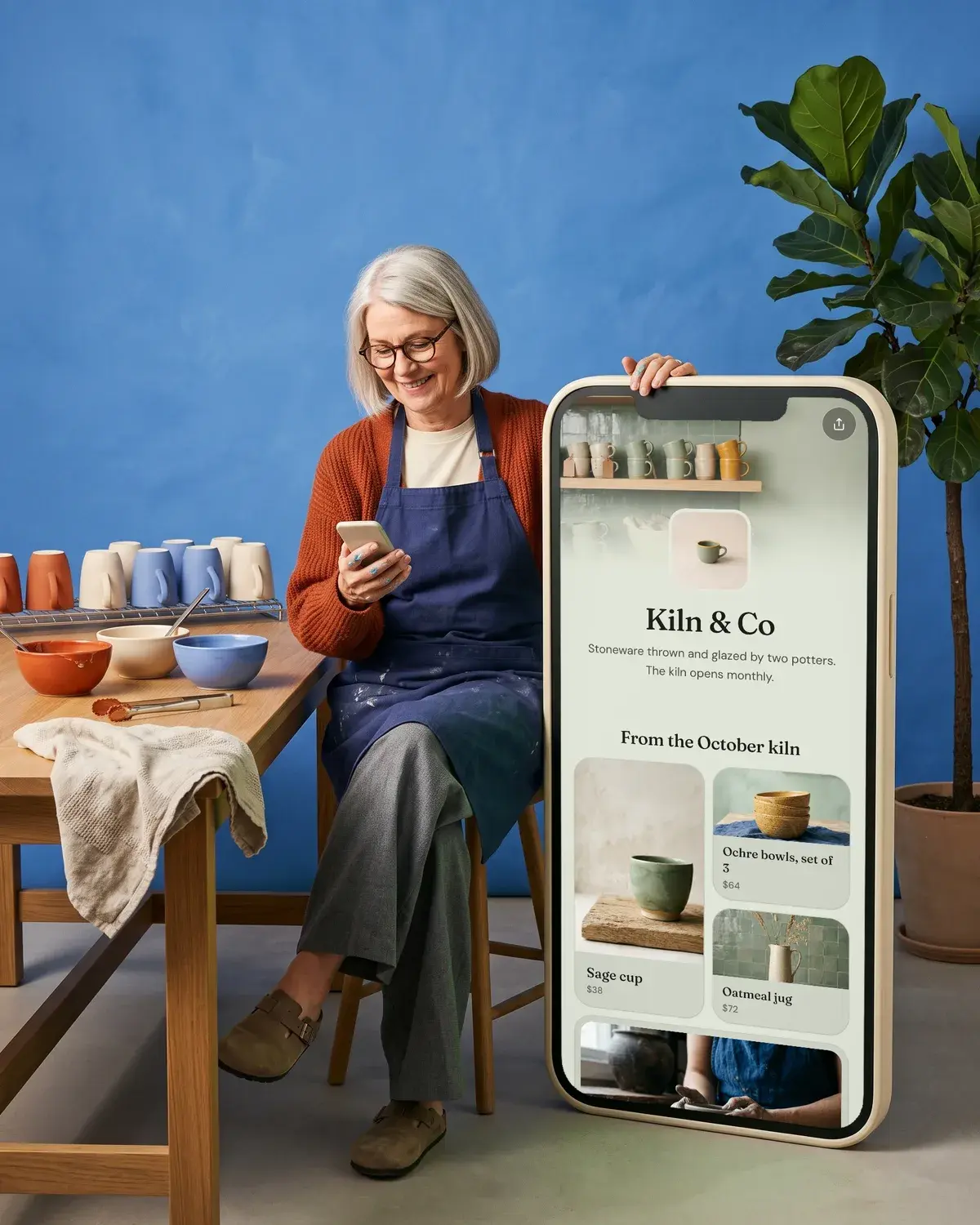
A sweet bio usually ends with "below", and that link should open somewhere just as pretty. Olaa gives you one short link, olaa.im/yourname, that opens a page with everything you want people to find.
The free plan includes one page with unlimited links, every look, font and background, a theme pulled from one photo, music and video players that play on the page, social icons, a QR code and 7 days of analytics. Olaa Pro, $8 a month or $72 a year, adds products from Stripe, Etsy, Shopify or Gumroad with checkout in your own shop (Olaa takes no cut), email signups sent to Mailchimp, a contact form and photo galleries. Setup takes a few minutes and needs no code. See the full feature list or start a free page.
FAQ
What is a cute bio for Instagram?
A cute bio is a short, warm line or two about what you love: your pet, your coffee order, your favorite season, your best friend. Add one or two emoji and keep it under 150 characters, including spaces and line breaks.
How do I put a cute bio on separate lines?
Write it in your phone's notes app, press Enter between lines, then copy and paste it into the Bio field. Make sure no line ends with a space, because Instagram collapses line breaks after a trailing space.
Do emoji count toward the 150 character limit?
Yes, every character in your bio counts, emoji included. Keep emoji to one or two so the words still fit.
Can I put a link in a cute Instagram bio?
Add it in the Links field instead of the bio text. Go to Edit profile, tap Links, then Add external link, and you can add up to 5 websites that anyone can see.
Why won't Instagram save my new bio?
Instagram's help center says a save error can mean you entered something that isn't allowed, like certain characters or a link asking people to add you on another service. Edit the bio to remove it and save again.
More on writing your bio
- Instagram Bio Ideas: A Simple Formula and 27 Examples
- Funny Instagram Bios: 52 Witty Ideas You Can Copy

- TikTok Bio Ideas: 30 Original Examples by Niche
- How to Edit Your Instagram Bio on iPhone, Android and Web
- Link in Bio Examples for Musicians, Shops, Cafes and Studios