TikTok Bio Ideas: 30 Original Examples by Niche
Write a TikTok bio that fits the 80 character limit, borrow from 30 original examples by niche, and get a clickable link under it.
· 7 min read
A good TikTok bio says who you are and what people get if they follow, in 80 characters or less. Below are 30 original bios you can adapt, grouped by niche, plus the profile rules that shape them and how to get a clickable link onto your profile.
What fits on a TikTok profile
Your bio is one of several fields on the Edit profile screen, and each has its own rules. TikTok's help center lists them like this:
| Field | Limit or rule |
|---|---|
| Bio | Up to 80 characters |
| Name (nickname) | Up to 30 characters, changeable once every 7 days |
| Username (@handle) | 2 to 24 characters: letters, numbers, underscores and periods, not ending in a period. Changeable once every 30 days |
| Profile photo or video | Photos at least 20x20 pixels. A profile video replaces the photo |
| Links | A website, if you have 1,000 followers or a Verified Business Account |
Two things worth planning around. Your name and your bio work together, so the name can carry a keyword ("Maya | Sourdough") and free up the bio for something else. And changing your username also changes your profile link, so pick it before you print it on anything.
To edit your bio on the web, TikTok's help page on bios gives these steps:
- Go to tiktok.com and click your profile picture in the upper corner.
- Select View Profile.
- Tap Edit profile, then Bio.
- Enter your new bio and tap Save.
Bio editing isn't available on TikTok Mobile Web, so use the app or a computer. In the app, everything else on this list lives behind Profile at the bottom, then Edit profile.
How a TikTok bio differs from an Instagram one
The biggest difference is room. Instagram gives you up to 150 characters; TikTok gives you 80. That's roughly one sentence and a fragment, so a TikTok bio can't be a list of everything you do. It has to pick one idea.
The second difference is links. Instagram lets anyone add up to five websites to their profile. TikTok shows one website, and only to accounts with at least 1,000 followers or a Verified Business Account. TikTok also no longer supports links that open or log you into other social media apps, so the old Instagram and YouTube buttons are gone.
What that means in practice:
- Lead with the promise, not the résumé. "One book, one minute, no spoilers" tells a viewer exactly what the next video will be.
- Use the name field for your keyword. It shows across TikTok, in the For You feed, comments and messages, so the bio doesn't have to repeat it.
- Point to one place. With one link, the bio's last few words often just say where it goes: "Menu below", "Shop below".
If you are also writing an Instagram bio, our Instagram bio ideas cover the longer format.
TikTok bio examples by niche
Every bio here is under 80 characters, so you can paste it, swap in your details and save.
Musician
- Bedroom pop from Ohio. New single Friday. Sad songs, happy chords.
- Drummer for hire. Covers every Tuesday. Booking link below.
- Writing one song a week until somebody stops me.
Small shop
- Hand-poured candles from a tiny studio in Leeds. Ships in 2 days.
- We make leather wallets that outlive their owners. Shop below.
- Restocks every Sunday at 6pm ET. Turn on notifications.
Baker
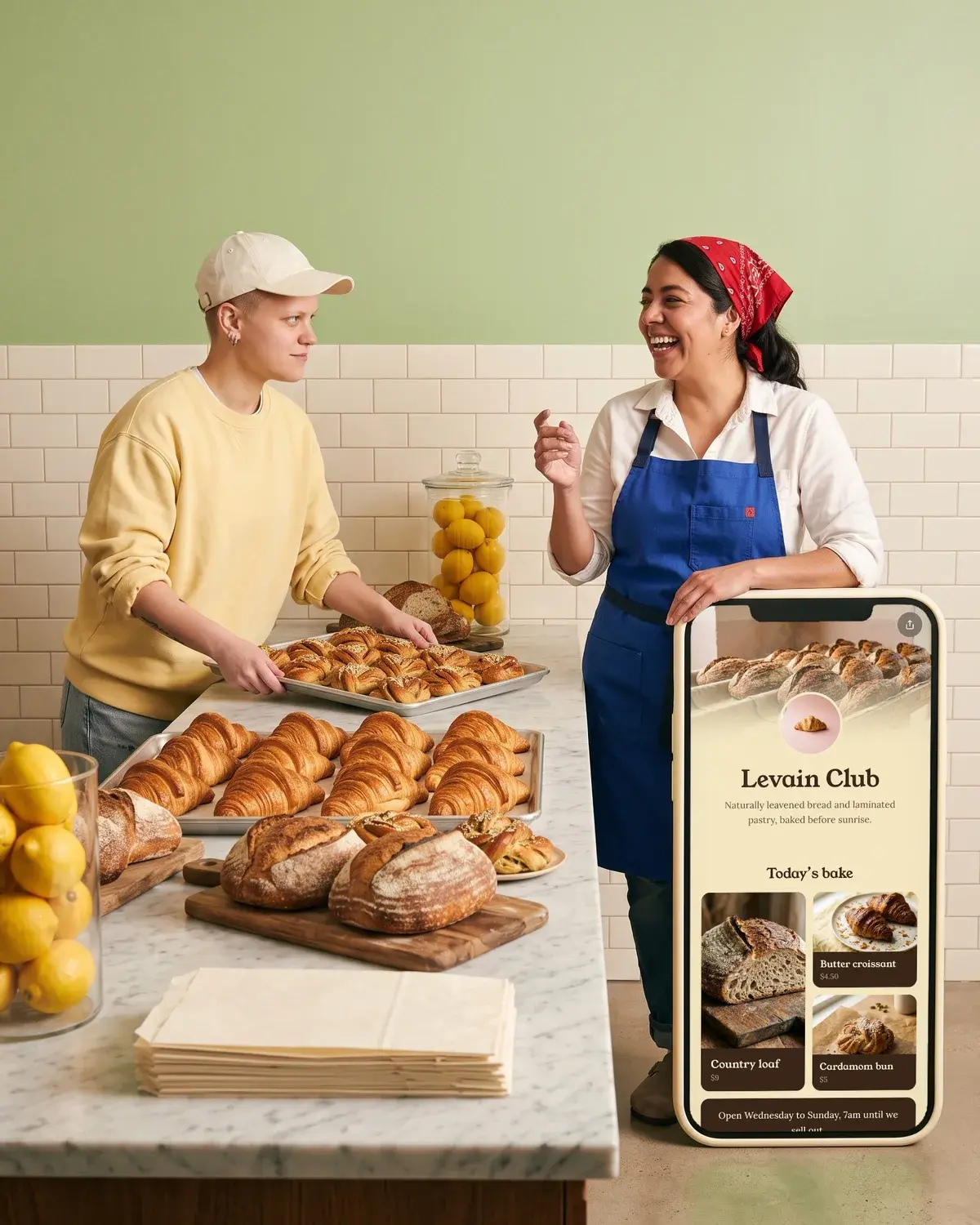
- Sourdough at 4am so you don't have to. Saturday market, stall 12.
- Custom cakes in Austin. Order 2 weeks ahead. Menu below.
- I show you the ugly first loaf too.
Fitness coach
- Coach for busy parents. 20 minute workouts, no gym needed.
- Strength training for women over 40. Free plan below.
- I lift, you learn. Form checks every Monday.
Artist
- Oil painter. Painting my whole street, one house at a time.
- Watercolor time-lapses. Prints and commissions below.
- Turning your pet photos into tiny portraits. Commissions open.
Comedian or creator
- I say the thing your group chat was thinking.
- Daily sketches about office life. Part 3 is up.
- Bad advice, delivered confidently.
Book reviewer
- One book, one minute, no spoilers.
- Thrillers that kept me up past 2am. Ratings 1 to 5 stars.
- Reading every Booker winner in order. Currently on 1987.
Local cafe
- Corner cafe on Elm St. Oat milk is free. Open 7 to 3.
- Today's pastry is posted at 7am. When it's gone, it's gone.
- Small cafe, big windows, very slow Wi-Fi on purpose.
Notice what the best ones share: a specific detail (stall 12, women over 40, 1987) and a reason to come back (every Tuesday, part 3, restocks Sunday). Specifics make a bio feel like a person wrote it.
Short and cute TikTok bios
If your videos speak for themselves, a short, playful line can be enough. These work well for personal accounts or as a starting point you tweak:
- Professional overthinker.
- Here for the comments.
- Main character in a side quest.
- Mostly snacks, occasionally content.
- Will dance for followers.
- Running on iced coffee and good intentions.
Short bios leave space, which is handy once you have a link to show. A tiny line plus a link reads cleaner than 80 crowded characters.
Get a clickable link under your bio
Once you have 1,000 followers, or a Verified Business Account at any size, TikTok adds a website field to your profile. Business verification is open to accounts of all types and sizes in markets including the US, UK, Canada and Australia. In the app:
- Tap Profile at the bottom.
- Tap Edit profile.
- Next to Links, tap Add.
- Follow the steps to add your website.
A few rules from TikTok's help page on profile links:
- Links that open or log people into another social app aren't supported. A link to that platform's website is fine.
- Links open in TikTok's in-app browser, and some pages may show a prompt to open in your phone's browser instead.
- TikTok recommends direct links so people reach the page in a few steps.
- Where available, you can also add a Lemon8 account.
If the Links field isn't showing, our guide on how to add a link to your TikTok bio walks through eligibility and fixes. And because the Instagram button is gone, here's how to add your Instagram to TikTok the way that works now.
One link for everything, with Olaa
With one website slot, most people point it at a single page that holds everything else. Olaa is a link in bio tool built for this: one short link, olaa.im/yourname, opening a page with your links, your Instagram and YouTube, and whatever else you want people to find. Setup takes a few minutes and needs no code.
On the free plan you get one page with unlimited links, social icons, music and video players that play on the page (Spotify, Apple Music, SoundCloud, YouTube, Vimeo, TikTok), Calendly bookings and Google Forms that open on the page, a QR code and 7 days of analytics. That covers the musician's new single, the coach's booking calendar and the cafe's menu link from the examples above.
Olaa Pro, at $8 a month or $72 a year, adds products with photo and price from Stripe, Etsy, Shopify or Gumroad (checkout happens in your shop and Olaa takes no cut), email signups sent to Mailchimp, scheduled links and countdowns. You can see how it looks for TikTok profiles on our TikTok page, or start a free page.
FAQ
What is the TikTok bio character limit?
TikTok's help center says bios cannot exceed 80 characters. Some sites mention a longer limit, but TikTok's own page says 80, so write to that. Your name field has a separate 30 character limit.
Can I put a link in my TikTok bio with under 1,000 followers?
Not as a clickable website, unless you have a Verified Business Account. TikTok gives the website field to accounts with at least 1,000 followers or a Verified Business Account. Business verification is open to accounts of any size in supported markets.
Can I add my Instagram to my TikTok bio?
TikTok no longer supports links that open or log you into other social apps, so the old Instagram button is gone. You can still add a link to Instagram's website in your Links field, or use a link page that holds your Instagram alongside everything else.
How often can I change my TikTok name and username?
Your name can be changed once every 7 days and your username once every 30 days. Changing your username also changes your profile link, so update anything that points to the old one.
What makes a good TikTok bio?
One clear idea, a specific detail and a reason to follow. Say what your videos deliver ("One book, one minute, no spoilers"), add something only you could say, and, if you have a link, tell people what it leads to. For more inspiration, browse these link in bio examples.
More on writing your bio
- Instagram Bio Ideas: A Simple Formula and 27 Examples

- How to Edit Your Instagram Bio on iPhone, Android and Web
- Link in Bio Examples for Musicians, Shops, Cafes and Studios