Guide ·
Run a Spotify Pre-Save Campaign: Timing, Promotion and Link in Bio
Set up a Spotify pre-save campaign for your release: check eligibility, build the Countdown Page, pitch the song, and promote it with one link in bio.
In this guide
The short answer
A Spotify pre-save campaign has three parts: a Countdown Page (Spotify's own pre-save tool, for albums and EPs), a playlist pitch for your songs, and one link in your bio that sends fans to the right place. Spotify says nearly 60% of people who pre-save an album stream it in the first week, so the page is worth setting up early.
This guide covers what Spotify allows, when to do each step, and how to promote it. For the wider picture, see our guide to promoting music on Instagram. If you only want the basics of the feature, read what a Spotify pre-save is.
Check that your release qualifies for a Countdown Page
Spotify's Countdown Pages have firm rules. Check them before you plan anything around them.
- Release type: only new, original albums and EPs. Singles aren't eligible.
- Versions that don't count: deluxe, anniversary, reissue, remaster and compilation versions, even if you add or change material.
- Audience: at least 3,000 monthly active listeners. Spotify says to check this under Audience > Segments in Spotify for Artists, not by looking at overall monthly listeners.
- Delivery: your label or distributor must deliver the finished release through DDEX. The Countdown option appears within 72 hours after the metadata is delivered.
- Multiple main artists: only the first-named main artist can create the page, and it appears only on that artist's profile. Only a limited number of split-rights releases are supported.
If you're releasing a single, or you're under 3,000 monthly active listeners, you can't use Countdown Pages. A pre-save link from a third-party tool or your distributor is the usual alternative. I'm not listing their prices or features here, since they change and differ by tool.
Build the Countdown Page in Spotify for Artists
Admins and Editors on your artist team can create the page.
- Log in at artists.spotify.com.
- Go to Music > Upcoming.
- Select the release.
- Click Get started.
- Add countdown videos and tag merch.
- Review and publish.
You can create and edit the page any time before release. Spotify's help page gives no maximum lead time, so you decide how long the campaign runs.
Spotify's tips are to add countdown videos and merch, set the page as your Artist Pick, and share it on social media once it's live.
If the Countdown option is missing, Spotify says to check three things: the listener threshold, the release type and the DDEX delivery. Allow up to 72 hours after delivery.
Pick your timing around two Spotify deadlines
Spotify doesn't say how many weeks a pre-save campaign should run, so don't trust anyone who gives you a fixed number. Work from the dates Spotify does state.
| Step | Timing |
|---|---|
| Deliver your music | At least 7 days before release |
| Pitch a song to editors | At least 7 days before release, so it reaches followers' Release Radar |
| Countdown option appears | Within 72 hours after DDEX delivery |
| Edit the Countdown Page | Any time before release |
In practice: deliver your release early, wait for the Countdown option to appear, publish the page, then pitch your lead song. Start promoting as soon as the page is live, since every day it's up is a day fans can pre-save.
Pitch a song to playlist editors
Pitching runs alongside your pre-save page. At artists.spotify.com, go to Music > Upcoming, choose a song and complete the pitch form.
- You can pitch one song at a time.
- You can't pitch compilations or songs where you're a featured artist.
- You can edit a pitch up to release day, but editors may not see the changes.
- Pitching doesn't guarantee playlist placement, and once a song is released it can no longer be pitched.
After release, check Music > Playlists in Spotify for Artists to see where you landed. Editors might choose a different song than the one you pitched.
Promote the pre-save and put one link in your bio
Fans can pre-save from your artist profile, the Now Playing view, Search, Home and the Upcoming Releases hub. The hub is in the mobile app under Search > Upcoming Releases. Its "For You" tab shows up to 10 personalized picks ordered by release date. "Top 10 Countdowns" shows the 10 most pre-saved pages globally and refreshes daily at 12 PM UTC. Spotify doesn't say whether third-party pre-save links count toward that ranking.
Outside Spotify, your bio is where most fans will find you. Use it like this:
- Put your pre-save link in your Instagram, TikTok and YouTube bios the day the page goes live.
- Post about it and say plainly where the link is.
- On release day, swap the pre-save for the streaming link.
Our guide to adding a link to your Instagram bio covers the steps. For ideas on what to post, see the Instagram promotion guide linked at the top.
How this works with Olaa
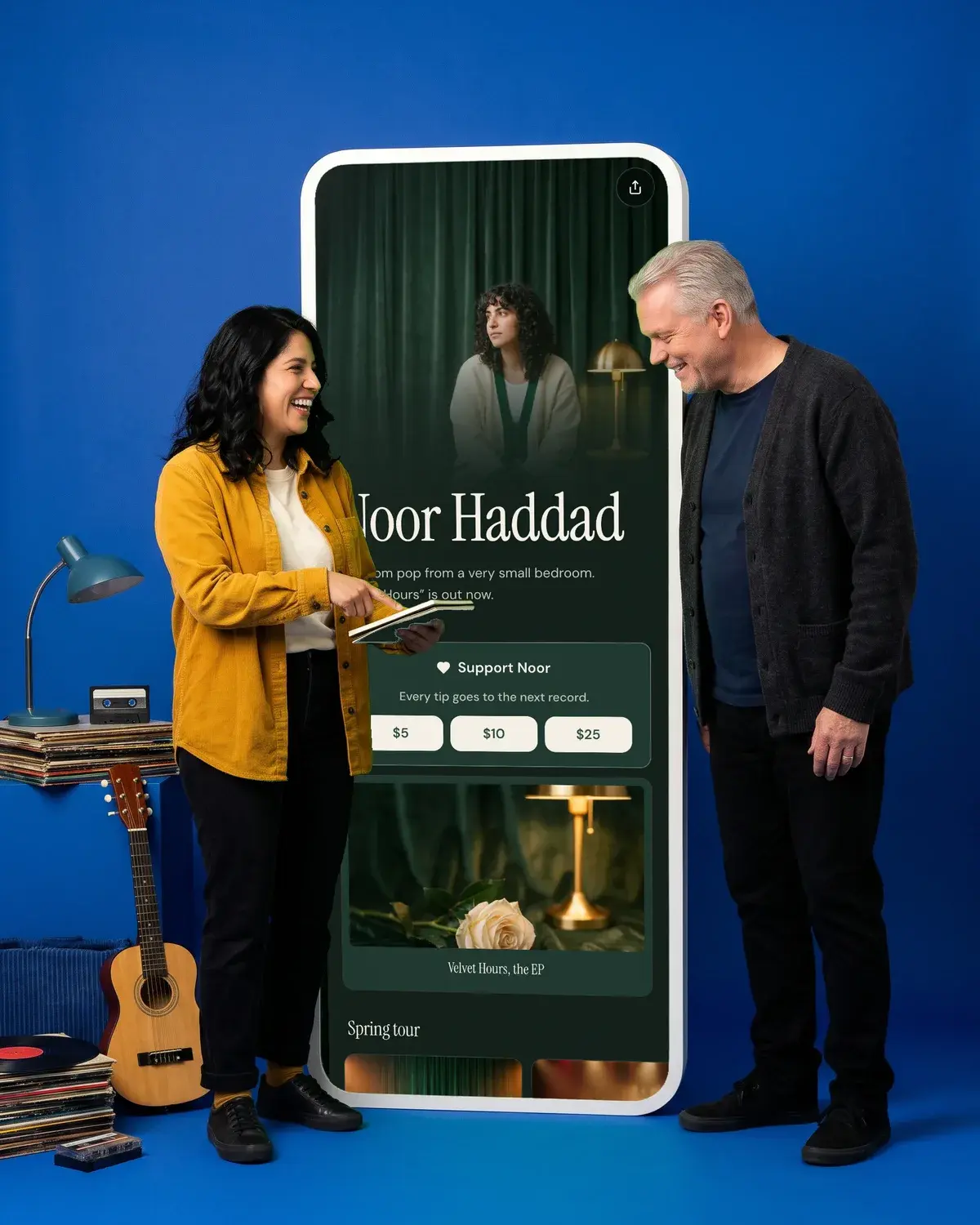
A release campaign needs more than one thing in front of fans: the pre-save, your older music, maybe a tip. Olaa gives you one short link, olaa.im/yourname, that opens a page with all of it.
On the free plan you can add unlimited links, featured cards you can use for the pre-save, and players that play on the page for Spotify, Apple Music, SoundCloud, YouTube, Vimeo and TikTok. Olaa Pro ($8 a month or $72 a year) adds scheduled links and countdowns, which suit a release date. You can also add a Support button so fans can tip once or monthly, on any plan, though tips are opening to creators a few at a time and you request access in your dashboard.
See Olaa for musicians or try the Noor Haddad demo. If you sell your music directly, read how to sell music online.
Read your pre-save numbers
Go to Upcoming > View Analytics. While the page is live it shows current pre-saves. After release it shows the listeners who had pre-saved when the release came out.
When your release goes live, Spotify sends a push notification to pre-savers and adds the release to their library. Countdown Pages show in the mobile and desktop apps in every country or region where Spotify operates. Countdown videos are viewable in the mobile app in over 70 countries and regions.
Questions people ask
Can I run a Spotify pre-save for a single?
Not with Spotify's Countdown Pages, which are only for new, original albums and EPs. For a single, you can pitch the song to editors at least 7 days ahead, and you can use a pre-save link from a third-party tool or your distributor.
How many listeners do I need for a Countdown Page?
You need at least 3,000 monthly active listeners. Spotify says to check this under Audience > Segments in Spotify for Artists, not in your overall monthly listeners figure.
How long before release should I start a pre-save campaign?
Spotify doesn't give an ideal lead time. Its only deadlines are delivering music and pitching at least 7 days before release. Beyond that, you can create and edit your Countdown Page any time before release.
Why don't I see the Countdown option?
Check your listener threshold, that the release is a new album or EP, and that your label or distributor delivered it through DDEX. Spotify says it can take up to 72 hours after delivery to appear.
What happens to pre-savers on release day?
Spotify sends them a push notification and adds the release to their library. For more on getting your music live, see how to put music on Spotify.
Can someone else on my team create the page?
Yes. Admins and Editors on the artist team can create it. If the release has multiple main artists, only the first-named one can.


Make your page
One link for everything you make.
Free to start, ready in a few minutes. Your links, your look, your name: olaa.im/you.