Stan Store vs Linktree: Prices, Fees and Who Each Suits
Compare Stan Store and Linktree plans, prices, transaction fees and checkout, then pick the right one for selling courses, coaching or digital products.
· 7 min read
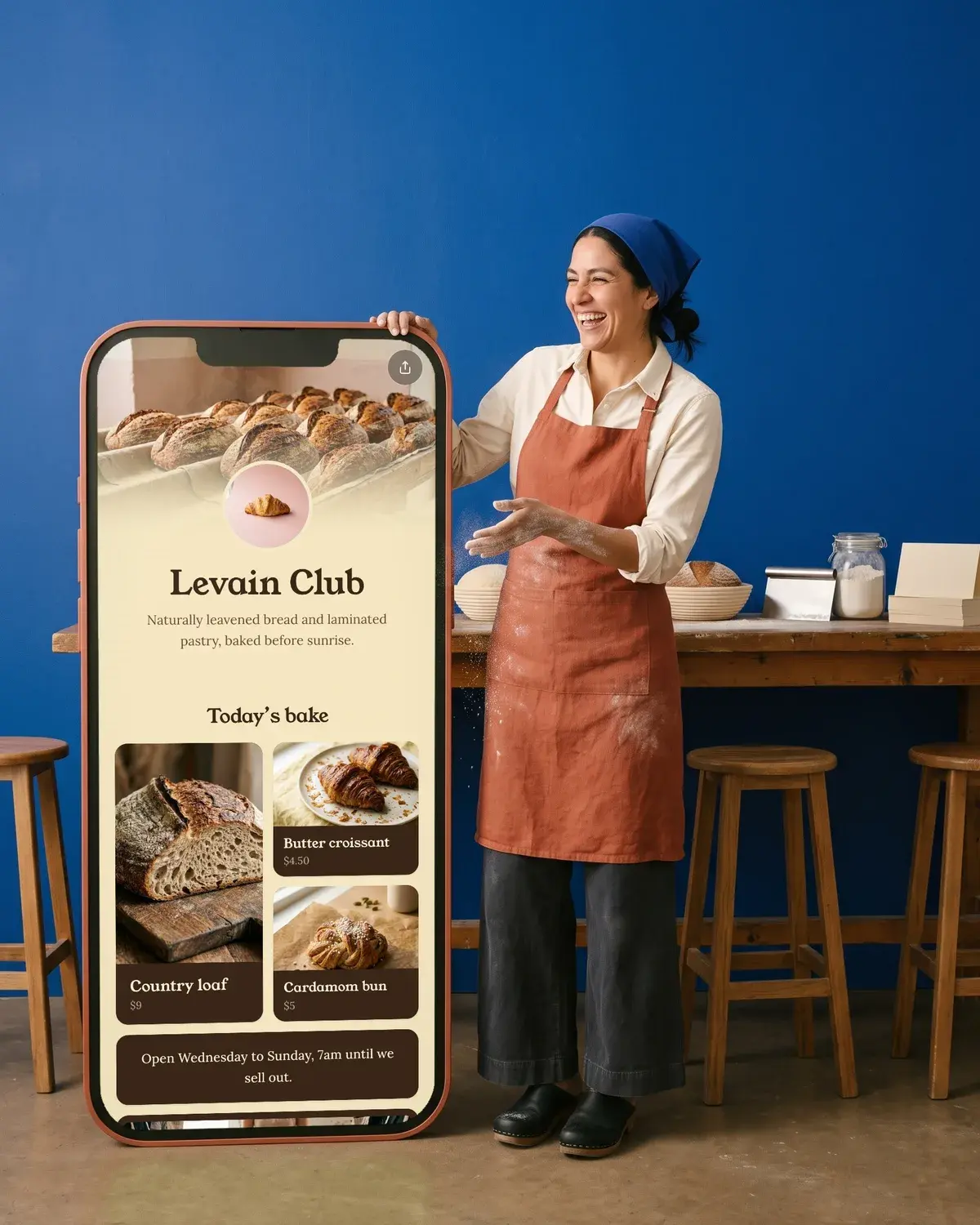
Stan Store is a storefront built for selling: courses, coaching calls, digital downloads and memberships, with checkout on the page and no free plan (from $29 a month). Linktree is a link in bio page first, with selling added on top: it has a free plan, paid plans from $6 a month billed yearly, and a Linktree fee on sales that depends on your plan. If selling is the main job of your bio link, Stan is the more complete tool. If you mostly share links and sell now and then, Linktree costs less.
Prices and plans side by side
Both sets of prices below are in US dollars, as shown on each company's own pages in October 2026.
| Stan Store | Linktree | |
|---|---|---|
| Free plan | No (14-day free trial) | Yes, "Free with restrictions" |
| Entry paid plan | Creator: $29/month or $300/year | Starter: $8/month, or $6/month billed yearly |
| Mid plan | Pro: $15/month, or $12/month billed yearly | |
| Top plan | Creator Pro: $99/month or $948/year | Premium: $35/month, or $30/month billed yearly |
| Trial | 14 days | 7 days on Pro and Premium |
| Linktree or Stan fee on your sales | 0% on both plans | 12% Free, 9% Starter, 9% Pro, 0% Premium (comparison table) |
| Payment processing | Stripe or PayPal fees | Stripe, typically 2.9% + $0.30 per sale |
| Selling paid digital products | Both plans | Pro and Premium only |
Stan's help center is direct about the free question: there is no free plan, and the affiliate-only accounts some people mistake for one don't include Stan Store features. You can start selling during the trial as soon as Stripe or PayPal is connected.
Transaction fees: where the money goes
This is where most people searching "stan store or linktree" end up deciding.
Stan says it charges 0% transaction fees on both plans. You still pay the standard Stripe or PayPal processing fee on each sale. Your earnings collect in your Stan balance. The minimum to cash out is $10, you cash out the whole available balance at once, and Stan says the money should reach your bank within 24 to 48 hours after you cash out.
Linktree has two layers. Stripe charges processing on every plan (typically 2.9% + $0.30 per sale). On top of that, Linktree takes a percentage that depends on your plan. Here Linktree's own pricing page disagrees with itself:
- The Pro plan card says "Sell and earn with 0% fees".
- The comparison table further down the same page lists the fee on digital products and on courses as 12% on Free, 9% on Starter, 9% on Pro and 0% on Premium.
Linktree's help center also says selling paid digital products needs a Pro or Premium plan, so the Free and Starter percentages only matter if that changes. Until Linktree settles it, plan as if Pro takes 9% and only Premium is fee-free, and check the fee shown in your account before you set prices. Linktree's fee help article is the page to watch.
A quick way to compare: on Stan your cost is mostly the fixed subscription. On Linktree Pro it's a smaller subscription plus a share of each sale. The more you sell, the more a percentage fee adds up compared with a flat one.
What each one lets you sell
Stan Store is built around product types. These are the product types it lists:
- Digital downloads
- e-Courses, with an unlimited course builder on both plans
- Coaching calls that connect to Zoom or Google Meet
- Webinars
- Memberships
- Lead magnets to collect emails
- Community, custom products and external links
Creator Pro adds the sales tools: discount codes, limited-quantity offers, upsells and order bumps, funnels of up to 20 products in one purchase flow, Afterpay and Klarna, affiliate management, email broadcasts and email flows, and pixel tracking for Meta, Google, Pinterest and TikTok. Stan says email flows sit on Creator Pro because it pays for every email sent.
Stan is for digital goods. Its help center says it doesn't calculate shipping or inventory; you can sell a physical item with a Custom Product and address fields, but you handle shipping yourself. You also can't connect a custom domain to a Stan Store, though you can forward your own domain to it.
Linktree sells through link types you add to your page. A Digital Products link takes files up to 100 MB each, up to 24 files and 1 GB in total per product, priced from $1 to $10,000. Buyers pay through Stripe's checkout. Linktree also offers courses and bookings in supported countries, plus Shops, sponsored links and affiliate offers for US accounts (those partner earnings carry a $0.25 fee per payout). Selling is open in a list of supported countries across North America, Europe, Asia Pacific and the UAE.
On Linktree you are the seller of record, and refunds are handled in your Stripe Dashboard.
Links, design and analytics
Linktree puts more into the link page itself. Free includes unlimited basic links and email and phone sign-ups. Starter adds unlimited featured links, Pro removes the Linktree branding and adds custom designs and mailing list integrations, and Premium adds link rules, data export and social media scheduling. Analytics history grows with each plan: 28 days on Free, 90 days on Starter, 365 days on Pro and all time on Premium. For the full picture of the free tier, see is Linktree free.
Stan's storefront is a mobile- and desktop-friendly page with store and product analytics on both plans. It also includes Stan AutoDM for automated Instagram replies on the Creator plan. You can add external links to it too, so it can serve as your link in bio.
Who each one suits
Stan Store suits you if:
- Selling is the point of your bio link, and you have a course, coaching offer or membership ready.
- You want booking, courses, email and checkout in one subscription instead of four tools.
- You sell enough that a flat $29 or $99 a month beats a percentage of each sale.
Linktree suits you if:
- You mostly share links (videos, music, a website, socials) and want a free or low-cost page.
- You sell a few digital products and are happy to pay Pro or Premium for it.
- You want long analytics history or social scheduling on the same account.
Neither may be needed if you already sell through a shop like Shopify or Gumroad, or take one-off payments with a Stripe payment link. Then your bio page only has to point to where checkout already happens. Our guide to selling digital products walks through those options.
Where Olaa fits
Olaa is a link in bio page, not a store, so it isn't a like-for-like swap for Stan. It suits creators who already sell somewhere else. The free plan gives you one page with unlimited links, players that play on the page, Calendly bookings and a QR code. Olaa Pro, at $8 a month or $72 a year, shows products from Stripe, Etsy, Shopify or Gumroad with their photo and price, as a button or a buy card. Checkout happens in your own shop, and Olaa takes no cut of the sale. Pro also adds email signups sent to Mailchimp, countdowns and scheduled links. See what's in each Olaa plan.
For a wider look at the options, our roundup of Linktree alternatives compares more tools.
FAQ
Is Stan Store worth it?
It is worth it if you sell courses, coaching or memberships and want checkout, booking and email in one place. The Creator plan is $29 a month with 0% Stan transaction fees, so the cost stays flat as sales grow. If you only share links, a free link in bio page does the job for less.
Does Stan Store have a free plan?
No. Stan offers a 14-day free trial, then Creator at $29 a month or Creator Pro at $99 a month. You can sell during the trial once Stripe or PayPal is connected.
Does Linktree take a cut of sales?
Yes, on most plans. Linktree's pricing comparison table lists 9% on Pro and 0% on Premium for digital products and courses, although the Pro plan card says 0%. Stripe processing, typically 2.9% + $0.30 per sale, applies on every plan.
Can I sell digital products on Linktree's free plan?
You can share free digital products on any plan. Linktree's help center says selling paid ones needs Pro or Premium, and you must be in a supported country.
Can I use my own domain with Stan Store?
Not directly. Your store lives at stan.store/yourusername, but you can set up a forwarding rule at your domain host so your own domain sends visitors to it.
Can I use Stan and Linktree together?
Yes. Your Stan Store has its own URL, so you can add it as one link on a Linktree page. Each tool has its own subscription, so check you're getting enough from both.
More on link in bio tools
- Linktree Alternatives: Free Link-in-Bio Tools Compared

- Best Link in Bio Tools for Instagram, Compared

- Koji Link in Bio: What Happened and What to Use Now

- Later Link in Bio: How Linkin.bio Works, Plans and Setup

- Linktree vs Beacons: Prices, Fees and Features Compared

- Beacons Link in Bio: Features, Pricing and Setup